Guide to this Scanner
15
1
How to Interpret the Indicators
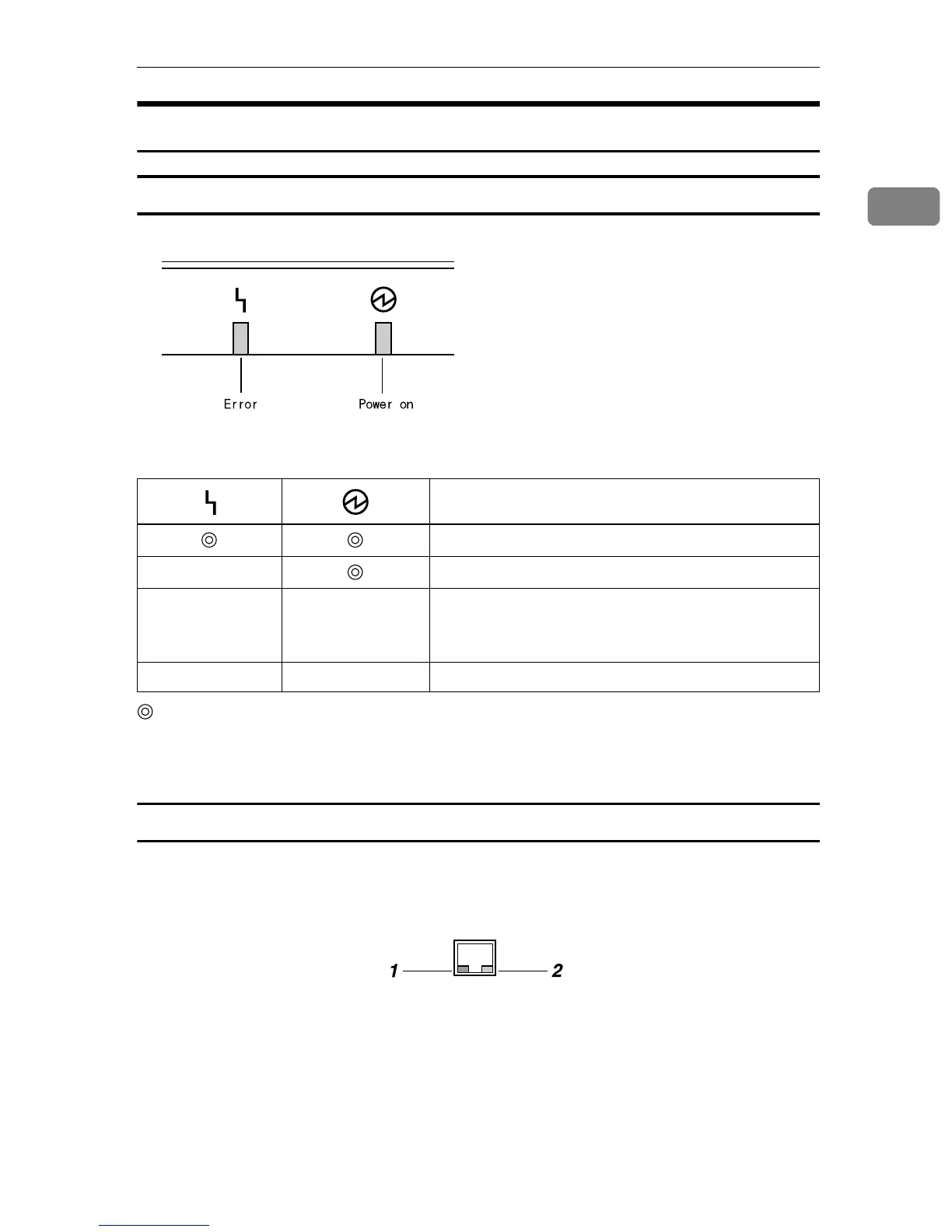
Front indicators
This section explains how to interpret the indicators of this machine.
: On
b : Blinking
: Off
Network interface indicators
The network interface connector on the right side panel of this machine is
equipped with the following two indicators.
1. Green indicator
Lights when this machine is connected to
the network correctly.
2. Yellow indicator
Lights when this machine is sending/re-
ceiving data through the network.
Description
For a short while after turning the power on.
Power is on.
bb
Restart the machine.
If the error occurs again, contact your service repre-
sentative.
b Power save mode.
AFJ063S
ABK020S



 To Next Page