EasyManua.ls Logo

Ricoh IS200e - System Settings

Ricoh IS200e
234 pages
Print Icon
To Next Page IconTo Next Page
To Previous Page IconTo Previous Page
Loading...
Initial Scanner Setup
43
3
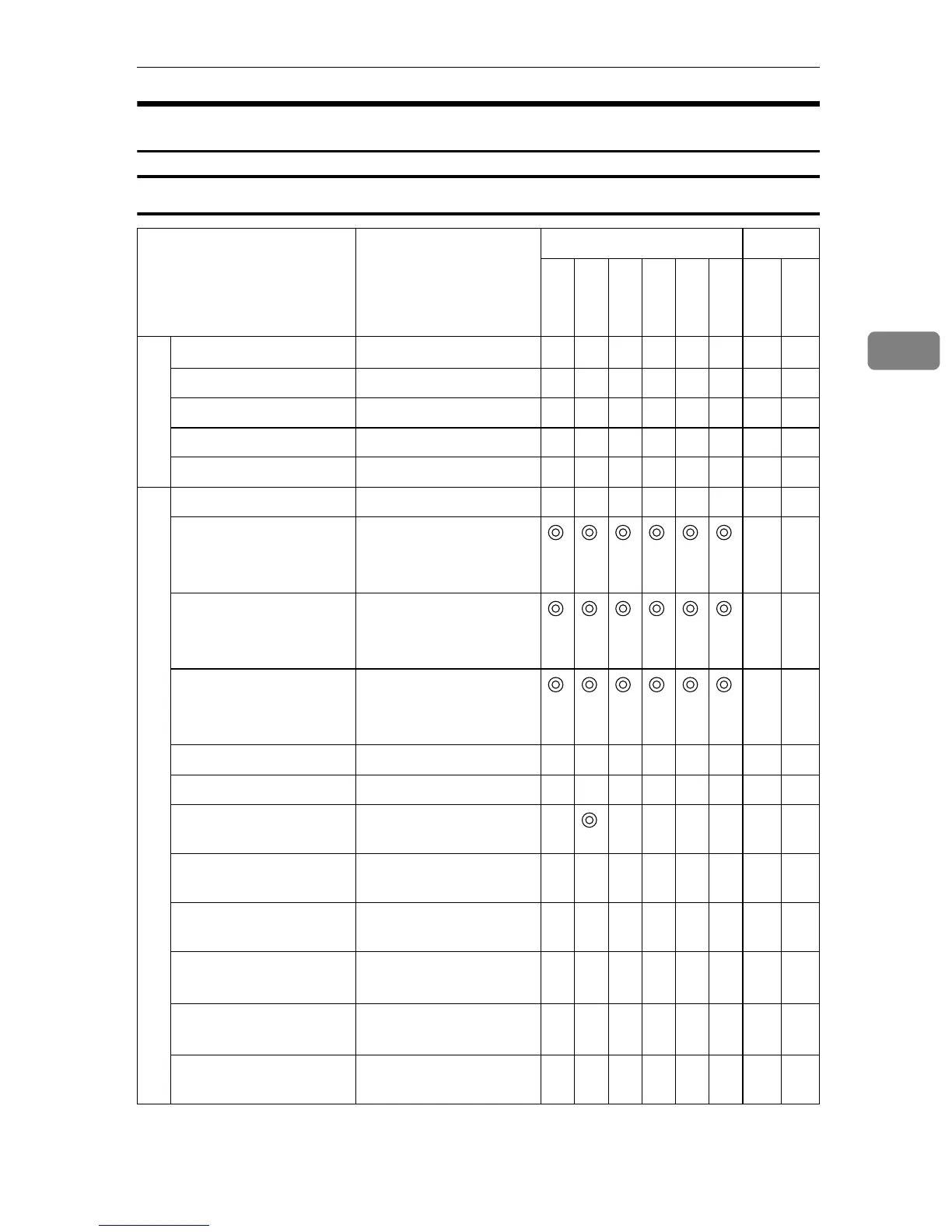
Function Table
Basic Settings
Setup Item Default
Purpose Method
Delivery
E-mail
SMB
FTP
Print
TWAIN
Scanner
Web
General Settings
Device Name
RNP******
*1
bbbb b× b
Comment (null) × b
URL Name URL × b
URL /cgibin/url.cgi/ × b
Help URL /cgibin/help.cgi × b
TCP/IP(WSM), System Settings
Function Priority Select: Send/Print bbbbbbb ×
IP Address 11.22.33.44
*2
*2
*2
*2
*2
*3
*2
bb
*4
Subnet Mask 0.0.0.0
*2
*2
*2
*2
*2
*3
*2
bb
Default Gateway
Address
0.0.0.0
*2
*2
*2
*2
*2
*3
*2
bb
Access Control 0.0.0.0 bb b
Access Mask 0.0.0.0 bb b
DNS Server 1 IP
Address
0.0.0.0 × b
DNS Server 2 IP
Address
(null) b × b
DNS Server 3 IP
Address
(null) b × b
Network Boot NONE bbbbb
*3
bb b
Transmission Speed Auto bbbbb
*3
bb b
Destination Search
Priority
*6
bb×

Table of Contents

Other manuals for Ricoh IS200e

Related product manuals