Configuring the Scanner Settings
42
3
❖
❖❖
❖ The Method Row
Under “Method” in the table on the next page, there is a column for each of
the setup method listed below.
• A “b” in a column means that the setup item to the left can be configured us-
ing the method.
• A “x” in a column means that the setup item to the left cannot be configured
using the method. Use the other available method for the setting.
• A “-” in a column means that the item to the left cannot be changed (for the
display information purpose only).
• A “(null)” in the “Default” column means that the setup item to the left has
no factory default value.
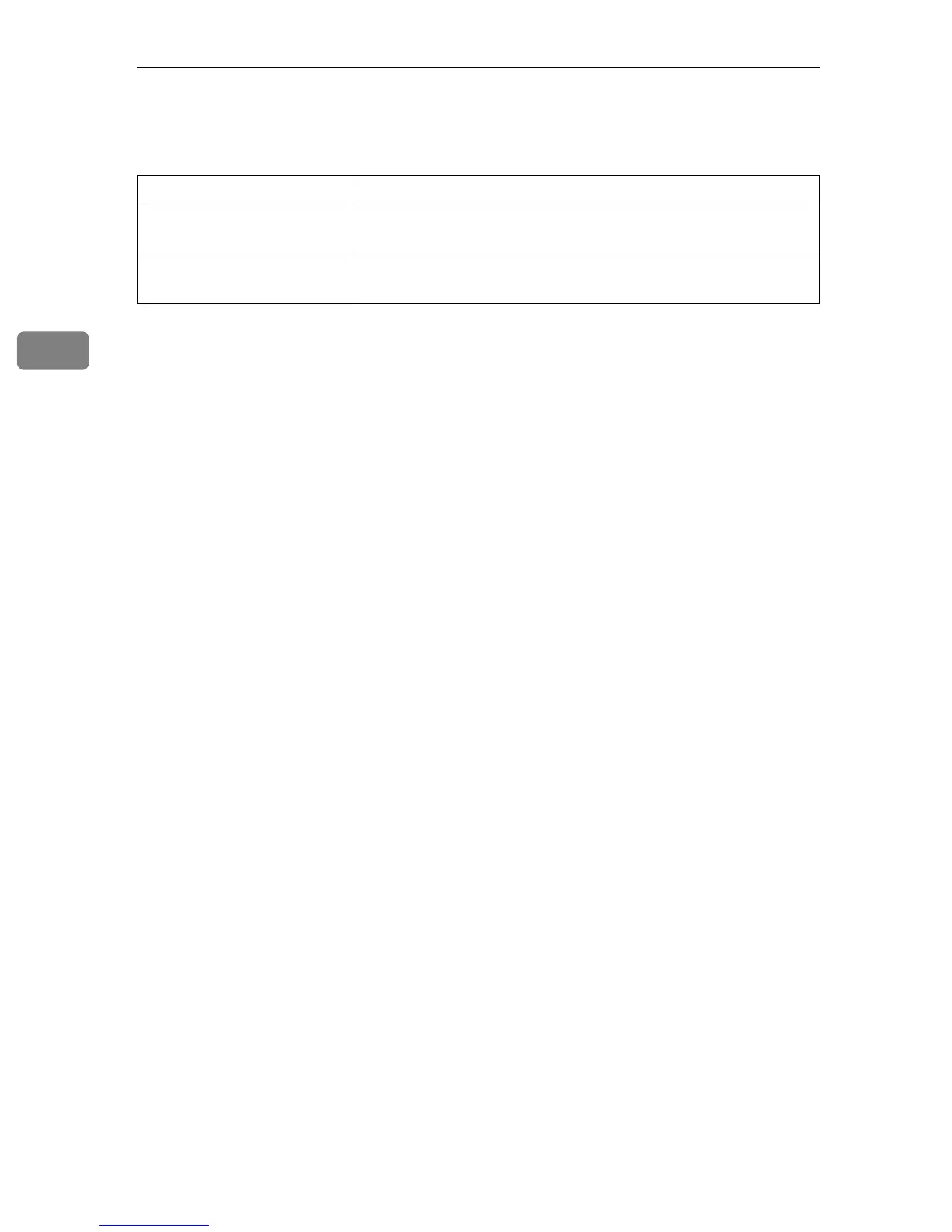
Column name: Means if:
Scanner Each of the setup items to the left can be configured using the
control panel of this machine.
Web Each of the setup items to the left can be configured using the
Web Status Monitor.



 To Next Page