Printing Scan Data
167
8
Note
❒ If you change the settings in
[Enlarge], [Reduce] and [Create
Margin], only the latest setting
that you have selected within
all of these setup items ap-
plies.
G Highlight the option you want
to select by using the {
{{
{1
11
1}
}}
} or
{
{{
{0
00
0}
}}
} keys, and then press [OK].
Note
❒ While the setting screen for
[Enlarge] or [Reduce] is dis-
played, highlighting one of
the preset ratio displays pairs
of “original size → copy pa-
per size” on the third line of
the screen.
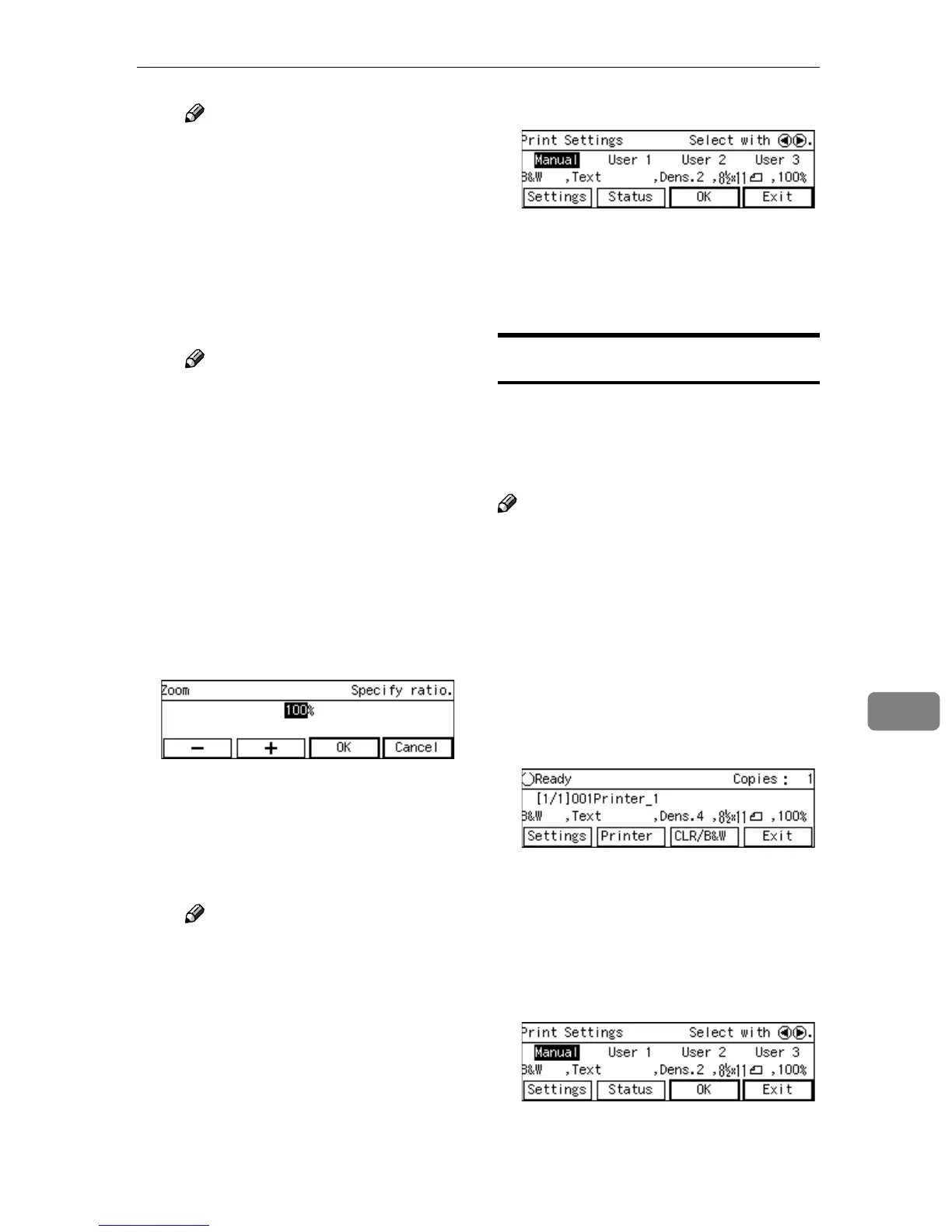
H If you want to set a custom ra-
tio for [Enlarge] or [Reduce],
highlight the nearest preset ra-
tio, press [Zoom], and then use
the number keys (or [-] and [+] )
to specify the ratio.
I Press [OK].
This saves the ratio you have
entered, and returns to the sec-
ond page of the Print Settings
screen (Print Settings 2/2).
Note
❒ Pressing [Cancel] discards the
setting you have entered,
and returns to the previous
screen.
J When you are finished, press
[Exit].
This returns to the Print Settings
screen.
K Press [OK].
This returns to the Print Scan
Ready screen, and the print set-
tings are displayed on the third
line of the screen.
Confirming the Print Settings
You can confirm the current print set-
tings, or the print settings that you
have registered to [Default], [User 1],
[User 2] or [User 3].
Note
❒ You can confirm the [Default] set-
tings by selecting [Manual] in step B
below, unless you configure the
print settings manually. After you
have manually configured the
print settings, selecting [Manual]
displays the current settings.
A
AA
A
While the Print Scan Ready
screen is displayed, press [Set-
tings].
The Print Settings screen is dis-
played.
B
BB
B
Use the {
{{
{1
11
1}
}}
} or {
{{
{0
00
0}
}}
} key to high-
light [Manual], [User 1], [User 2] or
[User 3] on the screen, and then
press [Status].
The status screen of your selection
appears.



 To Next Page