Connecting to a Computer via USB Cable
27
2
Connecting to a Computer via USB Cable
This section explains how to connect
an off-line computer to this machine.
Important
❒ Prepare a marketed USB2.0 com-
pliant cable before connection pro-
cedures.
❒ Before connection, install a TWAIN
driver on the computer.
A
AA
A
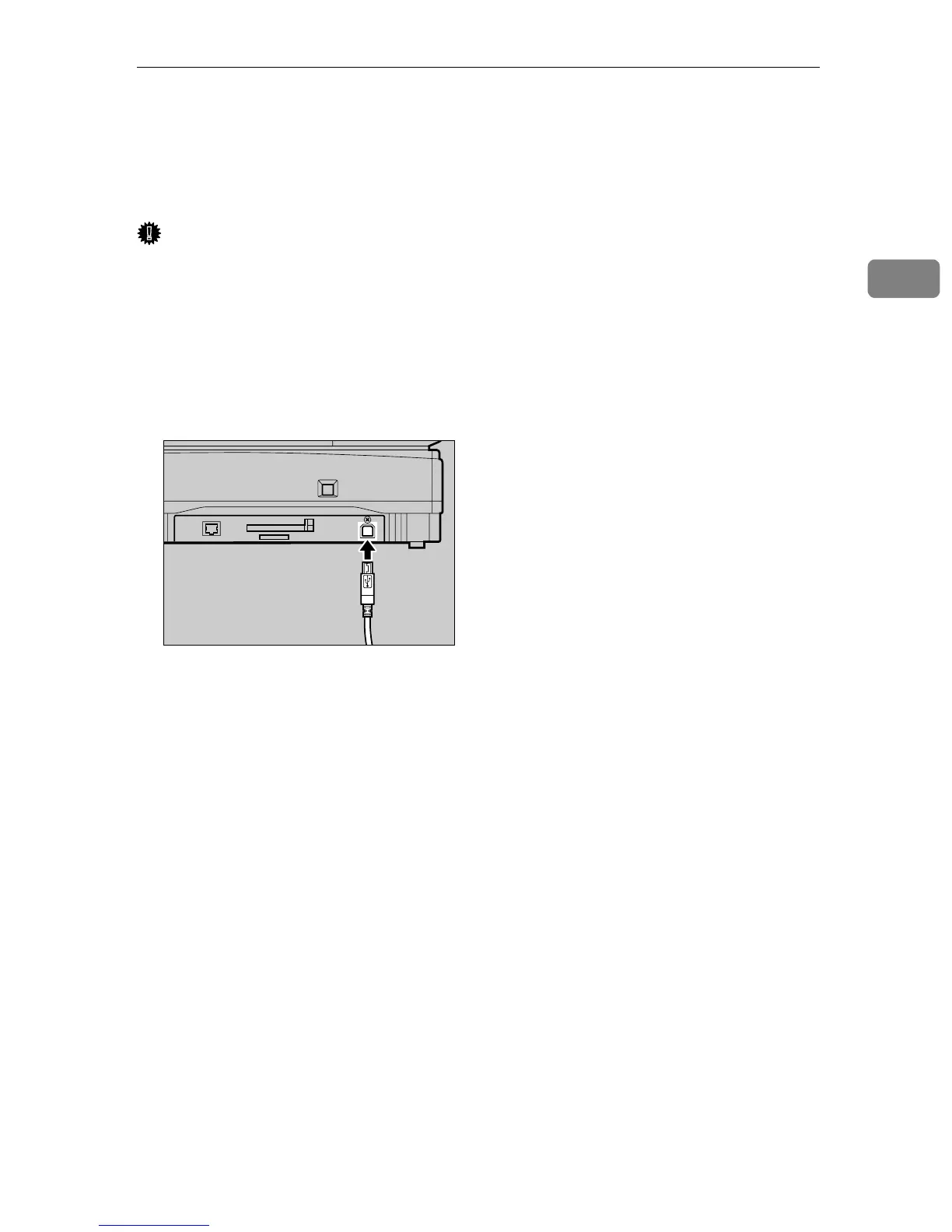
Connect a USB2.0 compliant ca-
ble to this machine.
B
BB
B
Connect other end of the USB ca-
ble to the USB port of the comput-
er.
AFJ033S



 To Next Page