Appendix
190
11
This machine does not work in ac-
cordance with the scan settings
configured on the Web Status
Monitor.
• After configuring the scan settings (specifically, after
clicking [OK] on the [Scan Settings] screen) on the Web
Status Monitor, press the {
{{
{Clear Modes}
}}
} key. By press-
ing the {
{{
{Clear Modes}
}}
} key, the settings under [Scan Set-
tings] of this machine instantly reflect the settings
configured using the Web Status Monitor.
Some of the registered destina-
tions are not displayed on the des-
tination list.
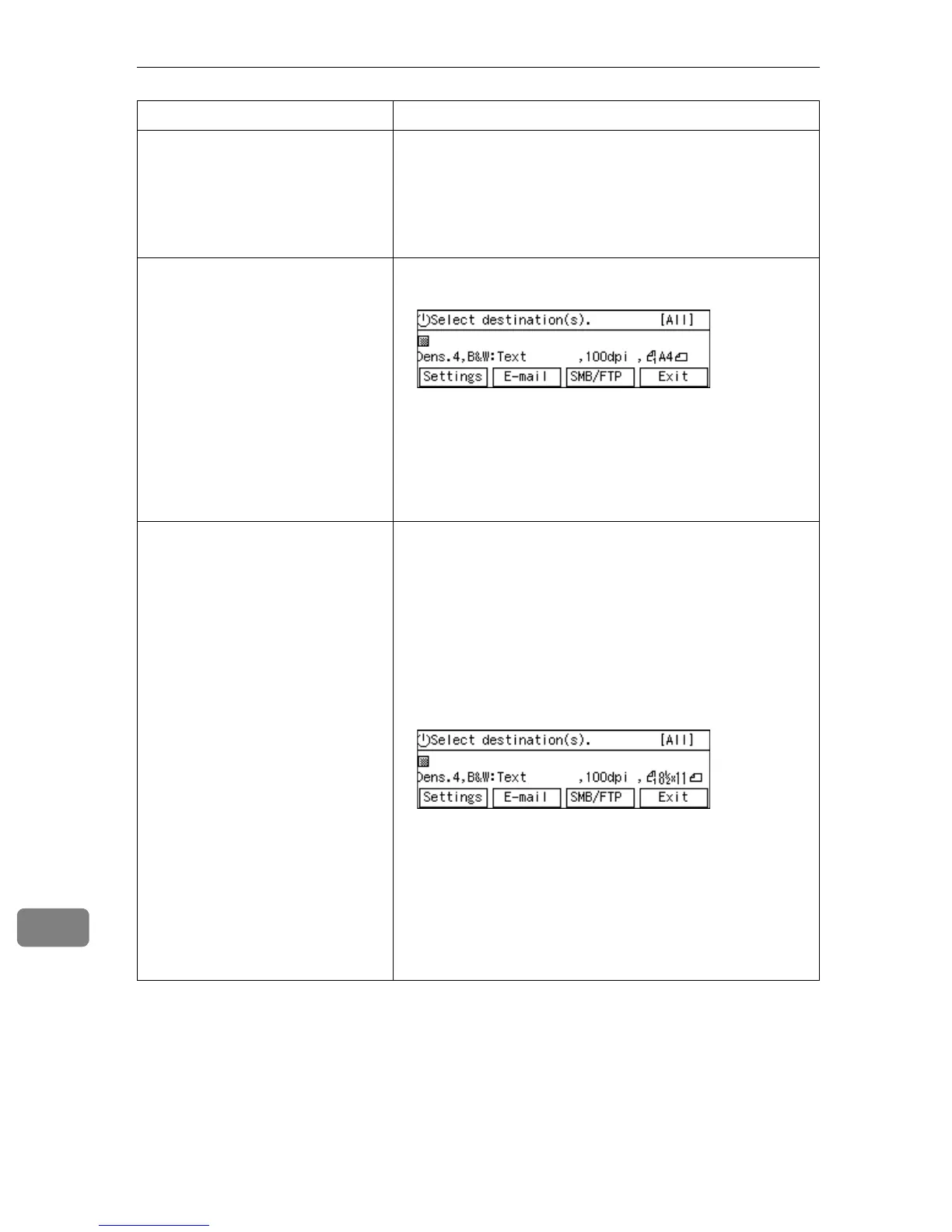
• Check if [All] is displayed at the top right corner of the
“Select destination(s).” screen.
If another title like [A], [B] or [Freq.] is on the screen, it
means that you have searched destinations using the
{
{{
{./*}
}}
} (Title) key, and only the matched destinations are
currently available for selection. In this case, press the
{
{{
{./*}
}}
} (Title) key, highlight [All], and then press [OK]. See
p.134 “To recall all available destinations” for details.
The e-mail destinations (including
Cc destinations) are cleared when
a file name is specified.
When you perform a Send Scan operation, note the follow-
ing things.
• You cannot use the following functions at the same
time:
• Scan to E-mail (referred to as “e-mail function”
here)
• Scan to Folder (SMB) (referred to as “SMB function”
here)
• Scan to FTP (referred to as “FTP function” here)
When you select [File Name] and then press [Settings] on
the screen shown above, it means that you select either
of the SMB or FTP function, and the e-mail function is
disabled. Because of this, the e-mail destinations are
cleared automatically.Specifying [To:], [Cc:], or [Subject]
disables the SMB or FTP function. Specifying [SMB] dis-
ables the e-mail and FTP function. Specifying [FTP] dis-
ables the e-mail and SMB function.
Problem Possible Cause and Required Action


 To Next Page