Sending Scan File by Scan to Folder
150
6
❖
❖❖
❖ [Test]
Click to check whether connec-
tion to the specified shared fold-
er is enabled when data is
entered in the [Send File Path],
[Login User Name], and [Login
Password] boxes.
❖
❖❖
❖ File Name
Enter the name of the file to
store, using up to 20 characters
in alphanumeric characters.
D
DD
D
When everything is the way you
want, click [OK].
The message “Custom Send File
has been set. To reconfigure, click
Enter Custom Send File” appears
on the computer, and the settings
you have made are sent to this ma-
chine.
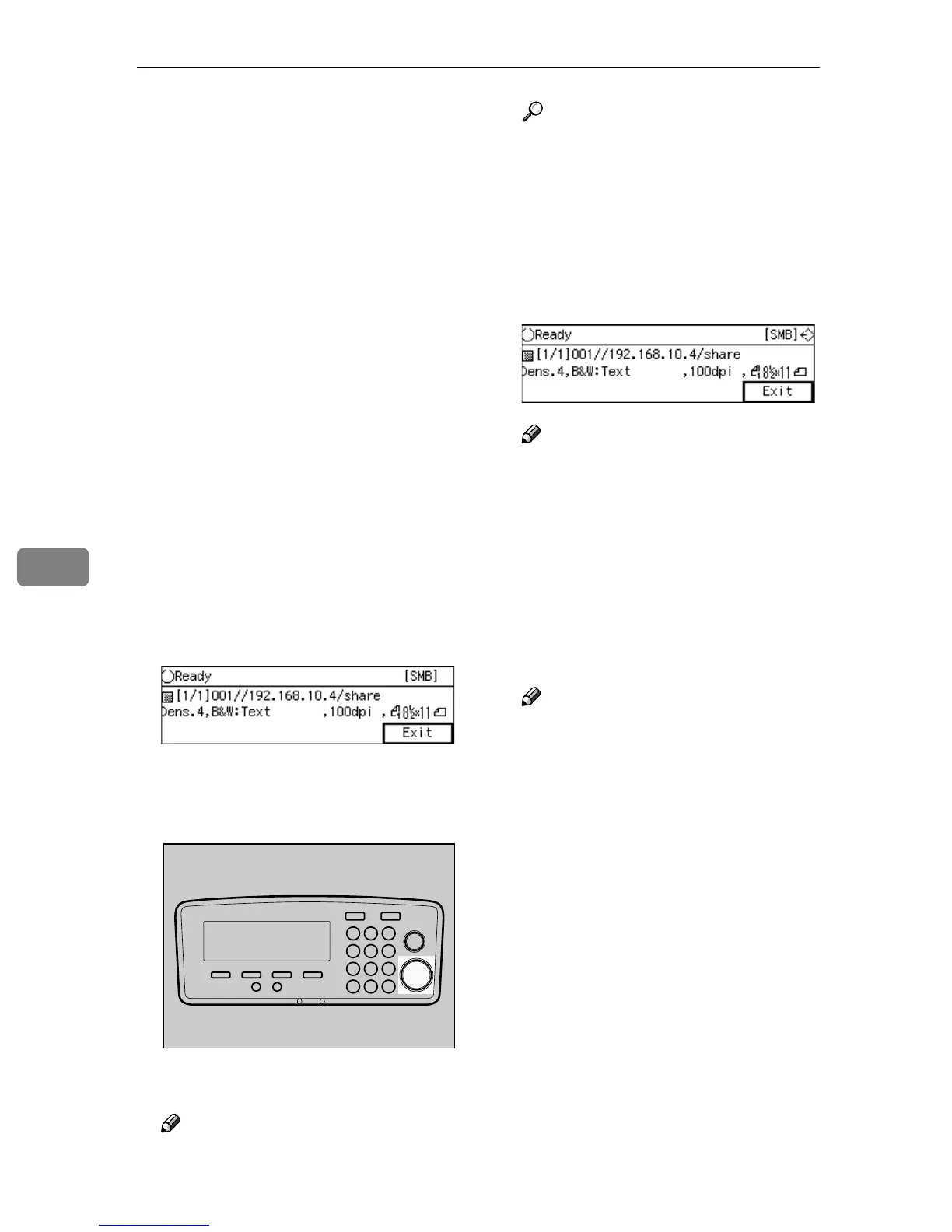
At this time, this machine stands
by for scanning, and “
Ready
” mes-
sage appears on the display panel
of this machine.
E
EE
E
Place originals.
F
FF
F
Press the {
{{
{Start}
}}
} key.
Scanning starts.
Note
❒ To interrupt scanning, press the
{
{{
{Clear/Stop}
}}
} key.
Reference
When you place the original on
the exposure glass, see p.141
“To start with an original on the
exposure glass”.
When scanning finishes properly,
the file is sent to the shared folder.
B appears at the upper right of
the screen while the file is sent.
Note
❒ You cannot perform operations
on this machine while B is dis-
played.
G
GG
G
Press [Exit].
The display of this machine re-
turns to the standby screen that
had been displayed before you
have started the [Enter Custom Send
File] operation.
Note
❒ Be sure to press [OK] to go back
to a standby screen on this ma-
chine before performing anoth-
er [Enter Custom Send File]
operation. If you start another
[Enter Custom Send File] opera-
tion without displaying a stand-
by screen on the machine, the
message “
Unable to make
configurations because
Scanner is currently in
use. Please try again lat-
er.
” appears on the Web Status
Monitor.
AFJ044S



 To Next Page