Configuring the Scanner Settings
62
3
R
RR
R
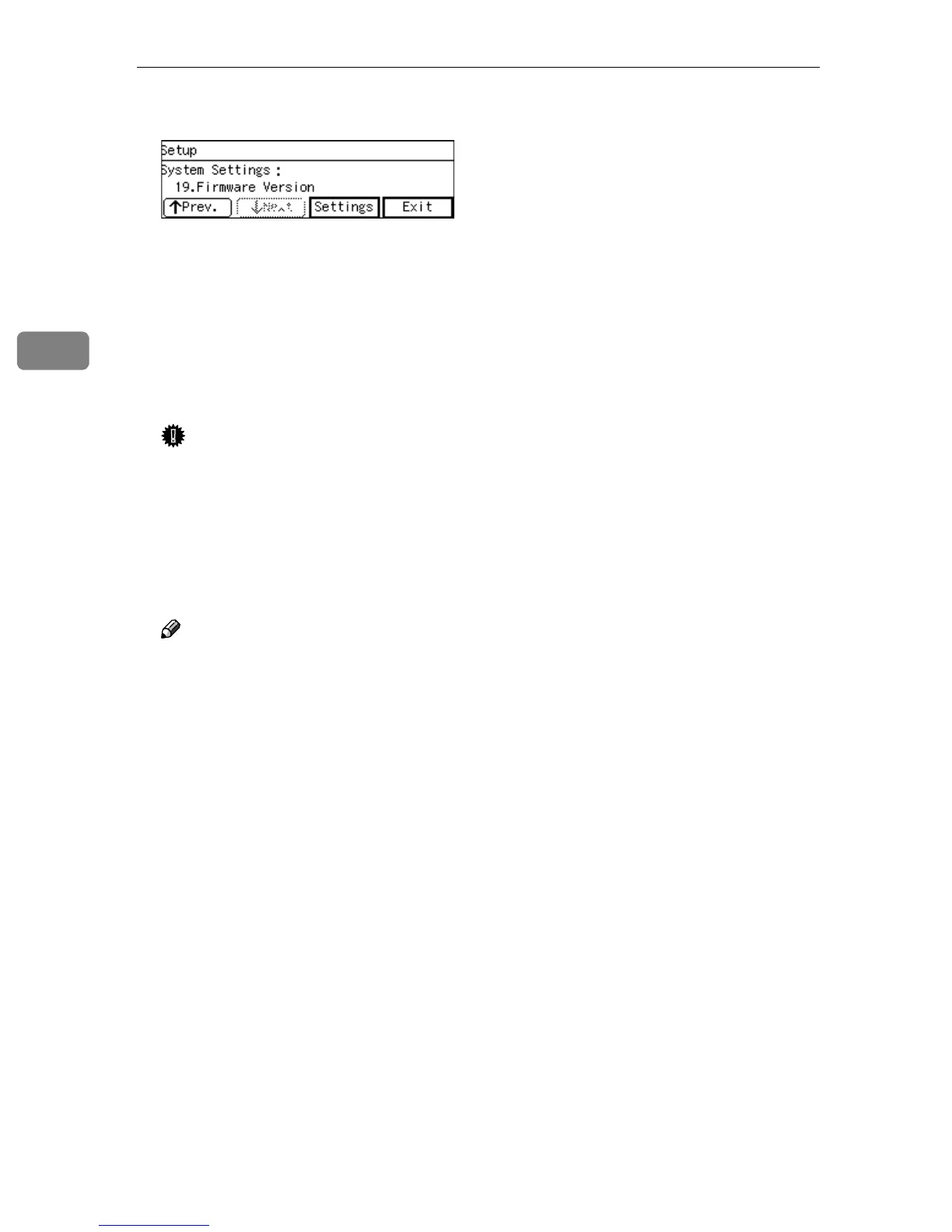
Press [Exit].
This returns to the System Settings
menu.
S
SS
S
Press [Exit].
This exits the Scanner Features
menu, and returns to the standby
screen that is displayed when you
turn the power on.
Important
❒ Never turn off the power of this
machine before the standby
screen is displayed. Doing so
can discard all the settings you
have configured, and return this
machine to its factory default
status.
Note
❒ Instead of pressing [Exit], you
can press a number key to enter
another setting menu.
T
TT
T
If you have changed the settings
of “7. Network Boot”, turn off the
power and then back on.
The changes to the above settings
are activated.



 To Next Page