Order No.
35 MHz: F 8042
40 MHz: F 8043
41 MHz: F 8044
FX-30
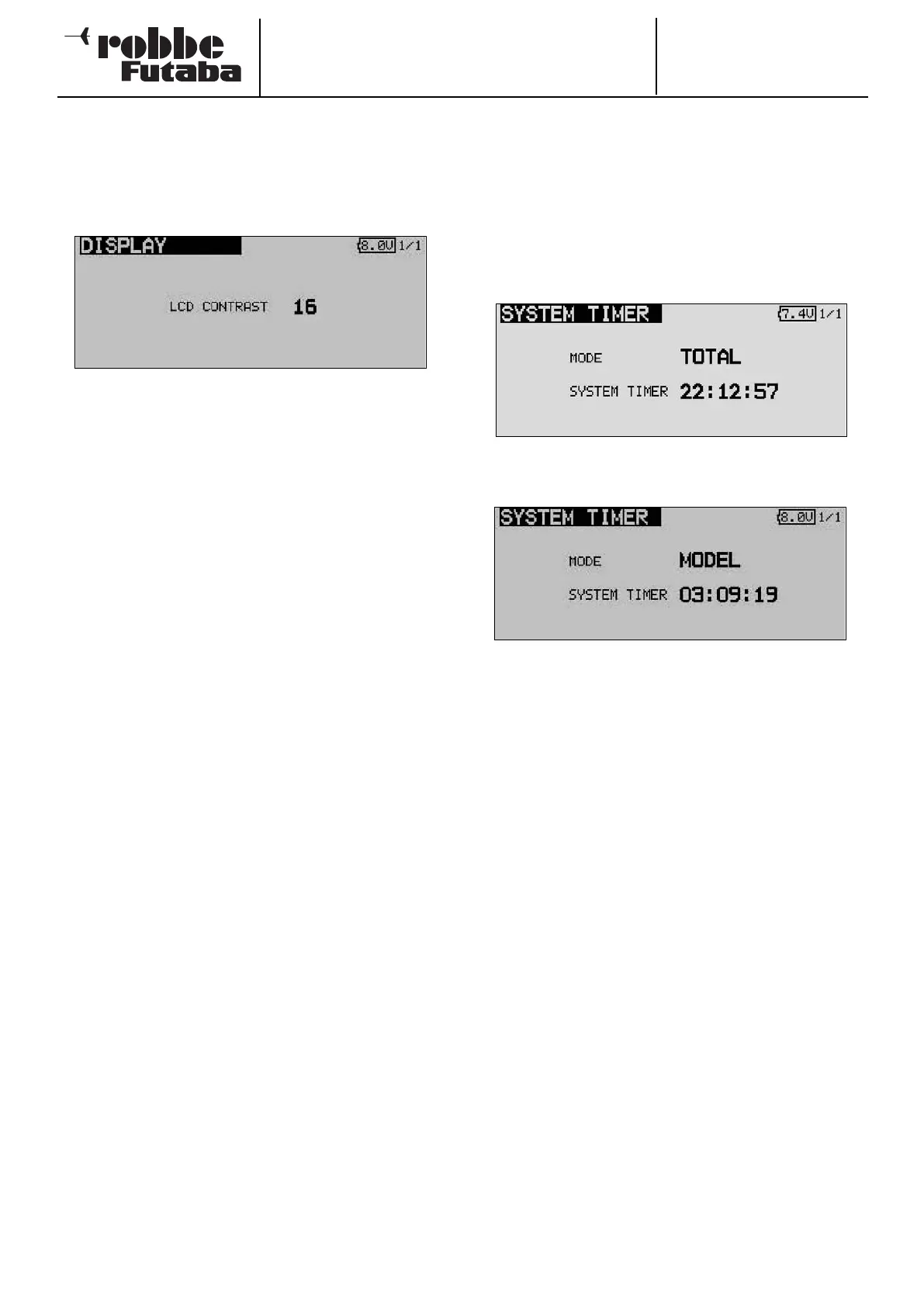
11.2 SCREEN (DISPLAY) SETTINGS
In the ‘DISPLAY’ set-up menu you can alter the contrast set-
tings for the LCD screen.
ADJUSTING SCREEN CONTRAST
A
ctivate the ‘LCD CONTRAST’ field and rotate the ‘3-D hot-
key’ to adjust the screen contrast. Turning the control to the
left makes the screen lighter; turning it to the right makes it
darker.
To return the screen contrast to the default setting, select and
mark the line in the usual way, then hold the ‘EDIT’ button
pressed in for at least one second: this restores the original
default setting.
11.3 SYSTEM TIME
In this menu you can select either of two different timers:
1) TOTAL: this timer displays the overall elapsed operating
time since the last reset. As an option this function can be
used to record the transmitter’s total operating time, or to dis-
play the battery operating time; in the latter case the timer
s
hould be reset to ‘ZERO’ every time you recharge the trans-
mitter battery.
The system time is displayed at bottom left of the ‘Start’
screen.
2) MODEL: this is a model memory timer which records the
operating times for each model memory separately.
RESET: this function is used to reset each timer to zero. Move
to the System Time menu, and then to the ‘System Time’ line.
Hold the ‘EDIT’ button pressed in for about one second to
reset the timer.
24



 To Next Page