-------------
----------
~
Product
Guide
IThe Product Guide gives you information on the most Important features of this
TV.
1.
Press the MENU button
to
display the menu.
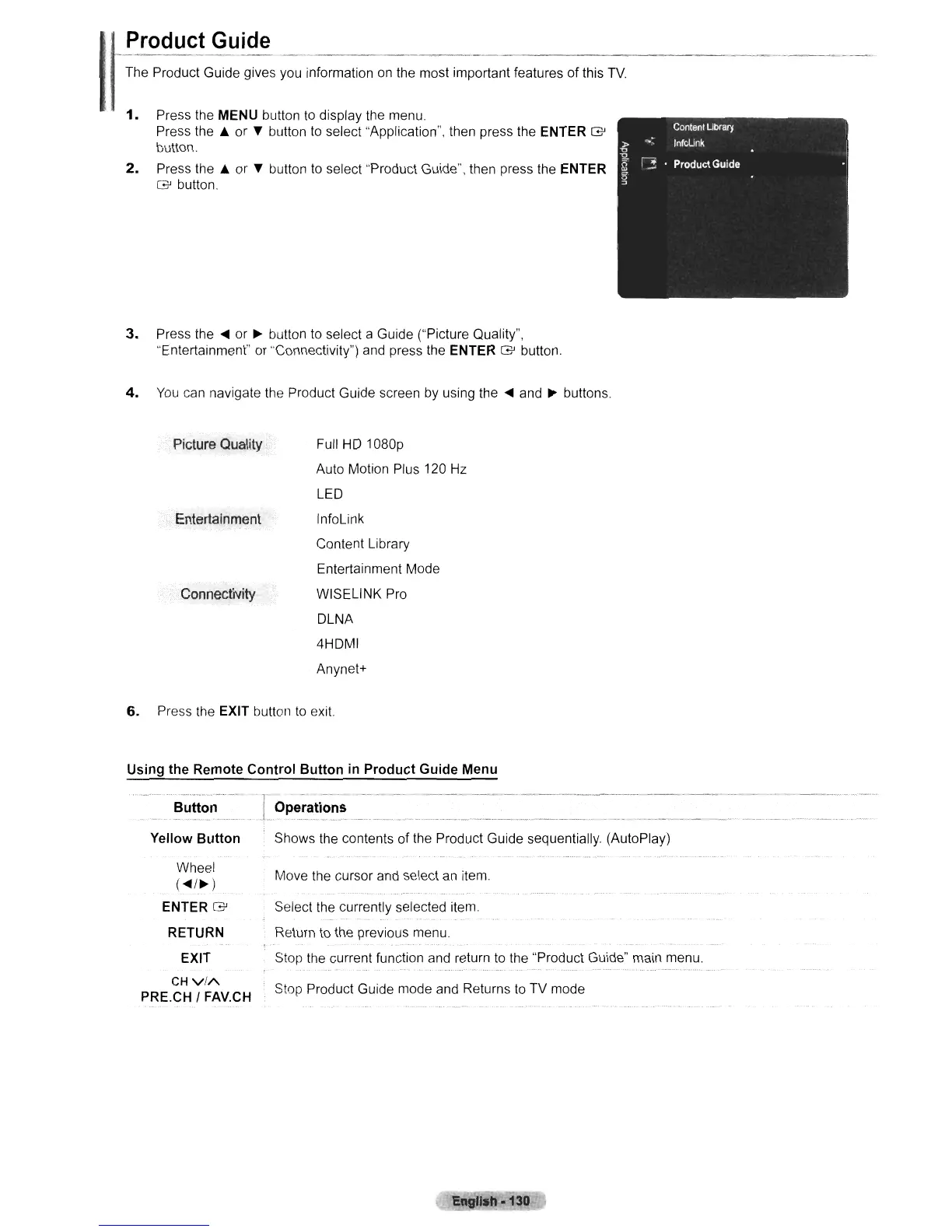
Press the
A or
~
button
to
select "Application", then press the ENTER
G'
button.
2.
Press the A or
~
button
to
select "Product Guide", then press the ENTER
G'
button.
3.
Press the
....
or
~
button to select a Guide ("Picture Quality",
"Entertainment" or "Connectivity") and press the ENTER
G'
button.
4.
You
can navigate the Product Guide screen by using the
....
and
~
buttons.
Picture
Quality
Entertainment
Connectivity
Full HD 1080p
Auto Motion Plus 120 Hz
LED
InfoLink
Content Library
Entertainment Mode
WISELINK Pro
DLNA
4HDMI
Anynet+
Move the cursor and select an item
Select the currently selected item.
6.
Press the EXIT button
to
exit.
Using
the
Remote
Control
Button
in
Product
Guide
Menu
Yellow
Button
Shows the contents of the Product Guide sequentially. (AutoPlay)
Wheel
(
....
/~)
ENTER
G'
RETURN
EXIT
CH
vi/\.
PRE.CH I FAV.CH
Return to the previous menu.
Stop the current function and return
to
the "Product Guide" main menu.
Stop Product Guide mode and Returns to TV mode
E
lah·130












 To Next Page