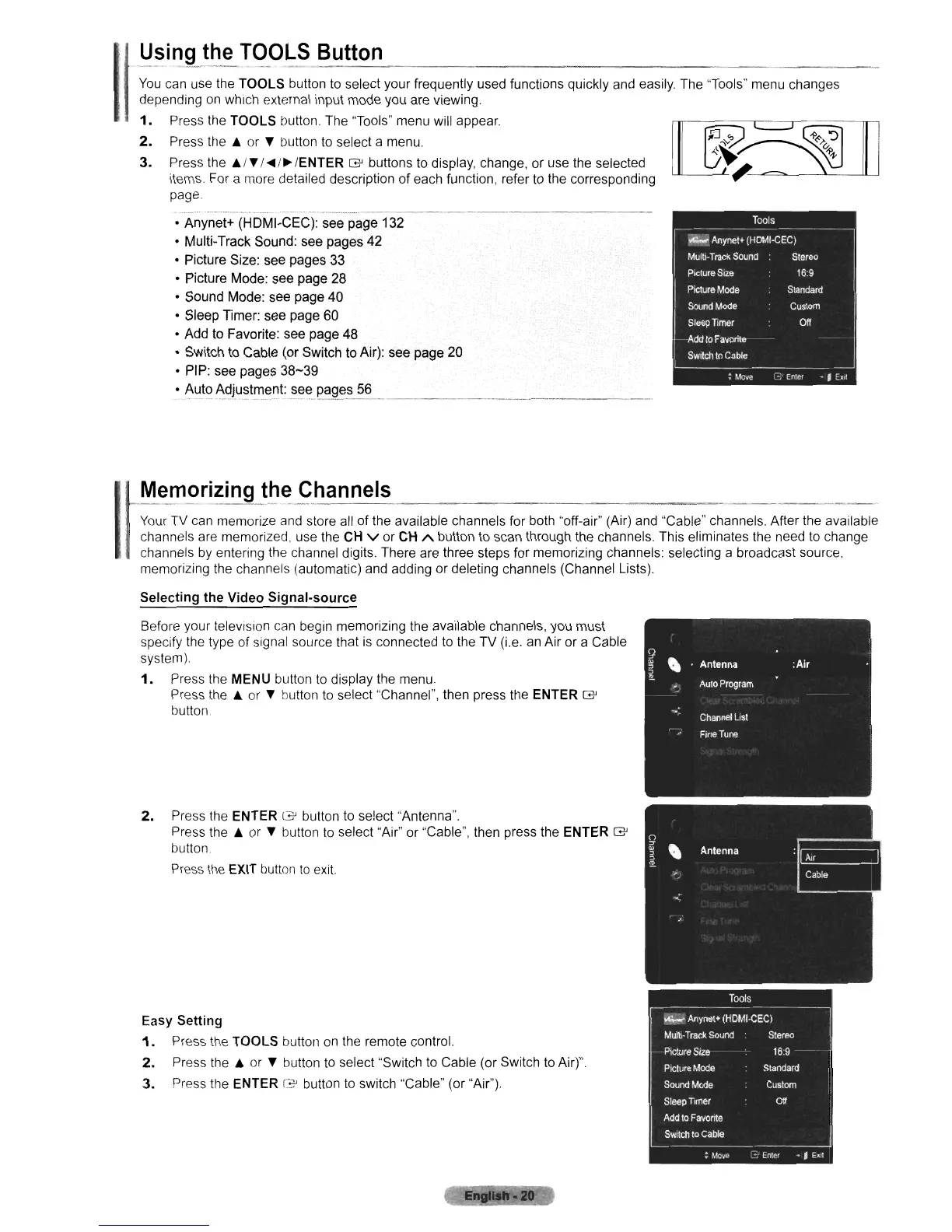
U~ing_~~~
rC?9LS
Button
---------------------------------
You
can use the
TOOLS
button to select your frequently used functions quickly and easily. The "Tools" menu changes
depending on which external input mode you are viewing.
1.
Press the
TOOLS
button. The "Tools" menu will
appear
2.
Press the A or T button to select a menu.
3.
Press the
Ai
T I
....
/~
IENTER
G'
buttons to display, change,
or
use the selected
items. For a more detailed description
of
each function, refer to the corresponding
page.
• Anynet+ (HDMI-CEC): see page 132
• Multi-Track Sound: see pages
42
• Picture Size: see pages 33
• Picture Mode: see page
28
• Sound Mode: see page 40
• Sleep Timer: see page 60
• Add to Favorite: see page 48
• Switch to Cable (or Switch to Air): see page 20
• PIP: see pages 38-39
·J.\ut?~~J.u~t~~~t:_~~~I?~~~;>
56
_ _ _
'
MemOriZing
the
Channels
Your TV can memorize and store all
of
the available channels for both "off-air" (Air) and "Cable" channels. After the available
channels are memorized, use the CH
v
or
CH A button to scan through the channels. This eliminates the need to change
channels by entering the channel digits. There are three steps for memorizing channels: selecting a broadcast source.
memorizing the channels (automatic) and adding or deleting channels (Channel Lists).
Selecting the Video Signal-source
Before your television can begin memorizing the available channels, you must
specify the type of signal source that is connected to the TV (i.e. an Air or a Cable
system).
1.
Press the MENU button to display the menu.
Press the
A
or
T button to select "Channel", then press the ENTER
G'
button.
2. Press the ENTER
G'
button to select "Antenna".
Press the
A or T button
to
select "Air" or "Cable", then press the ENTER
G'
button.
Press tile EXIT button
to
exit.
Easy
Setting
1.
Press the
TOOLS
button on the remote control.
2.
Press the A or T button to select "Switch to Cable (or Switch to Air)".
3.
Press the ENTER
[3'
button to switch "Cable" (or "Air").












 To Next Page