E) View
Groups
Shows the sorting groups. The sorting group including the currently selected movie
is
highlighted.
o
Current
Device
Shows the currently selected device name. Press the Red button to select a device.
4:}
Item Selection
Information
Shows the number of movie files that are selected
by
pressing the Yellow button.
o Help Items
• Red(Device)
button:
Selects a connected device.
• Green(Favorites Setting)
button:
Ghqnges the favorites setting for the selected
movie.
Press this button
repeatedly until the desired value appears. (Refer to page 97)
• Yellow(Select)
button:
Selects movies from the
movie
list. Selected movies are marked with a symbol 't/
on
the
left.
•
~
..
(Jump)
button: Jumps to the previous sorting group I Jumps to the next sorting group.
• TOOLS(Option)
button:
Displays the "Play Current Group", "Delete", "Information" or "Safe Remove" menus.
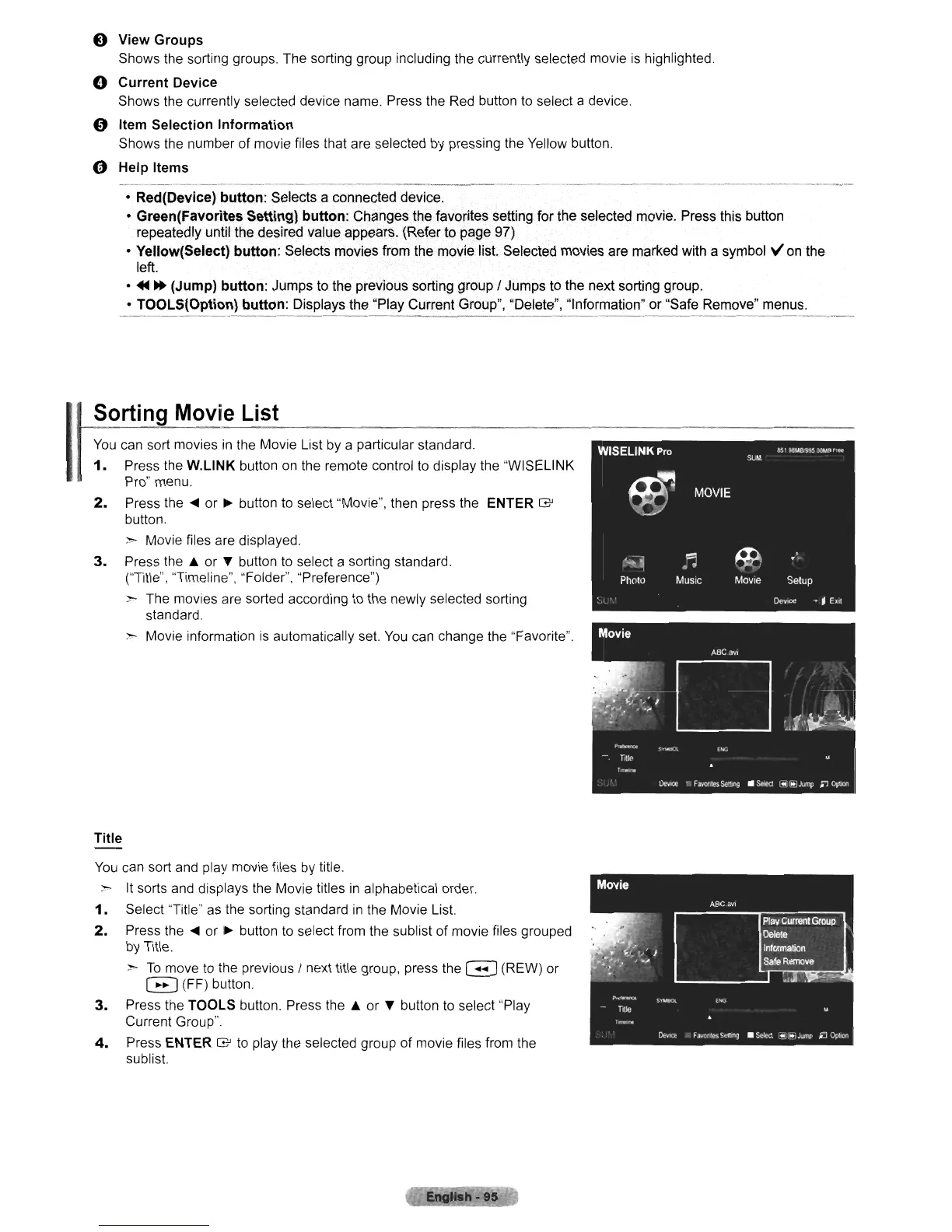
Sorting Movie List
You
can
sort movies
in
the Movie List by a particular standard.
1.
Press the
W.L1NK
button
on
the remote control
to
display the "WISELINK
Pro" menu.
2.
Press the
.....
or
~
button to select "Movie", then press the ENTER
G'
button.
~
Movie files are displayed.
3.
Press
the.
or
...
button
to
select a sorting standard.
("Title", "Timeline", "Folder", "Preference")
~
The movies are sorted according
to
the newly selected sorting
standard.
~
Movie information
is
automatically set.
You
can change the "Favorite".
Title
You
can sort
and
play movie files by title.
~
It
sorts
and
displays the Movie titles
in
alphabetical order.
1.
Select
"Title"
as
the sorting standard
in
the Movie List.
2.
Press the
.....
or
~
button
to
select from the sublist of movie files grouped
by Title.
>
To
move
to
tile previous I next title group, press the G (REW) or
EJ
(FF) button.
3.
Press the
TOOL.S
button. Press the • or
...
button
to
select "Play
Current Group"
4.
Press ENTER
G'
to
play the selected group of movie files from the
sublist.












 To Next Page