"
..
,.,~
lJ'
o t.· I
ON/OFF !
W
_
-i
POWER
.......
10'
TV MODE
@]O
Turning
the
TV
On
and
Off
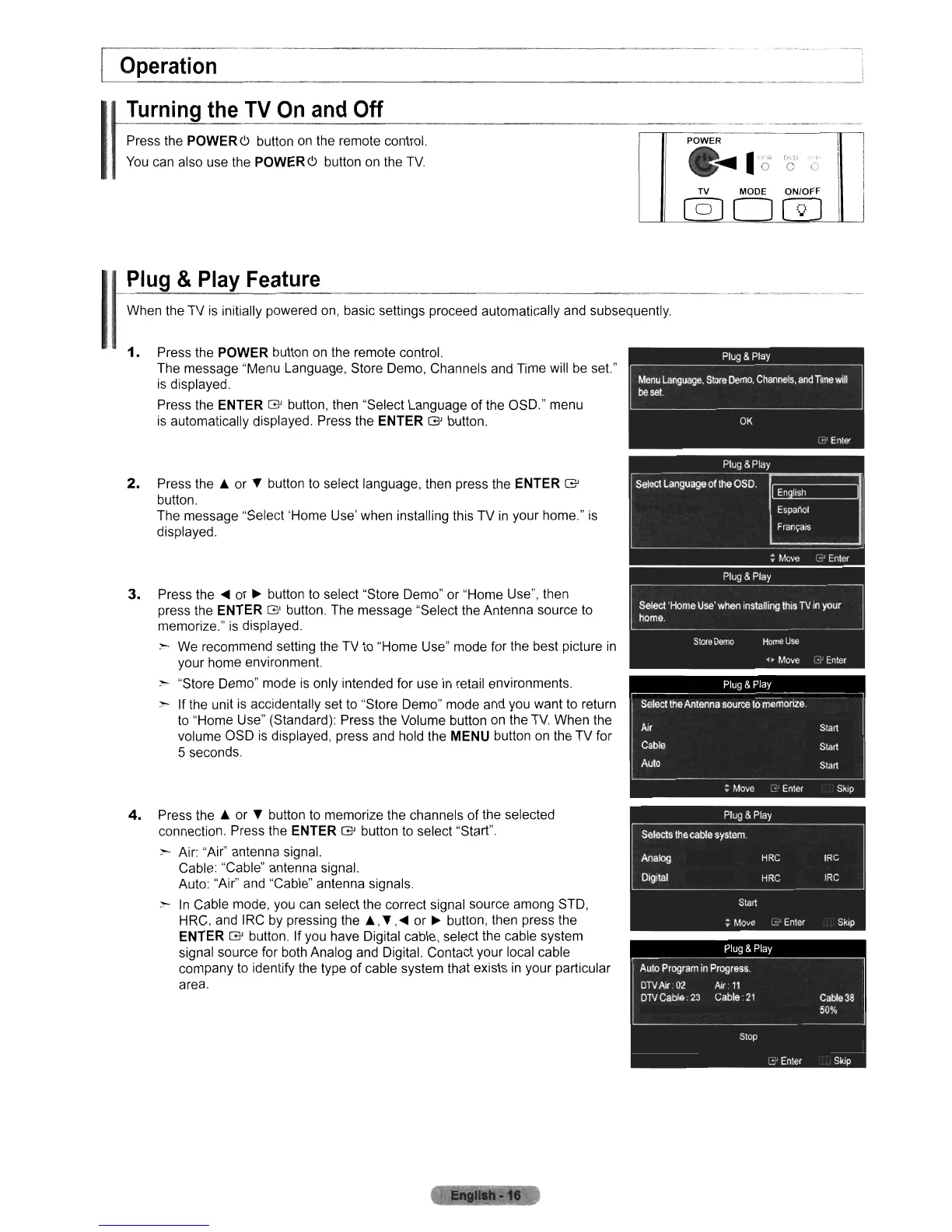
Press the POWER6 button on the remote control.
You
can also use the POWER 6 button
on
the
TV.
I'--_O_p_e_r_at_io_n
_
I
I
~P-IU~9-&-p-la~Y-F-e-~-u-re-----------------~--
When the TV
is
initially powered on, basic settings proceed automatically and subsequently.
1.
Press the POWER button
on
the remote control.
The message "Menu Language, Store Demo, Channels and Time will
be
set."
is
displayed.
Press the
ENTER
G'
button, then "Select Language of the OSD." menu
is
automatically displayed. Press the ENTER
G'
button.
2.
Press
the'"
or
...
button to select language, then press the ENTER
G'
button.
The message "Select 'Home Use' when installing this TV
in
your home."
is
displayed.
3.
Press the
.....
or
~
button to select "Store Demo" or "Home Use", then
press the
ENTER
G'
button. The message "Select the Antenna source
to
memorize."
is
displayed.
;,- We recommend setting the TV
to
"Home Use" mode for the best picture
in
your home environment.
~
"Store Demo" mode
is
only intended for use
in
retail environments.
-.
If the unit
is
accidentally set to "Store Demo" mode and you want to return
to "Home Use" (Standard): Press the Volume button
on
the
TV.
When the
volume OSD
is
displayed, press and hold the MENU button
on
the TV for
5 seconds.
4.
Press
the'"
or
...
button
to
memorize the channels
of
the selected
connection. Press the
ENTER
G'
button to select "Start".
;,- Air: "Air" antenna signal.
Cable: "Cable" antenna signal.
Auto: "Air" and "Cable" antenna signals.
:-.
In
Cable mode,
you
can select the correct signal source among STD,
H
RC,
and I
RC
by pressing
the"',
...
,
.....
or
~
button, then press the
ENTER
G'
button. If you have Digital cable, select the cable system
signal source for both Analog and Digital. Contact your local cable
company
to
identify the type
of
cable system that exists
in
your particular
area.












 To Next Page