I
Using
the
Photo
List
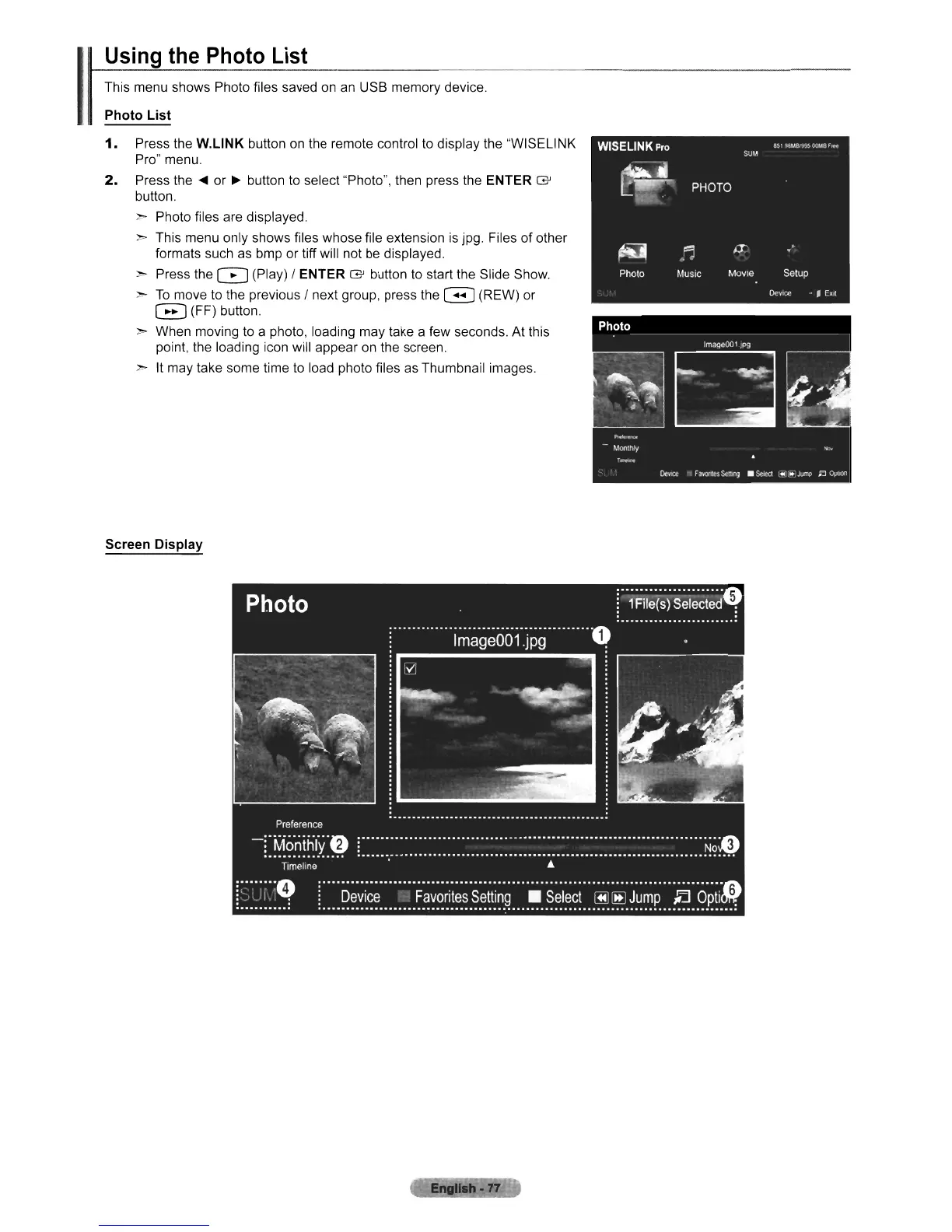
This menu shows Photo files saved on an USB memory device.
Photo List
1.
Press the
W.L1NK
button
on
the remote control to display the "WISELINK
Pro" menu.
2.
Press
the'"
or
~
button to select "Photo", then press the ENTER
G'
button.
> Photo files are displayed.
> This menu only shows files whose file extension is jpg. Files of other
formats such as bmp or tiff will not be displayed.
> Press the 8 (Play) / ENTER
G'
button
to
start the Slide Show.
>
To
move to the previous / next group, press the G (REW) or
G (FF) button.
> When moving to a photo, loading may take a few seconds. At this
point, the loading icon will appear
on
the screen.
>
It
may take some time to load photo files as Thumbnail images.
Screen Display












 To Next Page