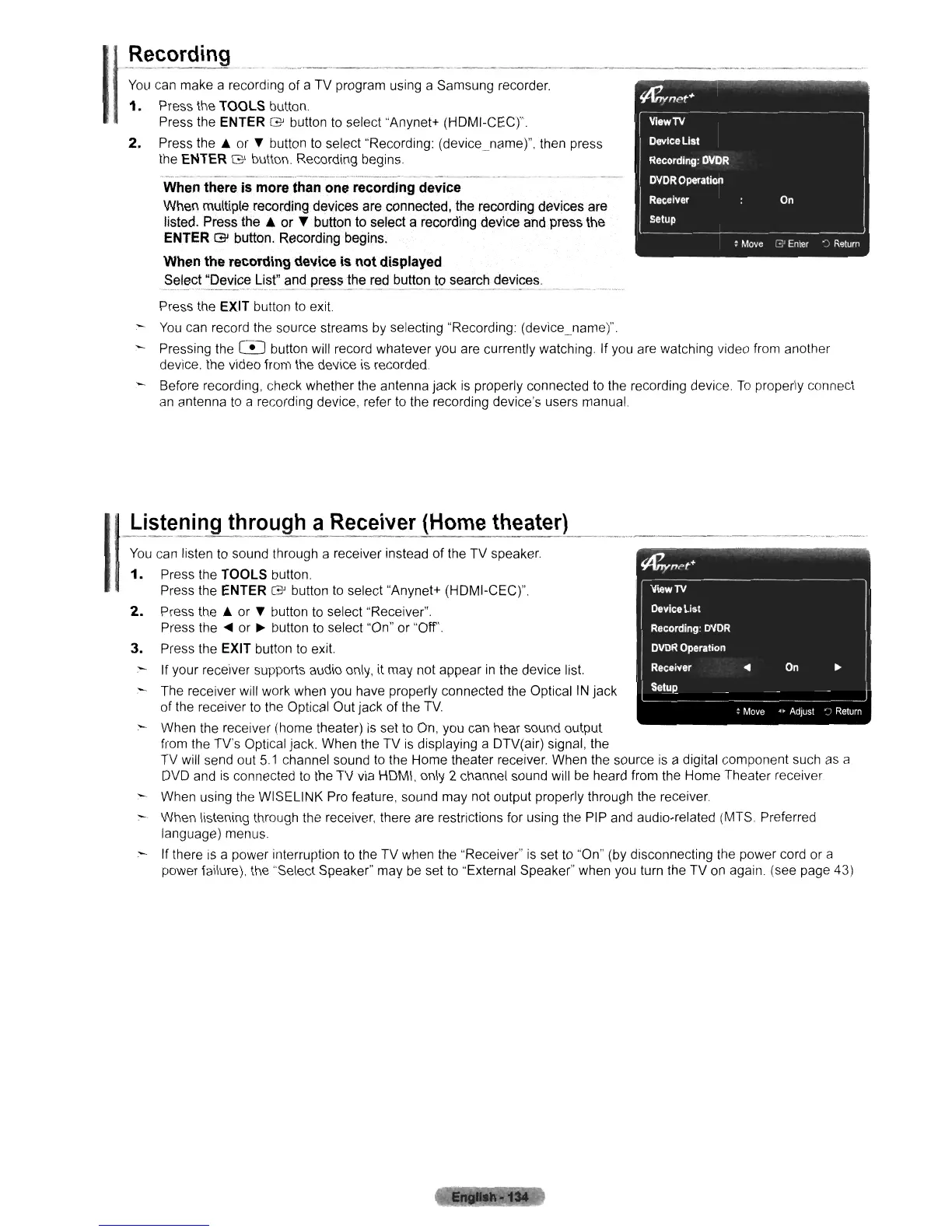
You
can make a recording of a TV program using a Samsung recorder.
1.
Press the
TOOLS
button.
Press the
ENTER
G'
button
to
select "Anynet+ (HDMI-CEC)".
2.
Press the
~
or T button
to
select "Recording: (device_name)", then press
the
ENTER
G'
button. Recording begins
When
there
is
more
than
one
recording
device
When multiple recording devices are connected, the recording devices are
listed. Press the
& or T button to select a recording device and press the
ENTER
G'
button, Recording begins.
When
the
recording
device
is
not
displayed
~_~~~c~
"De_vJ.~~_~~s!'_~ndJ:~e_~~!~!:_red
_b~tton_
~~_s~arch
~~vi~~_s,
Press the EXIT button
to
exit.
-
You
can record the source streams
by
selecting "Recording: (device_name)"
Pressing the
C!J button will record whatever you are currently watching. If you are watching video from another
device, the video from the device is recorded.
Before recording, check whether the antenna jack
is
properly connected
to
the recording device.
To
properly connect
an
antenna
to
a recording device, refer
to
the recording device's users manual.
J:ls~~n!ng
through
a
Receiver
(Home
theater)
You
can listen to sound through a receiver instead of the TV speaker.
1.
Press the
TOOLS
button.
Press the
ENTER
G'
button
to
select "Anynet+ (HDMI-CEC)".
2.
Press the
~
or T button
to
select "Receiver".
Press
the'"
or
~
button
to
select "On" or "Off'.
3.
Press the EXIT button
to
exit.
- If your receiver supports audio only, it may not appear
in
the device list.
:-
The receiver will work when you have properly connected the Optical
IN
jack
of the receiver to the Optical Out jack of the
TV
- When the receiver (home theater)
is
set to On, you can hear sound output
from the TV's Optical jack. When the TV
is
displaying a DTV(air) signal, the
TV will send out
5.1
channel sound
to
the Home theater receiver. When the source
is
a digital component such
as
a
DVD
and
is
connected
to
the TV
via
HDMI, only 2 channel sound will be heard from the Home Theater receiver
When using the WISELINK Pro feature, sound may not output properly through the receiver.
- When listening through the receiver, there are restrictions for using the PIP and audio-related (MTS. Preferred
language) menus.
.- If there
is
a power interruption to the TV when the "Receiver"
is
set
to
"On" (by disconnecting the power cord or a
power failure), the "Select Speaker" may
be
set to "External Speaker" when you turn the TV
on
again. (see page 43)












 To Next Page