I
Viewing
the
Display
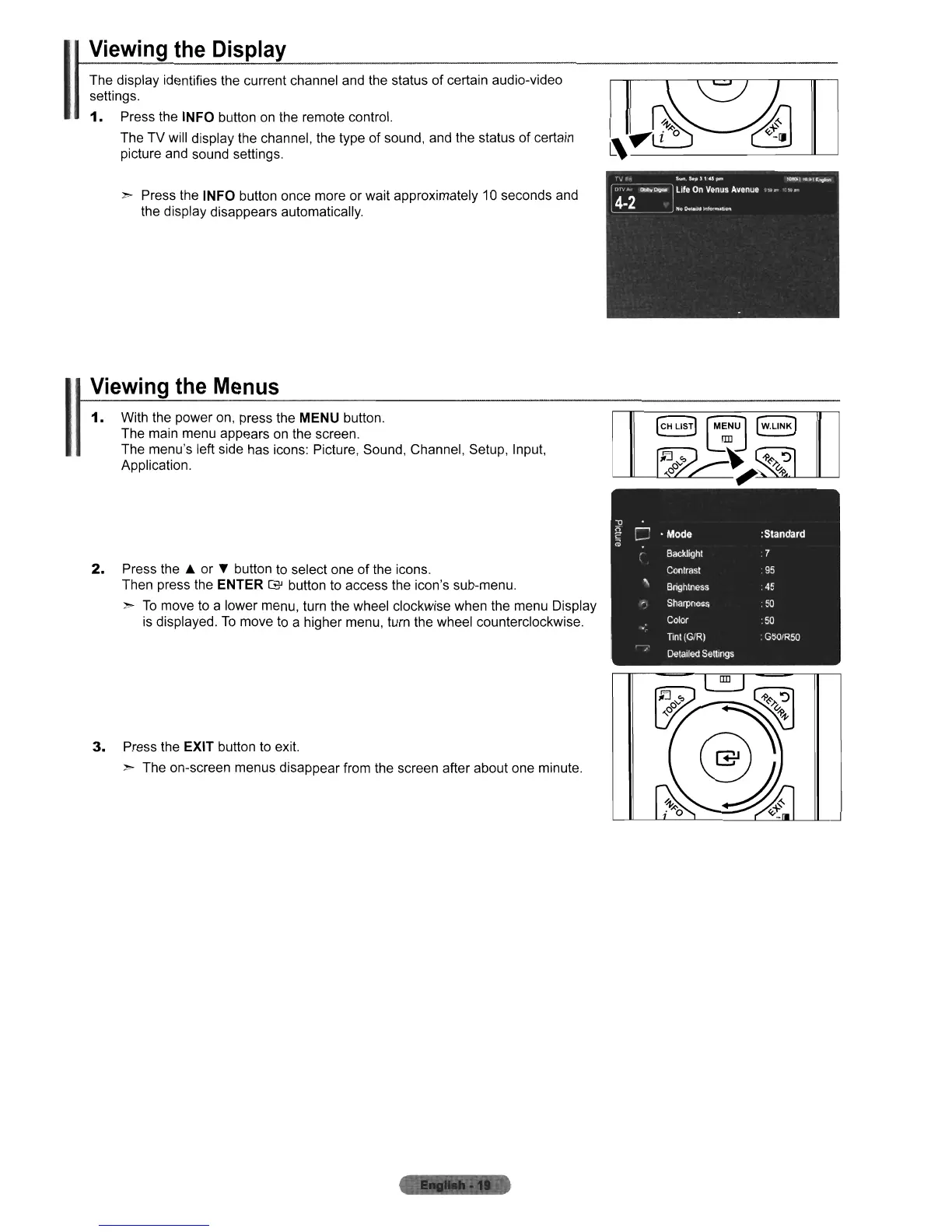
The display identifies the current channel and the status of certain audio-video
settings.
1.
Press the INFO button
on
the remote control.
The TV will display the channel, the type
of
sound, and the status of certain
picture and sound settings.
> Press the INFO button once more or wait approximately
10
seconds and
the display disappears automatically.
Viewing
the
Menus
1.
With the power on, press the MENU button.
The main menu appears
on
the screen.
The menu's left side has icons: Picture, Sound, Channel, Setup, Input,
Application.
2.
Press
the'"
or
~
button to select one
of
the icons.
Then press the ENTER
G'
button to access the icon's sub-menu.
>
To
move to a lower menu, turn the wheel clockwise when the menu Display
is displayed.
To
move to a higher menu, turn the wheel counterclockwise.
3.
Press the EXIT button to exit.
> The on-screen menus disappear from the screen after about one minute.












 To Next Page