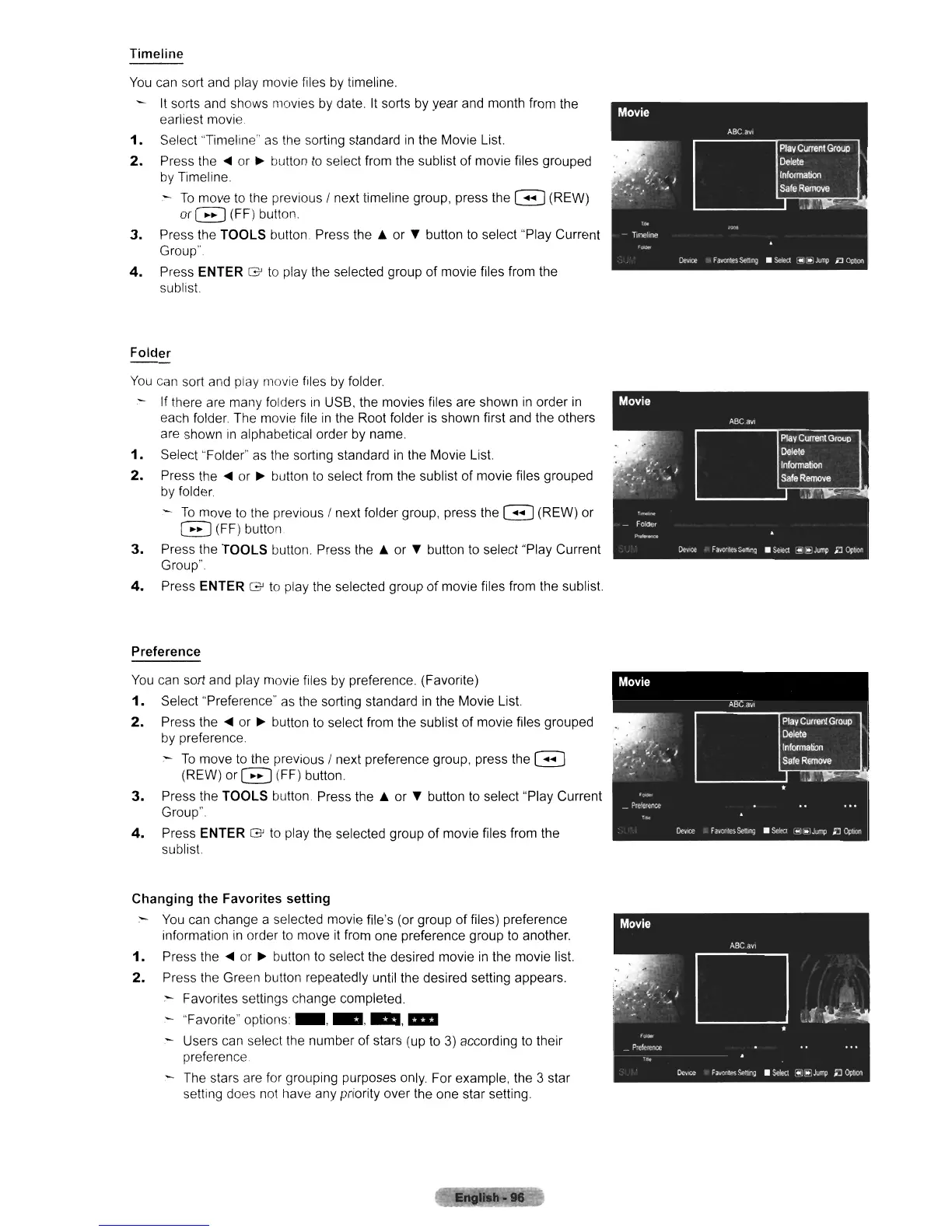
Timeline
You
can sort and play movie files by timeline.
It
sorts and shows movies
by
date.
It
sorts
by
year and month from the
earliest movie
1.
Select "Timeline"
as
the sorting standard
in
the Movie
List
2.
Press
the'"
or
~
button
to
select from the sublist of movie files grouped
by
Timeline
-
To
move
to
the previous / next timeline group, press the G (REW)
or
G (FF) button.
3.
Press the TOOLS button. Press the A or
~
button
to
select "Play Current
Group"
4.
Press ENTER
G'
to
play the selected group of movie files from the
sublist
Folder
You
can sort and play movie files
by
folder.
If
there are many folders
in
USB, the movies files are shown
in
order
in
each folder. The movie file
in
the Root folder is shown first and the others
are shown
in
alphabetical order
by
name.
1.
Select "Folder"
as
the sorting standard
in
the Movie
List
2.
Press the
...
or
~
button
to
select from the sublist of movie files grouped
by
folder
-
To
move
to
the previous / next folder group, press the G (REW) or
G (FF) button
3.
Press the TOOLS button. Press the A or
~
button
to
select "Play Current
Group".
4.
Press ENTER
G'
to
play the selected group of movie files from the sublist
Preference
You
can sort and play movie files
by
preference. (Favorite)
1.
Select "Preference" as the sorting standard
in
the Movie
List
2.
Press the
...
or
~
button to select from the sublist of movie files grouped
by
preference.
-
To
move
to
the previous / next preference group. press the G
(REW) or G (FF) button.
3.
Press the TOOLS button Press the A or
~
button to select "Play Current
Group".
4.
Press ENTER
G'
to play the selected group of movie files from the
sublist
Changing the Favorites setting
:-
You
can change a selected movie file's (or group of files) preference
information
in
order
to
move it from one preference group
to
another.
1.
Press
the'"
or
~
button
to
select the desired movie
in
the movie
list
2.
Press the Green button repeatedly until the desired setting appears.
:-
Favorites settings change completed.
"Favorite" options _
....
....
, 11II
Users can select the number of stars (up to 3) according
to
their
preference
The stars are for grouping purposes only. For example. the
3 star
setting does not have any priority over the one star setting.












 To Next Page