EasyManua.ls Logo

Samsung 950 - Page 4

Samsung 950
182 pages
Print Icon
To Next Page IconTo Next Page
To Previous Page IconTo Previous Page
Loading...
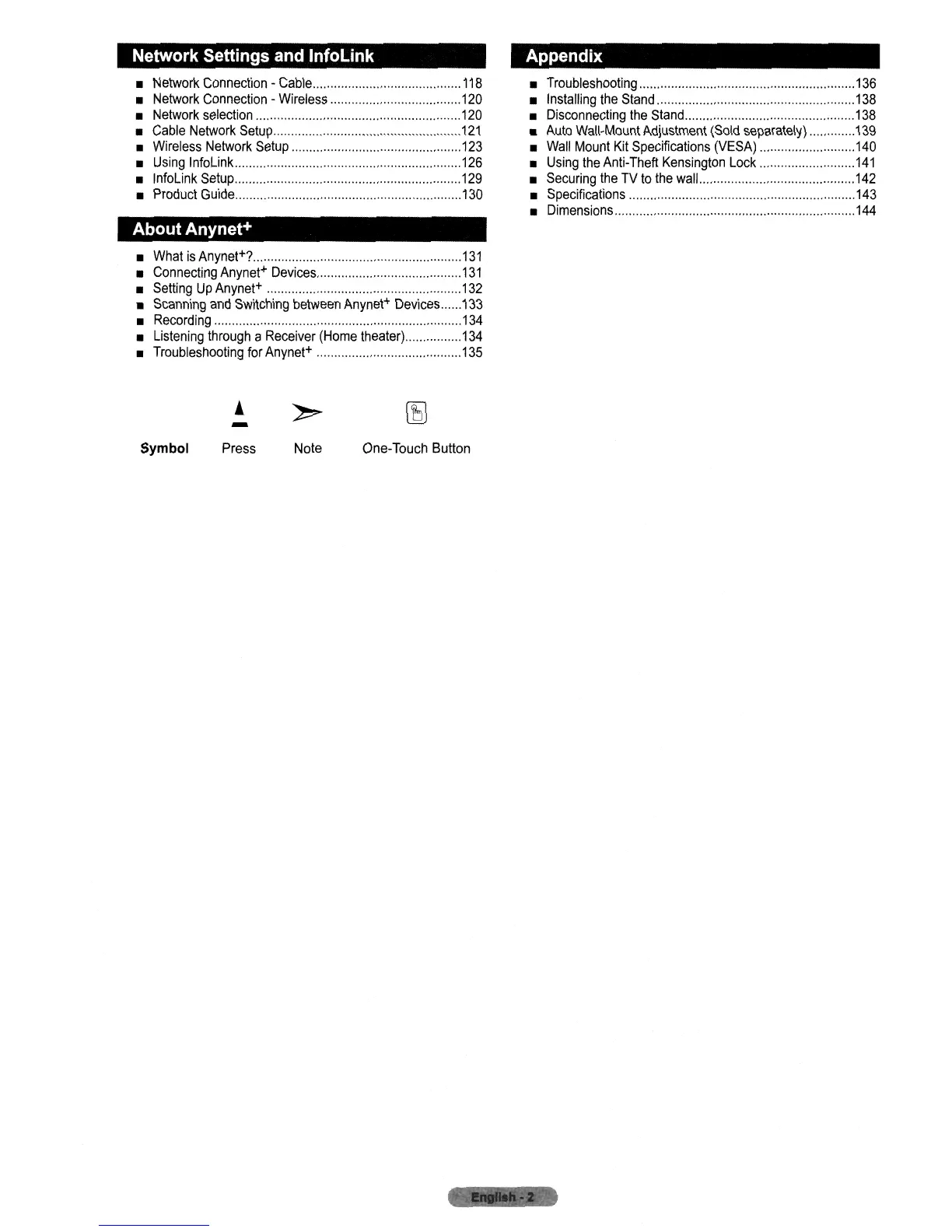
Network Settings
and
InfoLink
Network
Connection
-
Cable
118
Network
Connection
-
Wireless
120
Network
selection
120
Cable
Network
Setup
121
Wireless
Network
Setup
123
Using
InfoLink
126
InfoLink
Setup
129
Product
Guide
130
About
Anynet+
What
is
Anynet+?
131
Connecting
Anynet+
Devices
131
Setting
Up
Anynet+
132
Scanning
and
Switching
between
Anynet+
Devices
133
Recording
134
Listening
through
a
Receiver
(Home
theater)
134
Troubleshooting
for
Anynet+
135
-
Appendix
Troubleshooting
,.,
, , ,
136
Installing
the
Stand
138
Disconnecting
the
Stand
138
Auto
Wall-Mount
Adjustment
(Sold
separately)
139
Wall
Mount
Kit
Specifications
(VESA)
140
Using
the
Anti-Theft
Kensington
Lock
141
Securing
the
TV
to
the
wall
142
Specifications
143
Dimensions
,
144
Symbol
Press
Note
One-Touch
Button

Table of Contents

Related product manuals