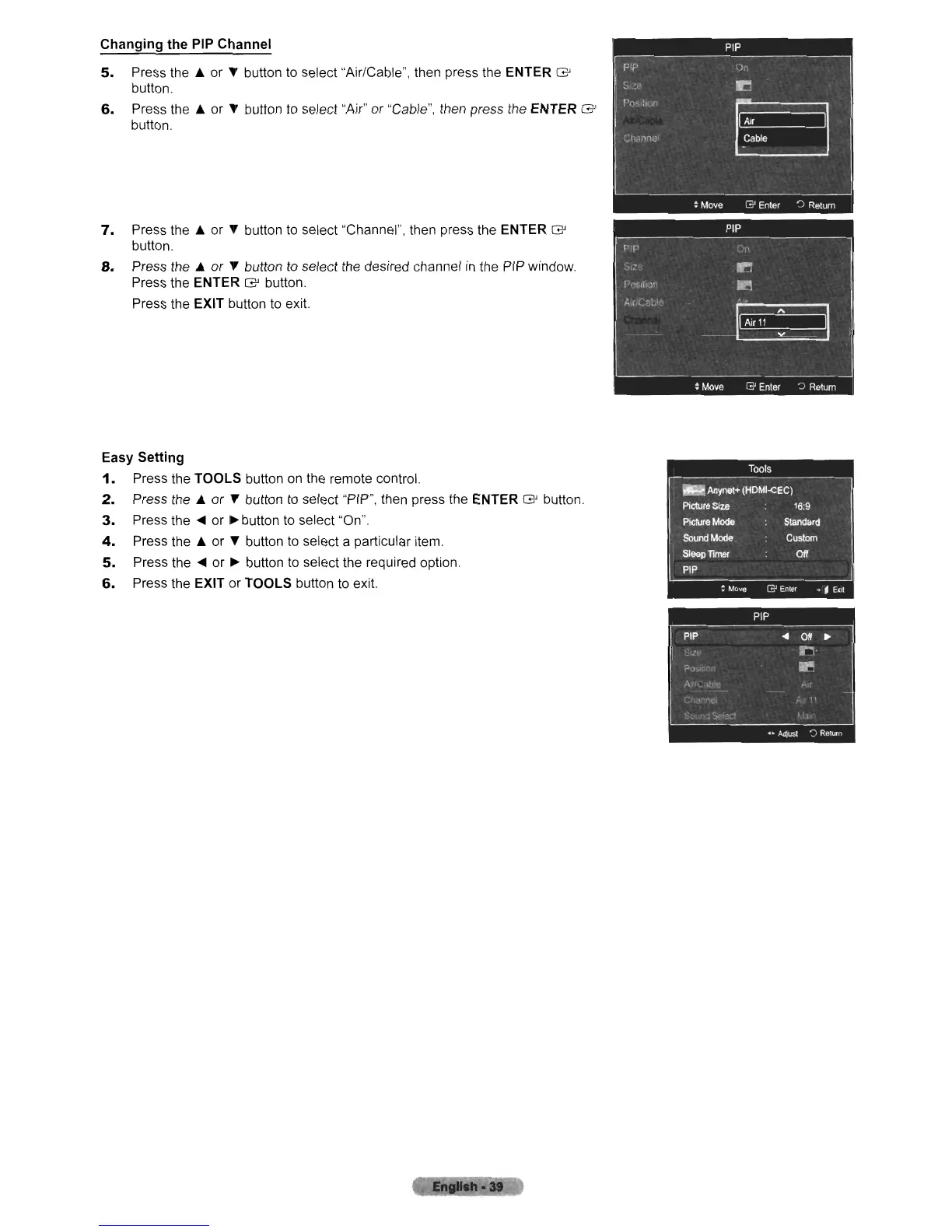
Changing the PIP Channel
5.
Press the
A.
or " button to select "Air/Cable", then press the ENTER
G'
button.
6.
Press the
A.
or " button to select "Air" or "Cable", then press the ENTER
G'
button.
7.
Press the
A.
or
~
button to select "Channel", then press the ENTER
G'
button.
8.
Press the
A.
or " button to select the desired channel
in
the
PIP
window.
Press the
ENTER
G'
button.
Press the
EXIT button to exit.
Easy Setting
1.
Press the TOOLS button
on
the remote control.
2.
Press the
A.
or"
button to select "PIP", then press the ENTER
G'
button.
3.
Press the
....
or
~
button to select "On"
4.
Press the
A.
or " button to select a particular item.
5.
Press the
....
or
~
button to select the required option.
6.
Press the EXIT
or
TOOLS button
to
exit.
·at












 To Next Page