Chapter 5: Display Panel Messages
Display Panel Messages
Operator’s Guide 81
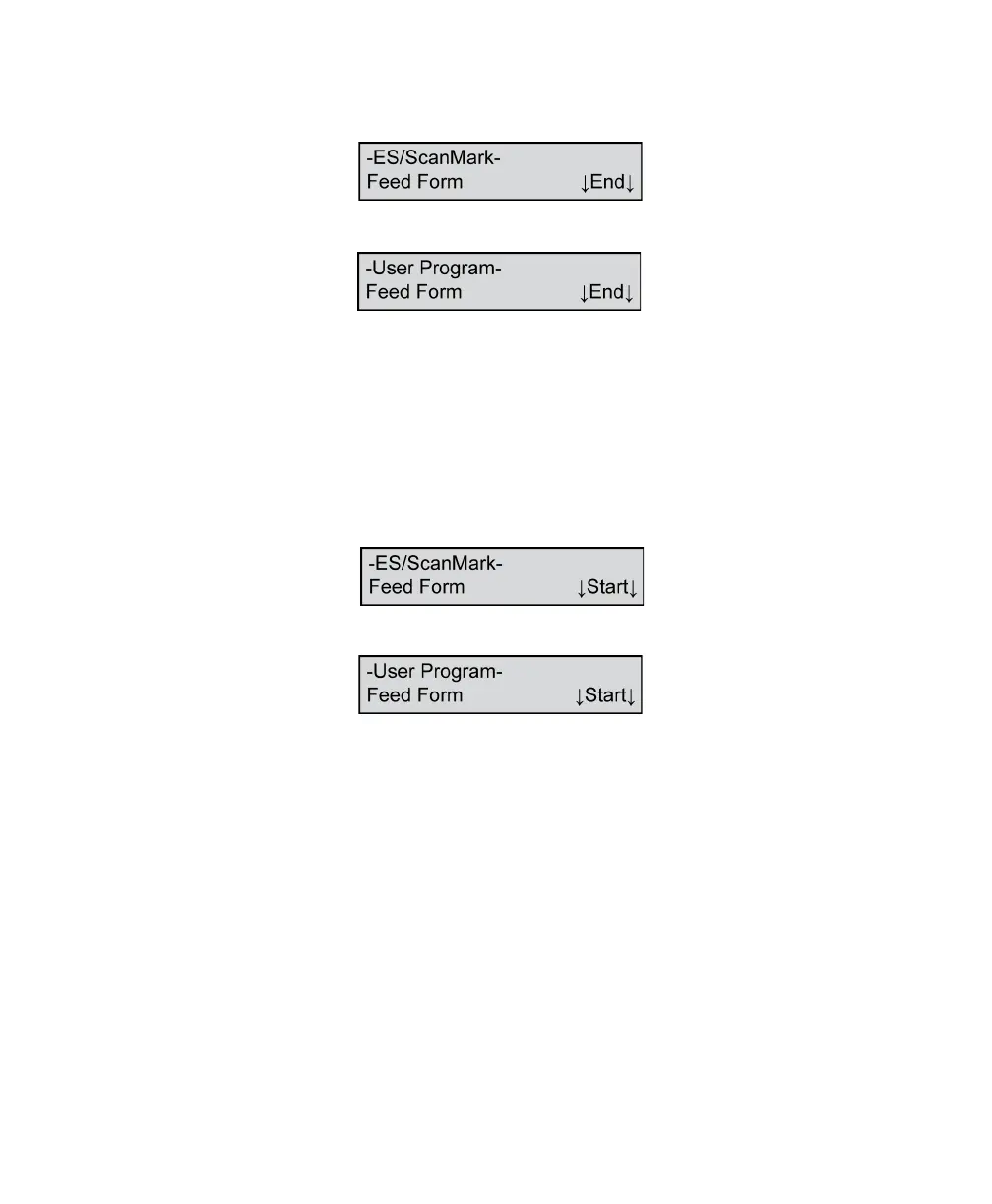
Feed Form/End
or
This message appears after the scanner received a
valid READ command from the computer. It indicates
that the scanner is ready to read a form and that the
input tray is empty.
Press End to end the scanning job.
Feed Form/Start
or
This message appears after the scanner received a
valid READ command from the computer. It indicates
that the scanner is ready to read a form and that the
input tray has forms in it.
Press Start to continue scanning.



 To Next Page