Chapter 6: Using the Background Menu
Diagnostics Menu
130 Scantron OpScan 4ES and iNSIGHT 4ES Scanners
Press Next to exit the test and to advance to the next
menu item.
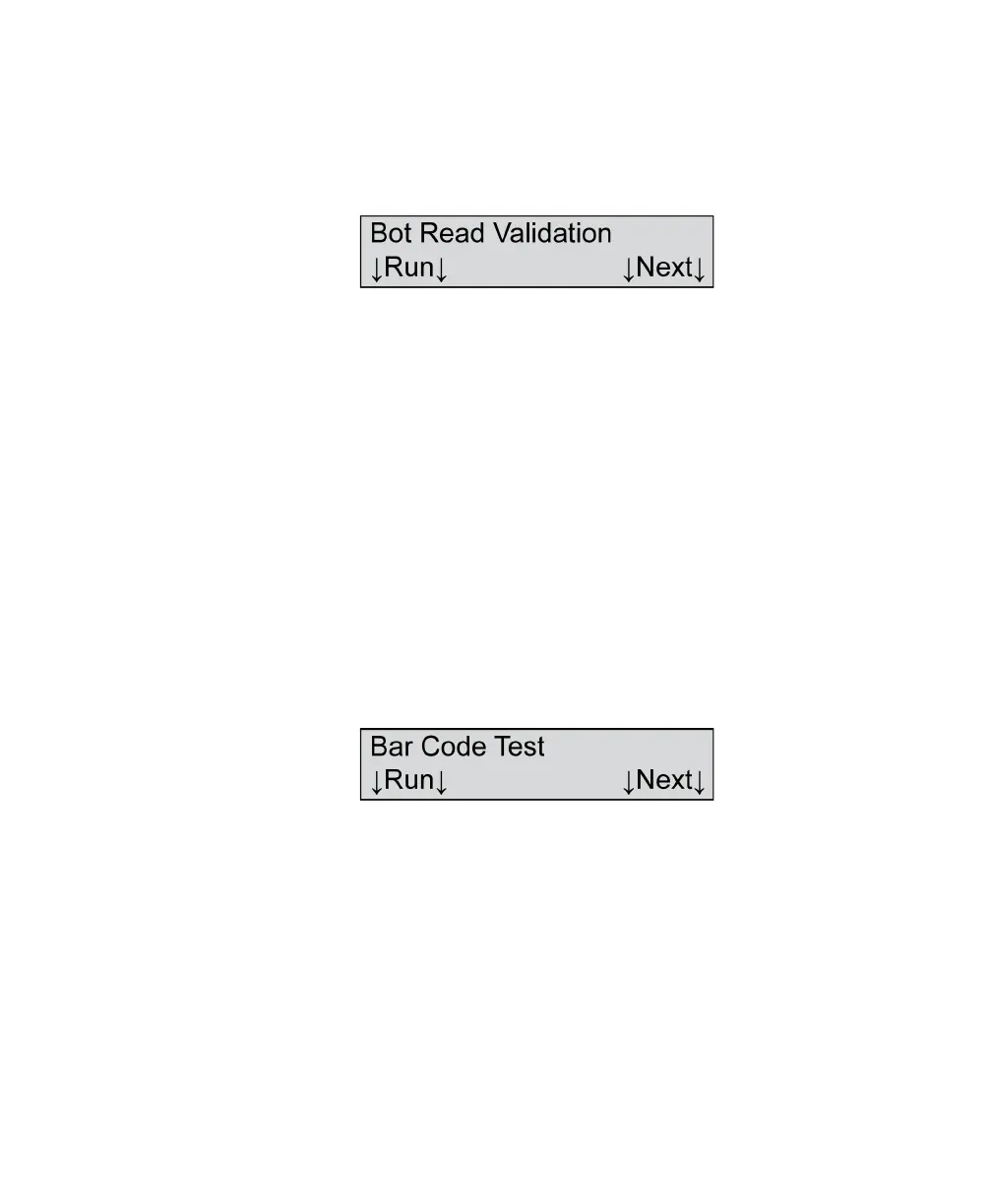
Bot Read Validation
NOTE: This menu item displays only if your scanner is
equipped with a bottom read head.
Shown For All models, all modes (if equipped with a bottom read
head)
Description This menu item allows you to validate the calibration
and operation of the bottom read head.
Refer to the instructions for Top Read Validation above
with the following exception:
Place the Calibration Sheets in the input tray so that
the words “Scantron Reflective” are face down and
enter the scanner last.
Bar Code Test
NOTE: This menu item displays only if the bar code
reader option is installed.
Shown For All models, all modes (if bar code reader is installed)
Description This menu item allows you to run the bar code test.
Press Next if you want to skip this function and
advance to the next menu item.



 To Next Page