Chapter 6: Using the Background Menu
Utilities Menu
116 Scantron OpScan 4ES and iNSIGHT 4ES Scanners
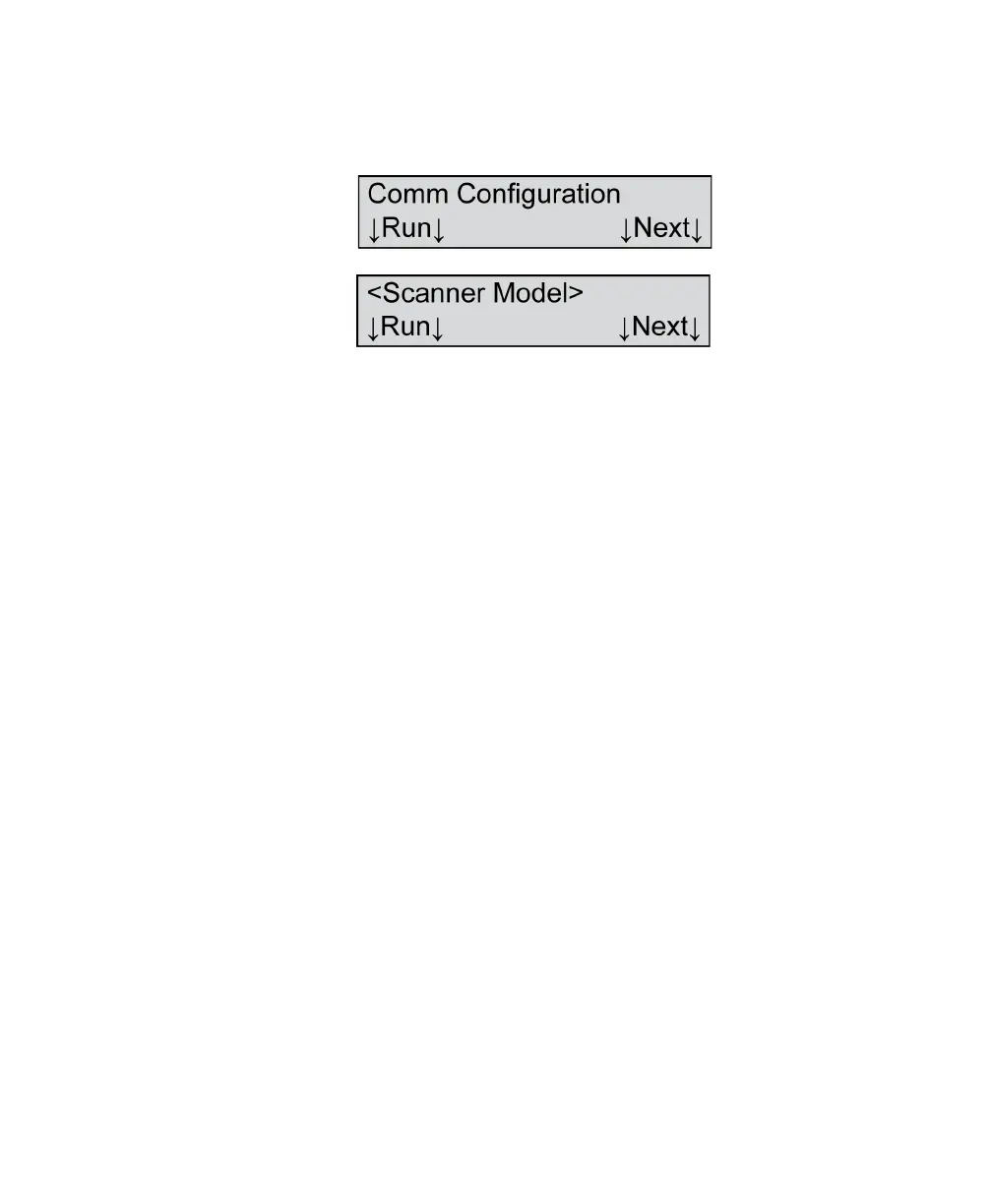
Comm Configuration (When Not in ES/
ScanMark Mode)
Variables Where <Scanner Model>=
•OpScan 4ES
• iNSIGHT 4ES
Shown For All models, all modes except ES/ScanMark
NOTE: The Comm Configuration menu item is not
displayed if the scanner is displaying the
“Recalibrate... See Manual” message.
Description This menu item allows you to display and configure the
communications parameters.
Press Next to skip this function and to advance to the
next menu item.
The following describes how to configure the
communications parameters.
Press Run to enter a submenu that allows you to
display communications parameters, set the
communications parameters to the factory default as
well as to set a custom configuration. The following
menu items appear.



 To Next Page