Chapter 2: Setting Up Your Scanner
Turning the Scanner On
Operator’s Guide 29
Turning the Scanner On
CAUTION: Do not turn on the scanner before installing
the drivers and scanner utilities software. Doing so
may result in incorrect drivers being loaded. (This
statement does not apply if you are using the
scanner in SelfScore mode without a computer.)
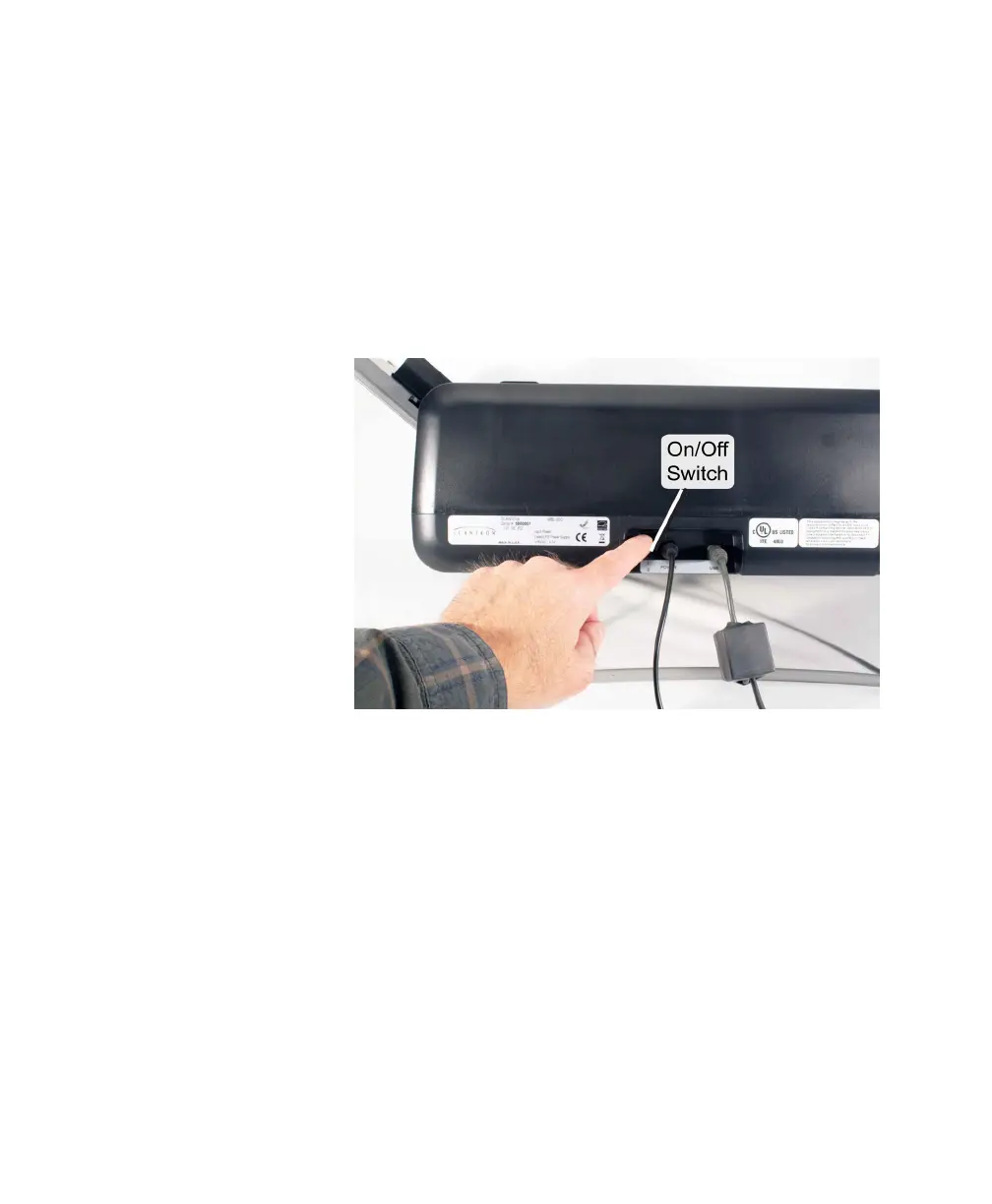
1. Press the switch on the back of the scanner to turn
the scanner on (l) or off (0).
2. After you turn on the scanner, wait for it to
complete the self-test. The message “Initializing...”
will appear on the display panel. After a few
seconds, another message will appear indicating
what action needs to be taken next.



 To Next Page