Chapter : Transport Printer
Installing or Replacing Ink Cartridges
172
Scantron OpScan 4ES and iNSIGHT 4ES Scanners
Installing or Replacing Ink Cartridges
NOTE: The scanner does not come with the ink
cartridge(s) installed.
To install or replace an ink cartridge, follow these
steps:
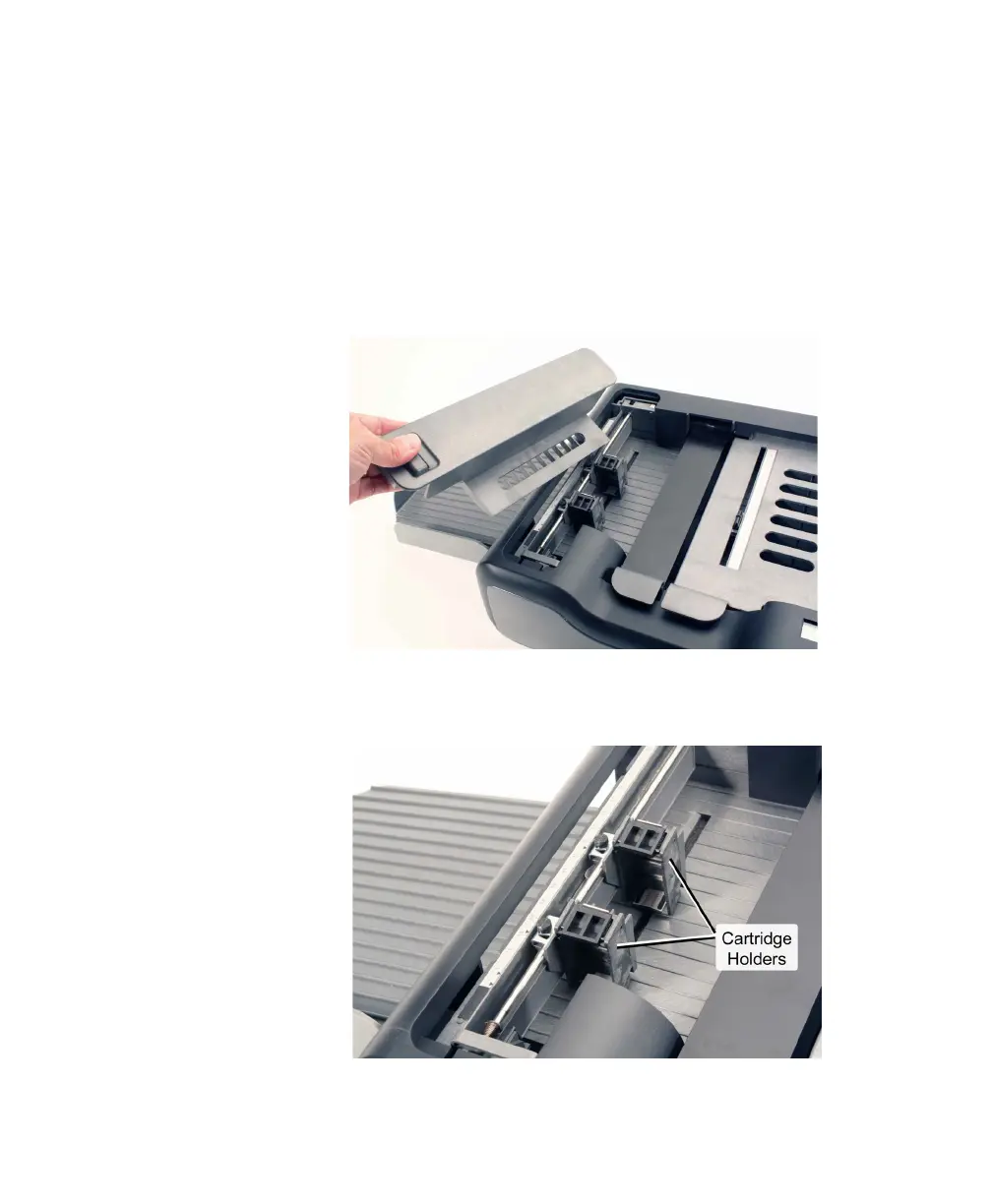
1. Unlatch the printer cover and remove it.
2. If replacing a used cartridge, remove it by holding
the printer cartridge tab and pivoting the used
cartridge out of the cartridge holder.
3. Prepare the new cartridge.



 To Next Page