Chapter 6: Using the Background Menu
Diagnostics Menu
128 Scantron OpScan 4ES and iNSIGHT 4ES Scanners
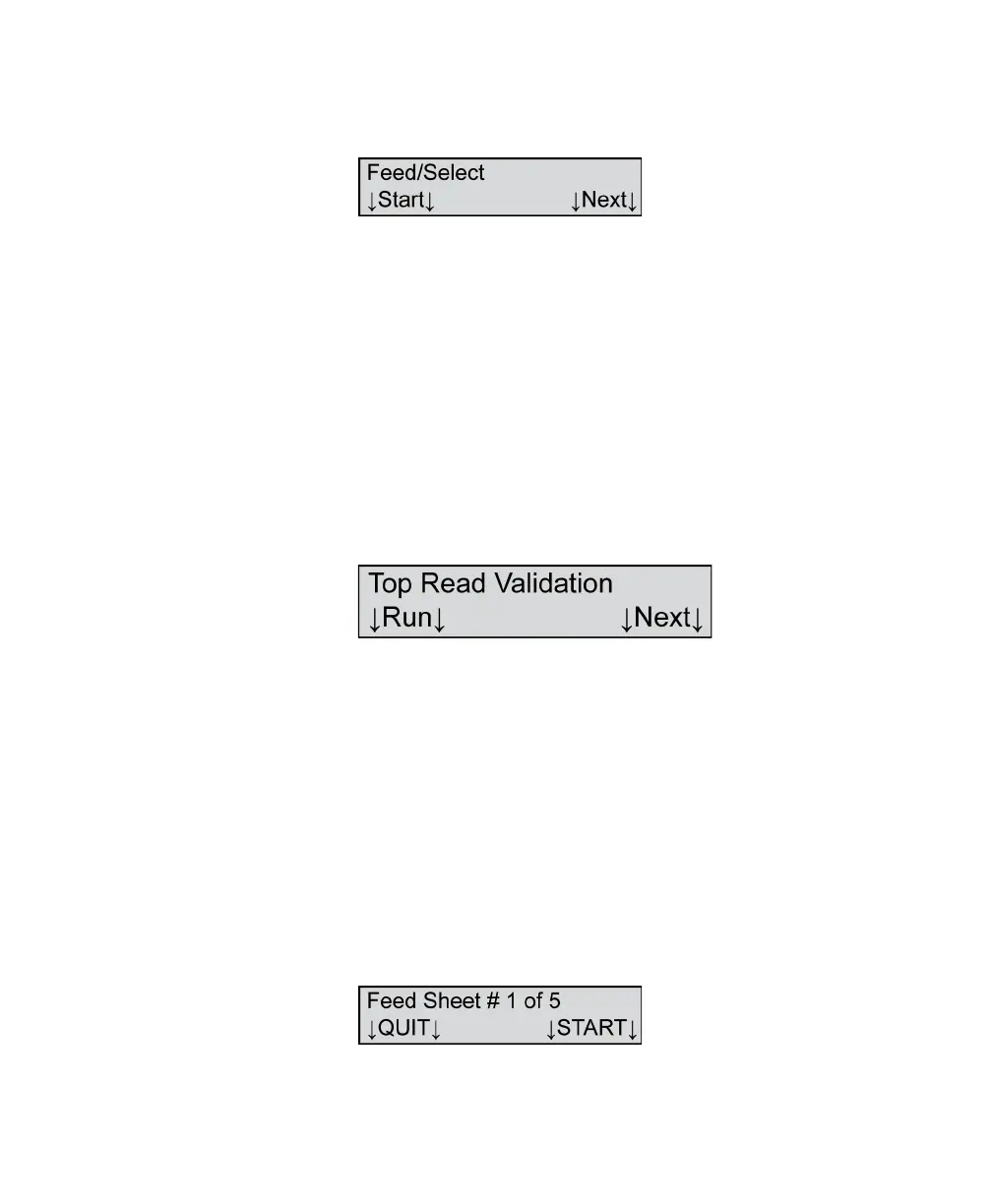
Press Run to proceed with the test. The following
menu item appears.
Load a stack of forms into the input tray of the
scanner. (The forms will be reusable upon completion
of the test.)
Press Start to feed sheets. The Select Stacker passes
the test if sheets are placed alternately into the top
and bottom trays of the Select Stacker.
Press Next if you wish to abort the test or if you have
completed the test. You will be advanced to the next
menu item.
Top Read Validation
Shown For All models, all modes
Description This menu item allows you to validate the calibration
and operation of the top read head.
NOTE: This test requires Scantron Reflective
Calibration sheets (part number 202-171-989).
Press Next to skip this test and to advance to the next
menu item.
Press Run to proceed with the test. The following
menu item appears.



 To Next Page