Chapter 1: Scanner Basics
Scanner Components
Operator’s Guide 5
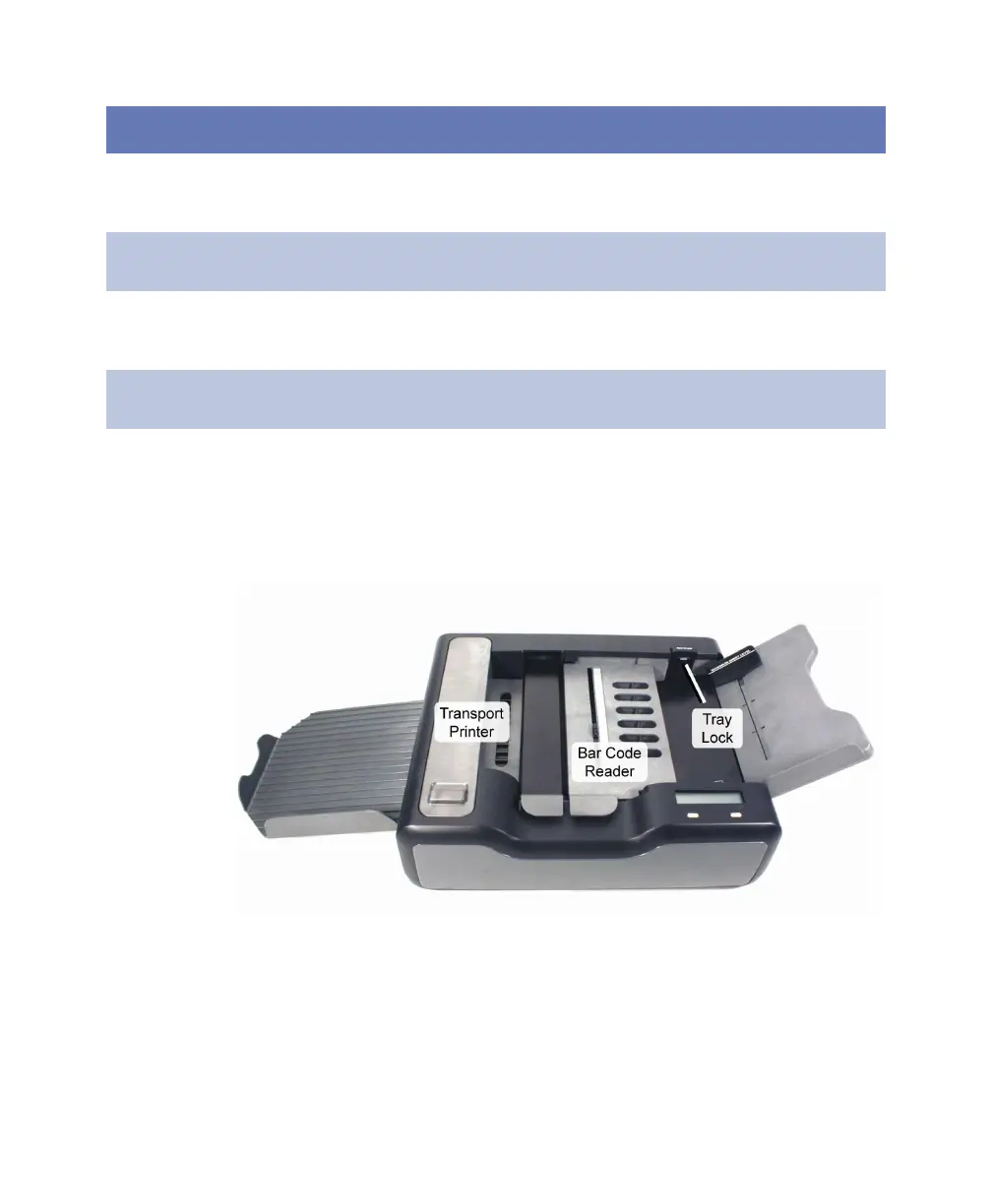
Front and Top View
Quick Tips slot Provides a location on the scanner for the Quick Tips
guides. The slot is located on the back of the upper input
tray.
Select Stacker
port
Provides a connection point for the data cable going to the
optional Select Stacker.
Tray release Releases (when pressed) the input tray for removal from
the scanner. Located on the back of the upper input tray
under the Quick Tips slot.
USB port Provides a connection point for the USB cable coming from
the computer.
Component Function



 To Next Page