Chapter : Select Stacker
Setting Up the Select Stacker
208
Scantron OpScan 4ES and iNSIGHT 4ES Scanners
Setting Up the Select Stacker
NOTE: This installation procedure assumes that the
scanner has already been set up and is fully
operational.
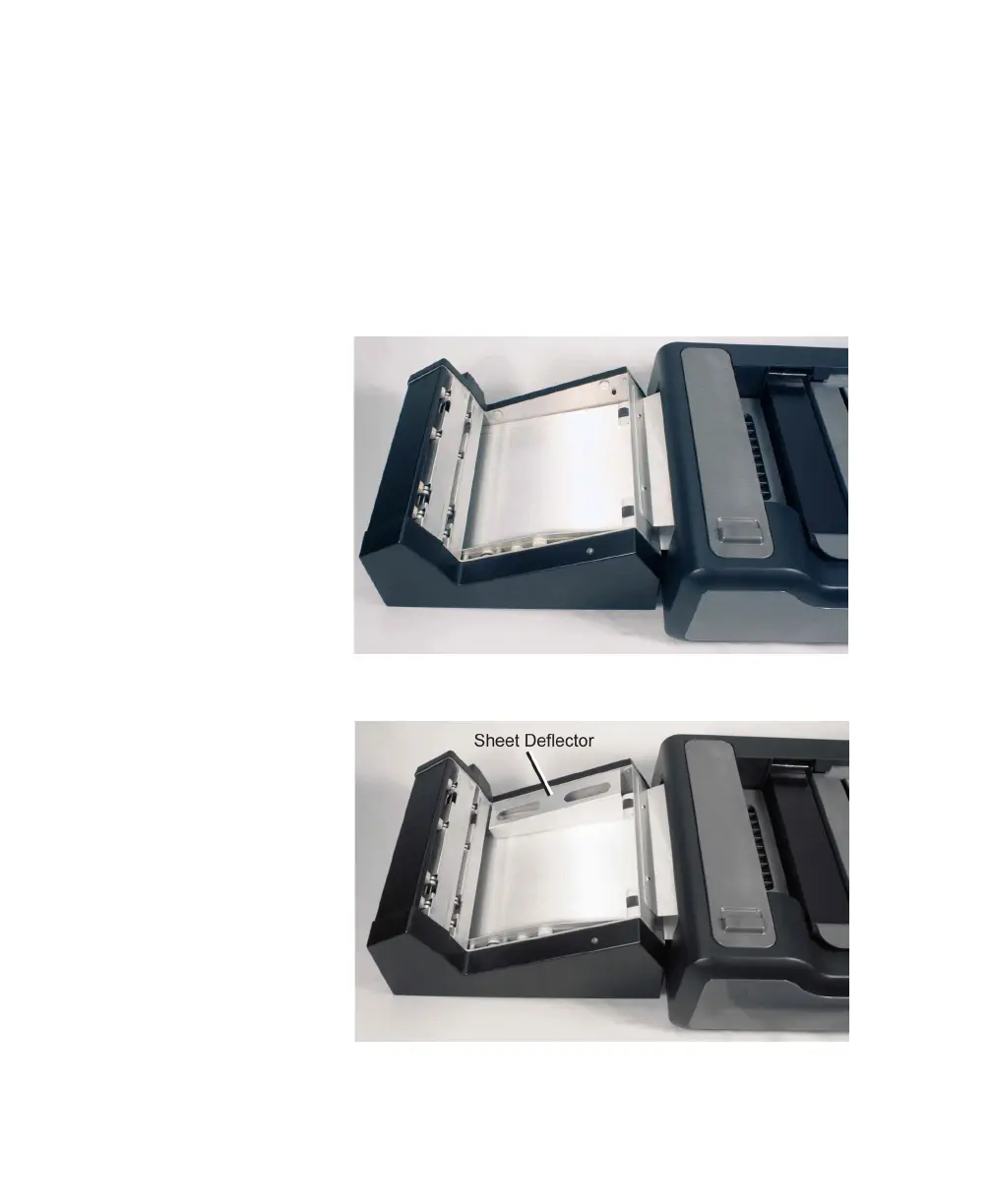
1. Mount the Select Stacker to the scanner by placing
the two mounting tabs securely into the holes on
the scanner.
2. Install the sheet deflector as shown.



 To Next Page