Chapter 6: Using the Background Menu
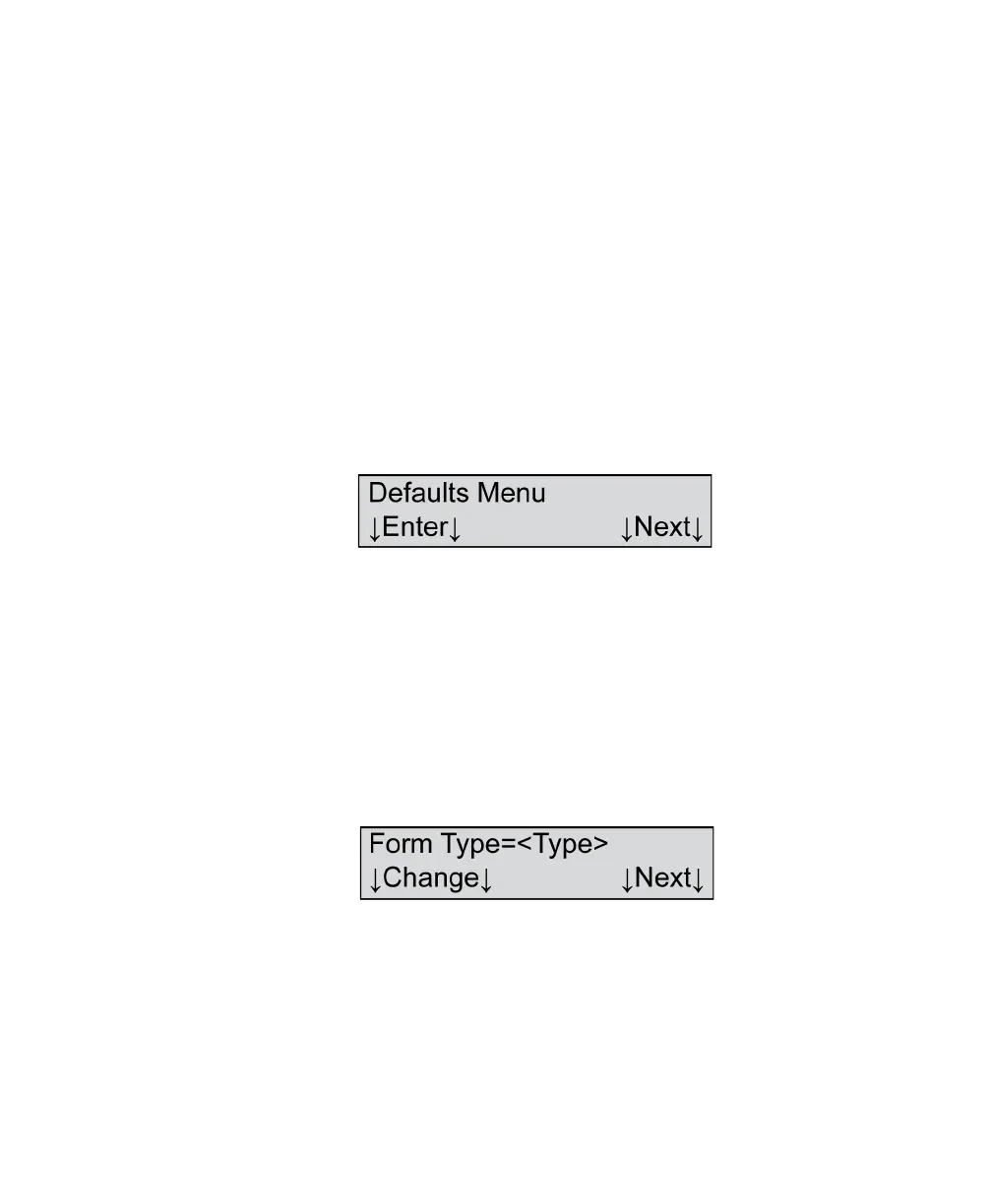
Defaults Menu
108 Scantron OpScan 4ES and iNSIGHT 4ES Scanners
Defaults Menu
The Defaults menu is the first of three submenus
within the background menu system. Using the
Defaults menu, (depending on scanner model and
mode) you can set form type, double sheet detection,
printer status, reverse printing, display of comm
status, and power saver parameters. See below for a
full description of each menu item.
NOTE: See “Background Menu Flowchart” on
page 104 for a flowchart of the entire background
menu.
Defaults Menu
Shown For All models, all modes
Description This menu item allows you to enter the Defaults menu.
Press Enter to enter the Defaults menu.
Press Next to advance to the Utilities menu (See
“Utilities Menu” on page 113.)
Form Type
Variables Where <Type>=
•Pencil
•Ink
Shown For iNSIGHT 4ES and iNSIGHT 4ES with Selfscore
scanners, all modes


 To Next Page