Chapter 7: ES/ScanMark Emulation
Detecting Double Sheets
140 Scantron OpScan 4ES and iNSIGHT 4ES Scanners
Detecting Double Sheets
Use the double-sheet detection option to have the
scanner detect when more than one form enters the
scanner. If you turn double sheet detection on and the
scanner detects multiple forms entering the scanner,
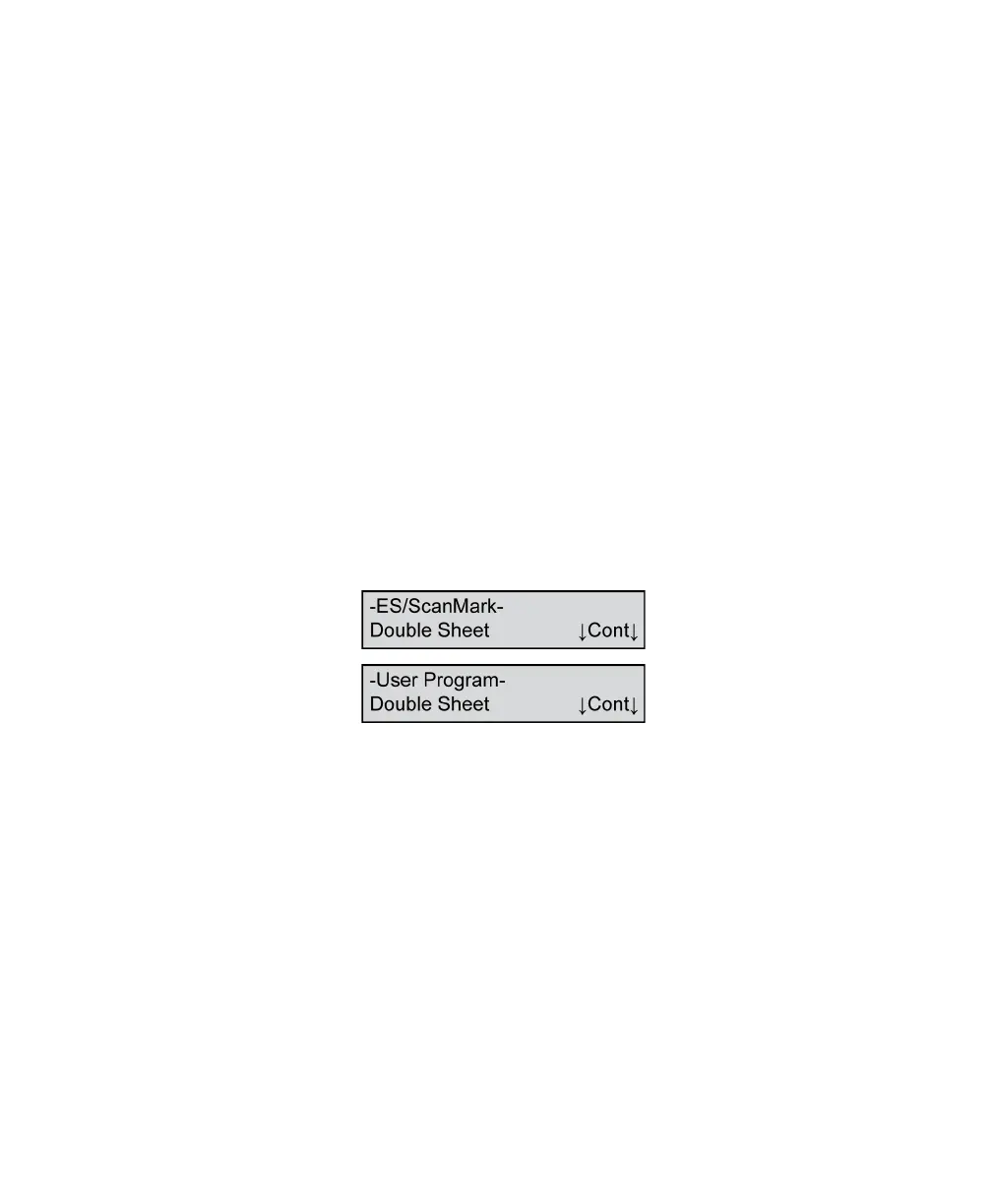
Double Sheet appears on the display panel and the
scanning session pauses. You then must clear the
paper path to resume scanning.
For information on how to turn on double-sheet
detection, see Chapter 6, “Using the Background
Menu” for information on how to enter the background
menu, and then see “Double Sheet” on page 109 for
information on how to turn on double-sheet detection.
To clear a double-sheet error condition
1. If the scanner detects multiple forms entering the
scanner, the display panel displays one of the fol-
lowing messages.
2. Clear the paper path, being sure to get all the
pieces if the form has torn.
3. Return any unscanned sheets to the input tray.
Press Cont to continue.



 To Next Page