Chapter 5: Display Panel Messages
Display Panel Messages
Operator’s Guide 79
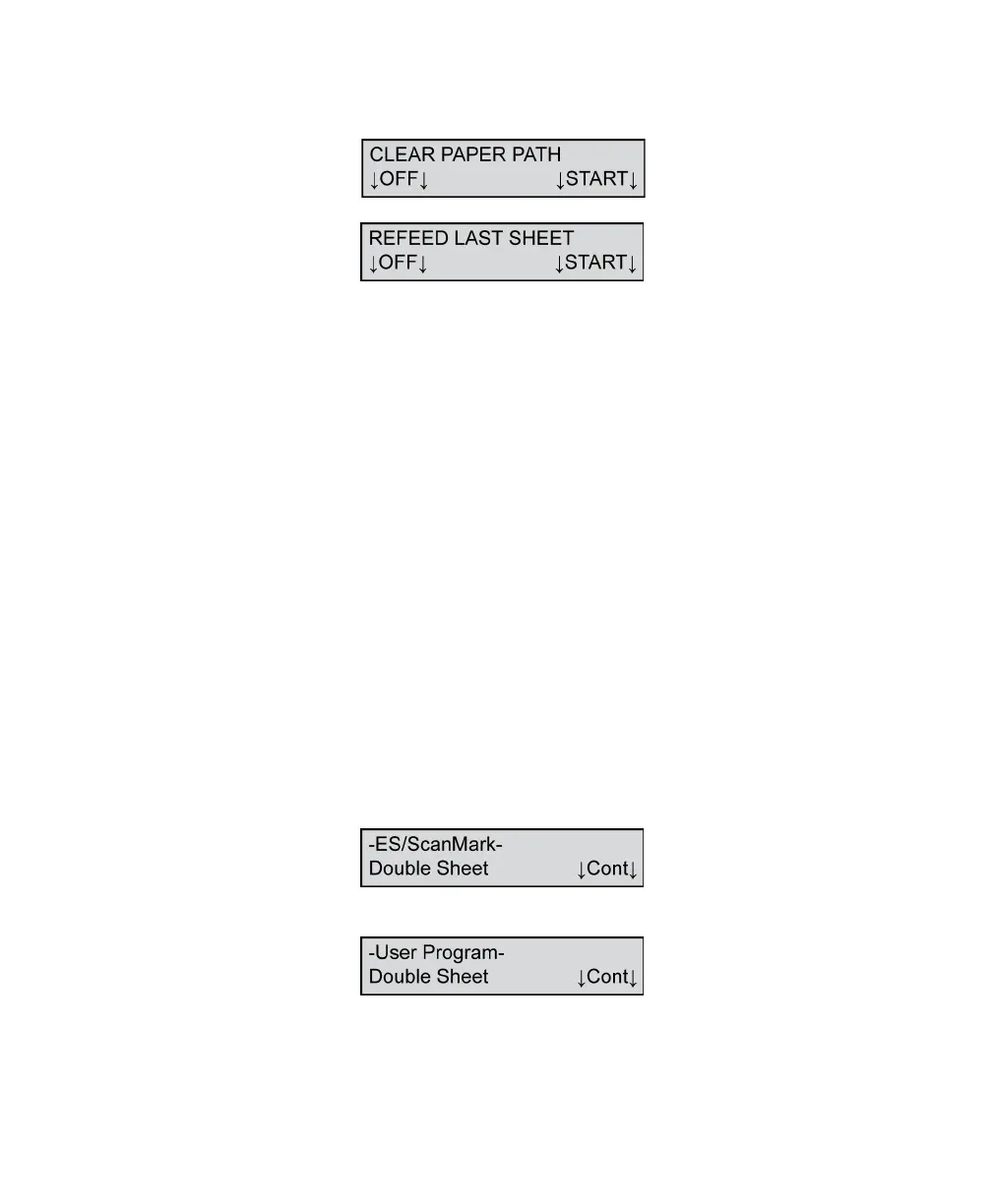
Clear Paper Path/Refeed Last Sheet
This message appears when a sheet remains under the
read head or in another area of the transport bed too
long, resulting in a jam.
To resolve this condition:
1. Clear all sheets from the transport bed.
CAUTION: When removing a sheet from the
transport bed, remove it by pulling it forward
or backward along the paper path. Do not pull
the sheet out sideways (i.e. away from the
guide rail) because you may damage the roll-
ers.
2. Place the sheets not scanned successfully back in
the input tray.
Press START to resume scanning.
Press OFF to put the scanner into sleep mode.
Double Sheet
or
This message indicates that the scanner detected
more than one form entering the paper path. This
error message can appear when the scanner detects a



 To Next Page