Chapter 5: Display Panel Messages
Display Panel Messages
Operator’s Guide 83
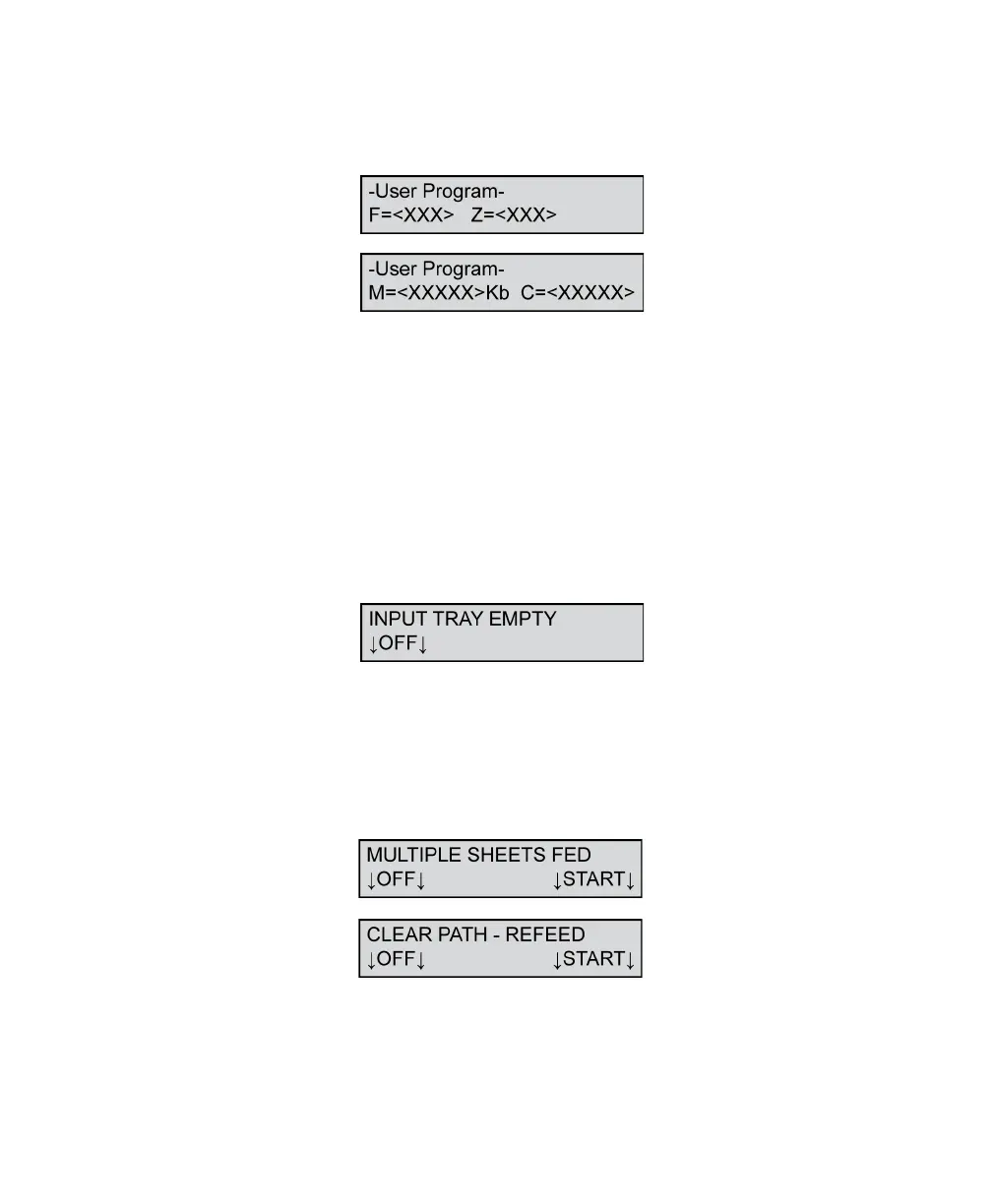
F=<XXX> Z=<XXX> M=<XXXXX>Kb
C=<XXXXX>
This message appears during form definition
download. F is the number of form definitions
uploaded. Z is the number of zones in the last form
definition uploaded. M is the amount of memory
remaining. C is the number of characters returned
from a downloaded form definition.
This message is information only and requires no
action.
Input Tray Empty
This message means that the input tray is empty. Load
forms in the input tray to advance to the next state.
Press OFF to put the scanner into sleep mode.
Multiple Sheets Fed/Clear Path - Refeed
This message means that more than one sheet fed
onto the transport bed. The scanner detects this by
measuring the thickness of the combined sheets. The



 To Next Page