Chapter 5: Display Panel Messages
Display Panel Messages
Operator’s Guide 93
NOTE: To clear a jam, remove the sheet(s) from the
transport bed. You may need to turn the roller
knob to eject the sheet.
To resolve this condition:
1. Clear all sheets from the scanner and Select
Stacker transport bed.
2. Check cable connections.
3. Check for obstructions in the paper path.
4. Place any sheet(s) not processed by the host
software back in the input tray.
Press START to continue scanning after taking
corrective action.
Press OFF to put the scanner in sleep mode.
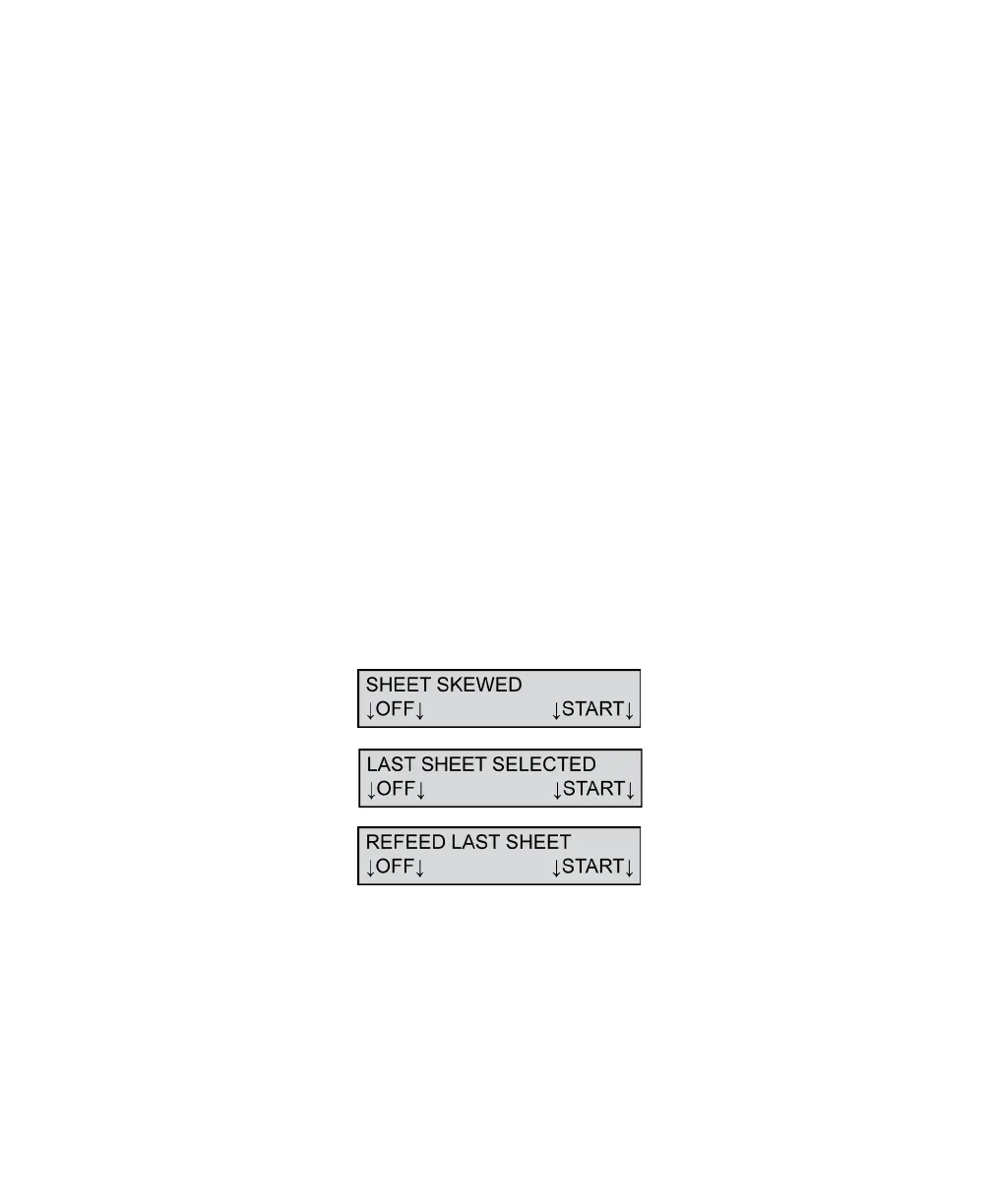
Sheet Skewed/Last Sheet Selected/Refeed
Last Sheet
This message appears when a sheet feeds onto the
transport bed at an angle or when a sheet has a torn
or bent edge. When this error is detected, the sheet is
stopped on the transport bed.
NOTE: The “LAST SHEET SELECTED” message
appears only if a Select Stacker is attached.



 To Next Page