Chapter 5: Display Panel Messages
Display Panel Messages
76 Scantron OpScan 4ES and iNSIGHT 4ES Scanners
Display Panel Messages
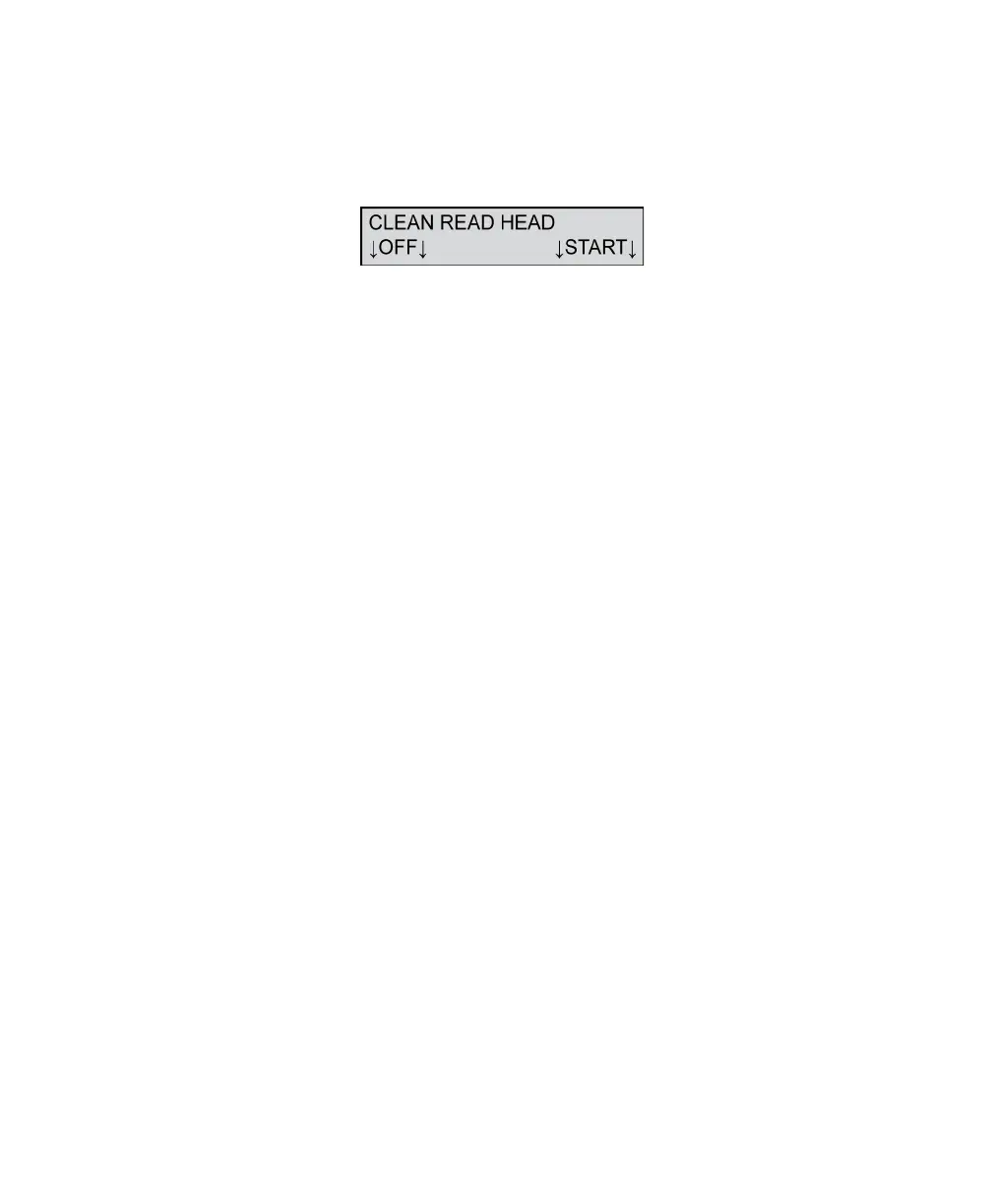
Clean Read Head
This message appears when the image quality check,
done before each sheet is scanned, fails. When this
happens, the sheet does not feed onto the transport
bed.
To resolve this condition:
1. Clean the entire top and bottom read head area.
Refer to Chapter 8, “Cleaning the Scanner” for
information on the recommended cleaning proce-
dure.
NOTE: Single read head scanners do not have a
bottom read head.
2. Make certain the last sheet you tried to scan aligns
with the edge of the input tray closest to the front
of the scanner. Adjust the paper guide if necessary.
Press START to resume scanning.
Press OFF to put the scanner into sleep mode.



 To Next Page