Chapter 5: Display Panel Messages
Display Panel Messages
Operator’s Guide 77
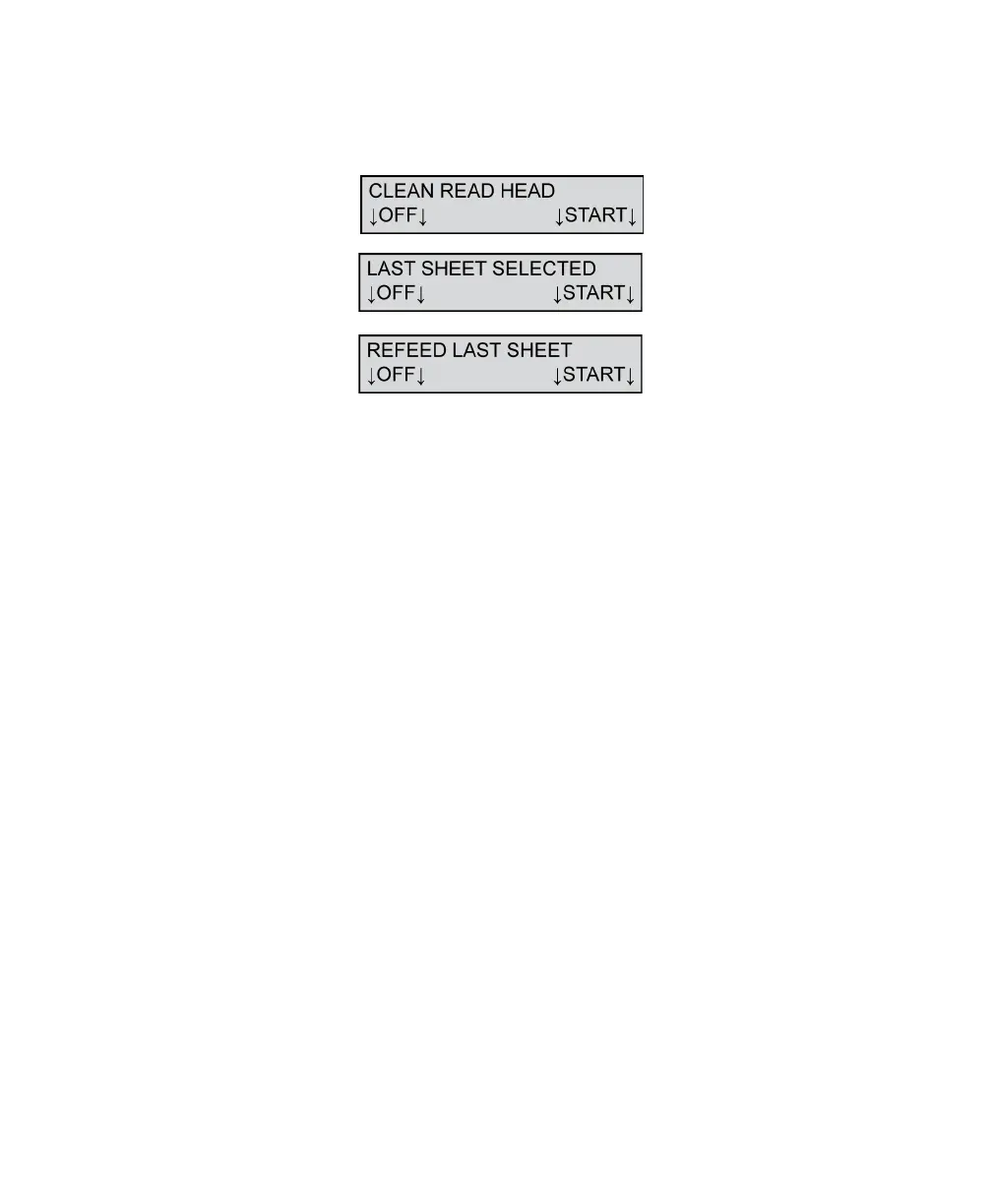
Clean Read Head/Last Sheet Selected/Refeed
Last Sheet
This message appears when the image quality check,
done after the sheet is scanned, fails. This is
sometimes caused by a sheet that jams in the read
head area. It can also be caused by a dirty top or
bottom read head.
NOTE: The “LAST SHEET SELECTED” message
appears only if a Select Stacker is attached.
To resolve this condition:
1. Remove the sheet from the transport bed or the
Select Stacker lower tray.
CAUTION: If the sheet is on the transport bed,
remove it by pulling it forward or backward
along the paper path. Do not pull the sheet out
sideways (i.e. away from the guide rail)
because you may damage the rollers.
2. Clean the entire top and bottom read head area.
Refer to Chapter 8, “Cleaning the Scanner” for
information on the recommended cleaning
procedure.
NOTE: Single read head scanners do not have a
bottom read head.
3. Place the sheet not scanned successfully back in
the input tray.



 To Next Page