Chapter 5: Display Panel Messages
Display Panel Messages
Operator’s Guide 95
1. Verify that the last two sheets in the output tray
(top tray for scanner with a Select Stacker) were
processed correctly.
• The sheet left on the transport bed needs to be
rescanned.
• The last sheet in the output tray (upper tray for
scanners with the Select Stacker) needs to be
checked.
NOTE: If two sheets are stuck together they may
both be in the output tray. If so, they should be
separated and rescanned.
2. If necessary, perform error recovery in your
software application on the host computer.
Press START to resume scanning.
Press OFF to put the scanner into sleep mode.
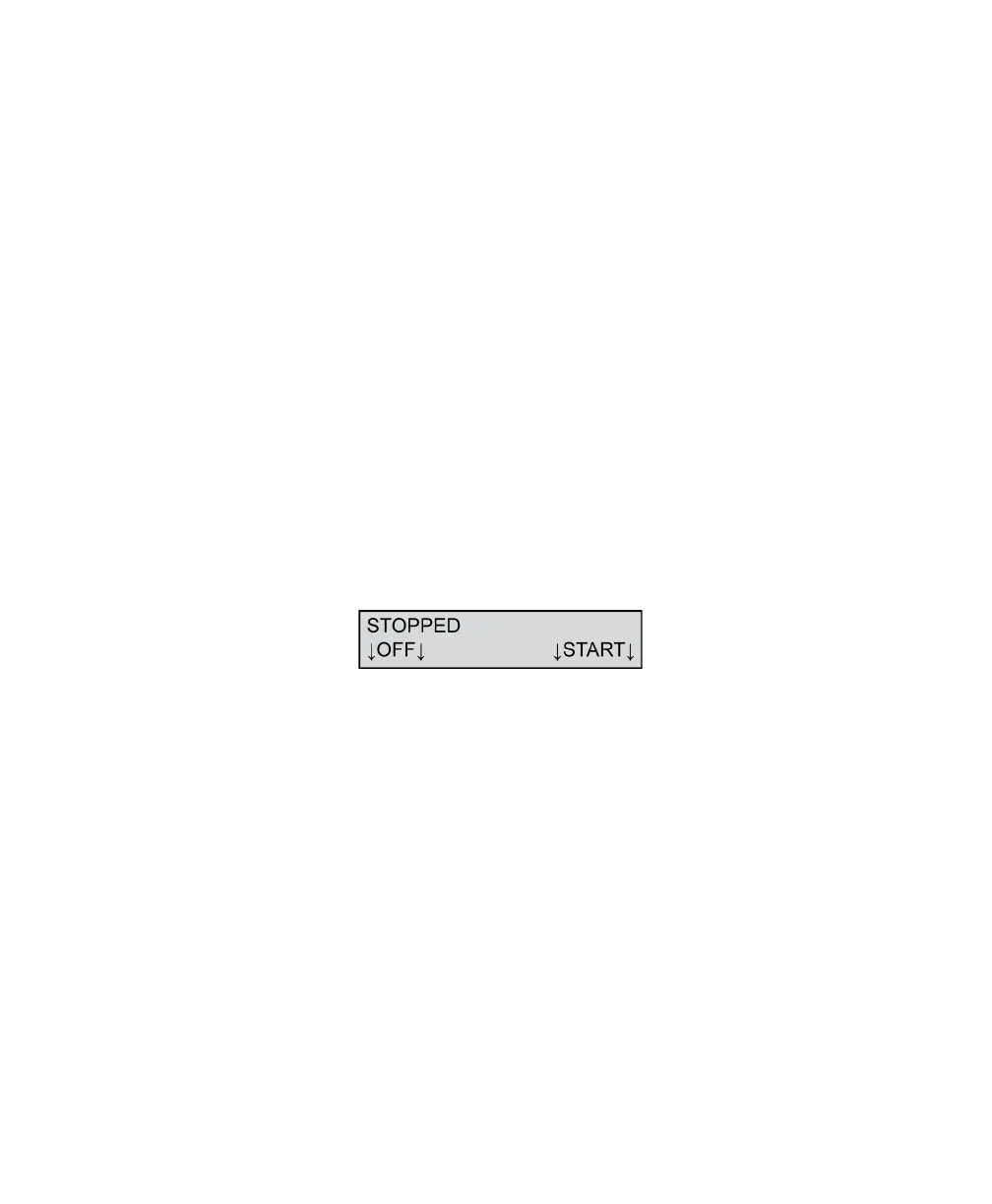
Stopped
This message appears in two situations:
• When you issue instructions from the computer to
the scanner to stop all processing.
• When you press the STOP button.
To resolve this condition, press START or use the
software on the host computer to issue instructions to
resume scanning.
Press OFF to put the scanner into sleep mode.



 To Next Page