Chapter 6: Using the Background Menu
Defaults Menu
Operator’s Guide 109
Description This menu item allows you to select the form type you
want to use: pencil or ink.
NOTE: This setting can also be controlled in the
ScanTools software used on the host computer.
NOTE: Both form types will read forms that have been
pre-slugged on a laser printer.
Press Change to change the form type.
Press Next to advance to the next menu item.
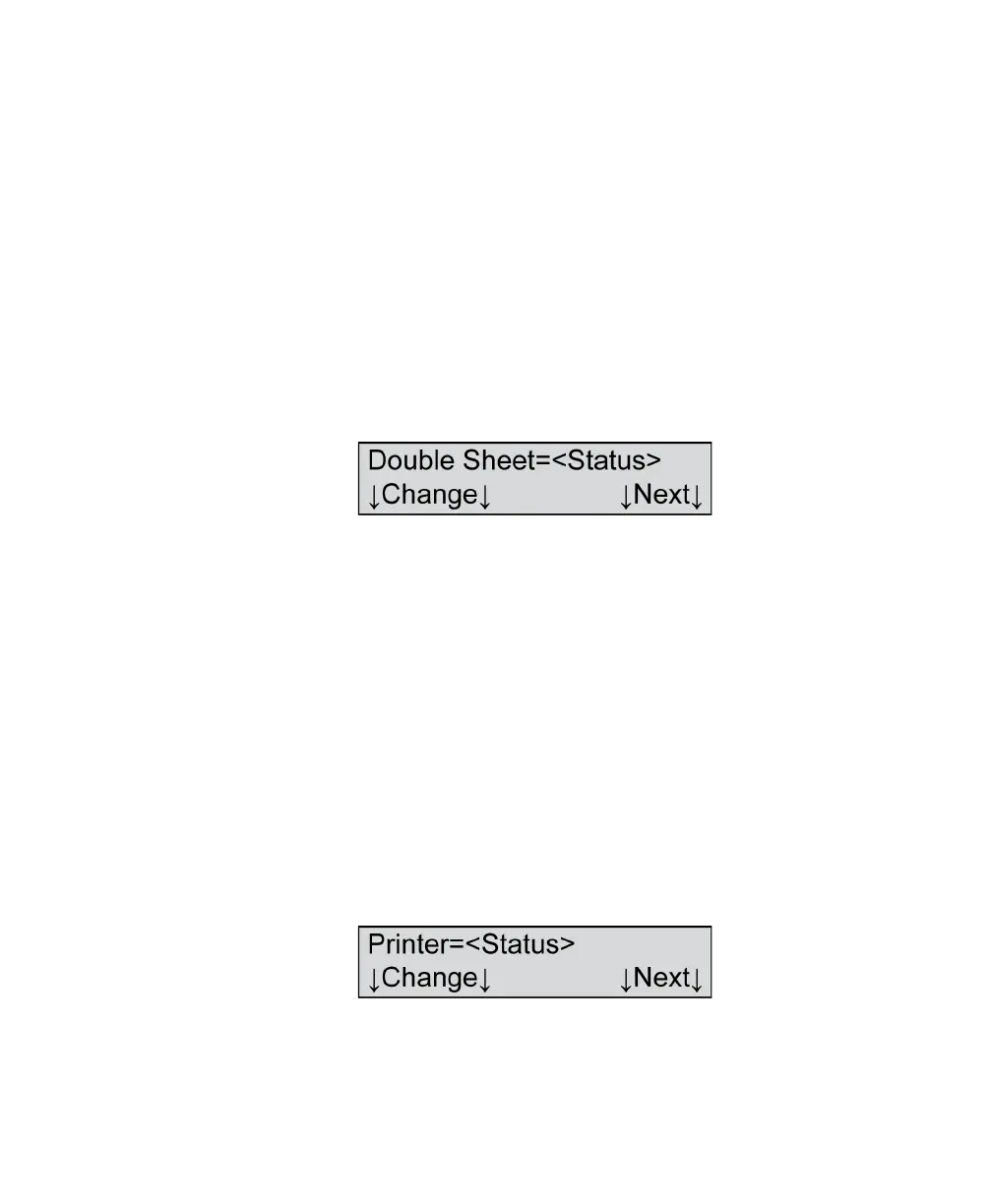
Double Sheet
Variables Where <Status>=
•On
•Off
Shown For All models, ES/ScanMark mode only
Description This menu item allows you to enable (turn on) or
disable (turn off) double sheet detection.
Press Change to change the double sheet detection
status.
Press Next to advance to the next menu item.
Printer
Variables Where <Status>=
•On



 To Next Page