Chapter 6: Using the Background Menu
Utilities Menu
124 Scantron OpScan 4ES and iNSIGHT 4ES Scanners
Press Change to increment the display brightness until
you find the best setting. When the brightness reaches
its minimum, it resets to its maximum.
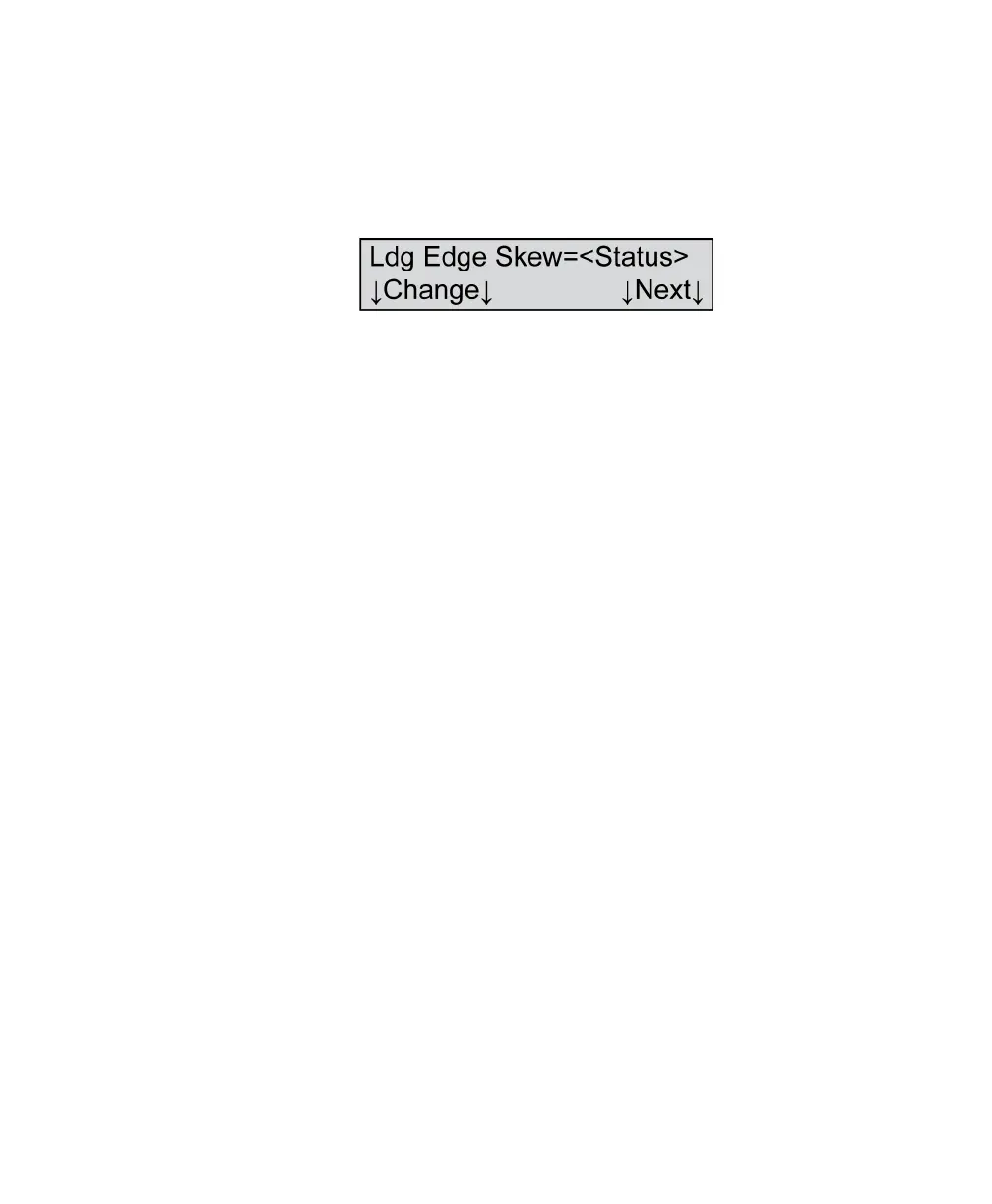
Ldg Edge Skew
Variables Where <Status>=
•On
•Off
Shown For All models, all modes
Description This menu item allows you to turn leading edge skew
detection on or off.
Leading edge skew detection checks to ensure that
the leading edge of the sheet is aligned properly
during scanning. It helps ensure that your data
collection results are accurate.
However, if you are using forms that are not cut
perfectly square, leading edge skew detection can
result in unwanted error messages. If that occurs, this
function allows you to turn leading edge skew
detection off to suppress the errors. However,
Scantron cannot guarantee the accuracy of the data
collected when leading edge skew detection is turned
off.
NOTE: The default setting for leading edge skew
detection is “On.”
Press Next to advance to the next menu item.
Press Change to change the leading edge skew
detection status.



 To Next Page