Chapter 5: Display Panel Messages
Display Panel Messages
88 Scantron OpScan 4ES and iNSIGHT 4ES Scanners
This message appears when in ES/ScanMark mode. It
indicates that the scanner detected a mismatch in the
serial communication parameters used by your
scanning application and those used by the scanner.
To resolve this condition, reconfigure your scanner
with the serial communication parameters used by
your scanning application. See “Comm Config -
Display” on page 120 for details.
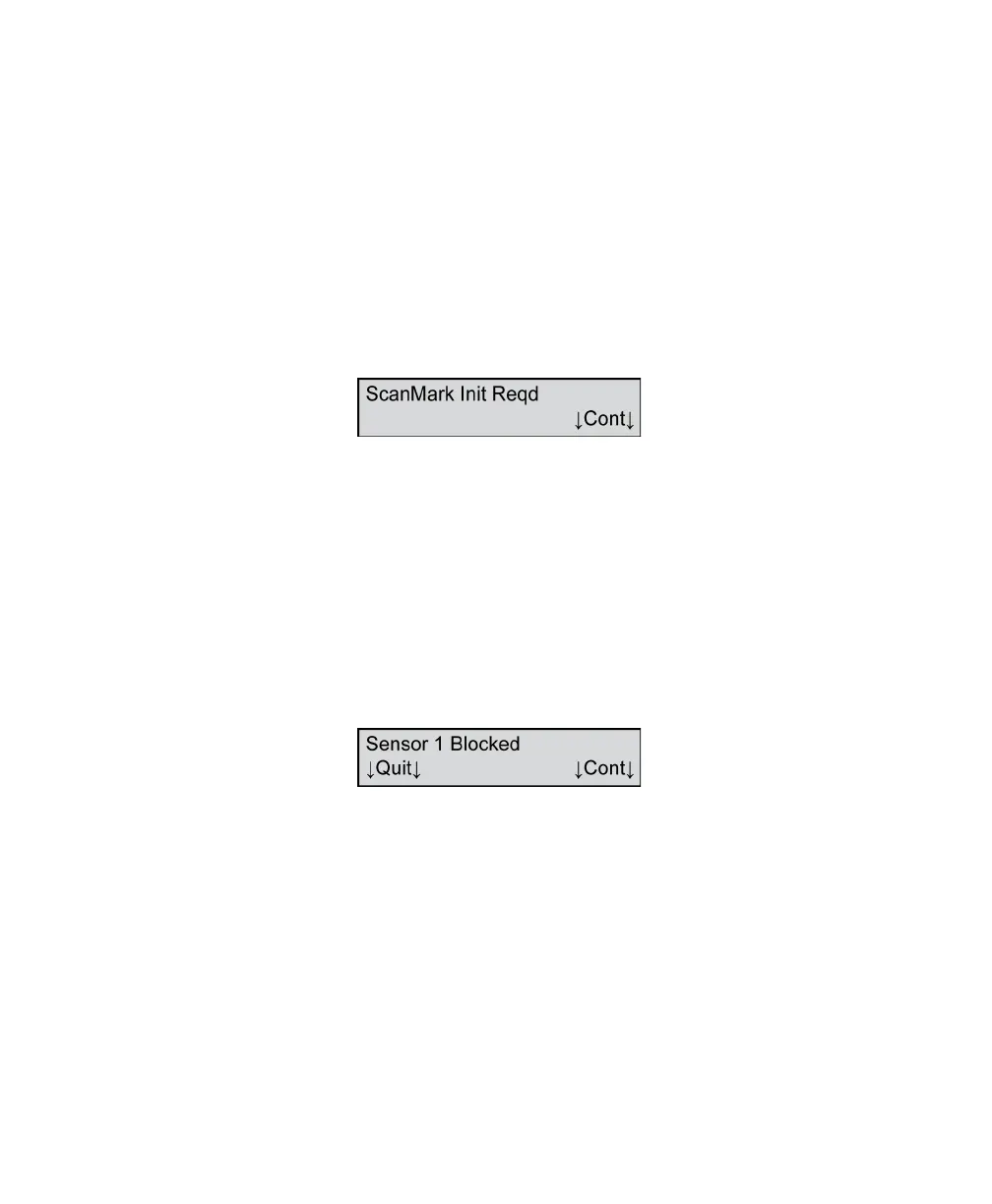
ScanMark Init Reqd
This message indicates that the scanner failed its
internal nonvolatile memory test.
To resolve this condition, press Cont. The scanner will
automatically reinitialize the internal nonvolatile
memory. You should not see the message again.
If you get the message repeatedly, contact Scantron
Customer Support.
Sensor 1 Blocked
This message appears on initialization only. It indicates
that the read head is blocked by paper.
To resolve this condition, verify that there is no paper
blocking the paper path of the scanner. If the error
persists contact Scantron Customer Support.
Press Quit to ignore the error.
Press Cont to retest the read head after clearing the
paper path.



 To Next Page