Chapter 6: Using the Background Menu
Exiting the Background Menu
Operator’s Guide 133
Exiting the Background Menu
Shown For All models, all modes
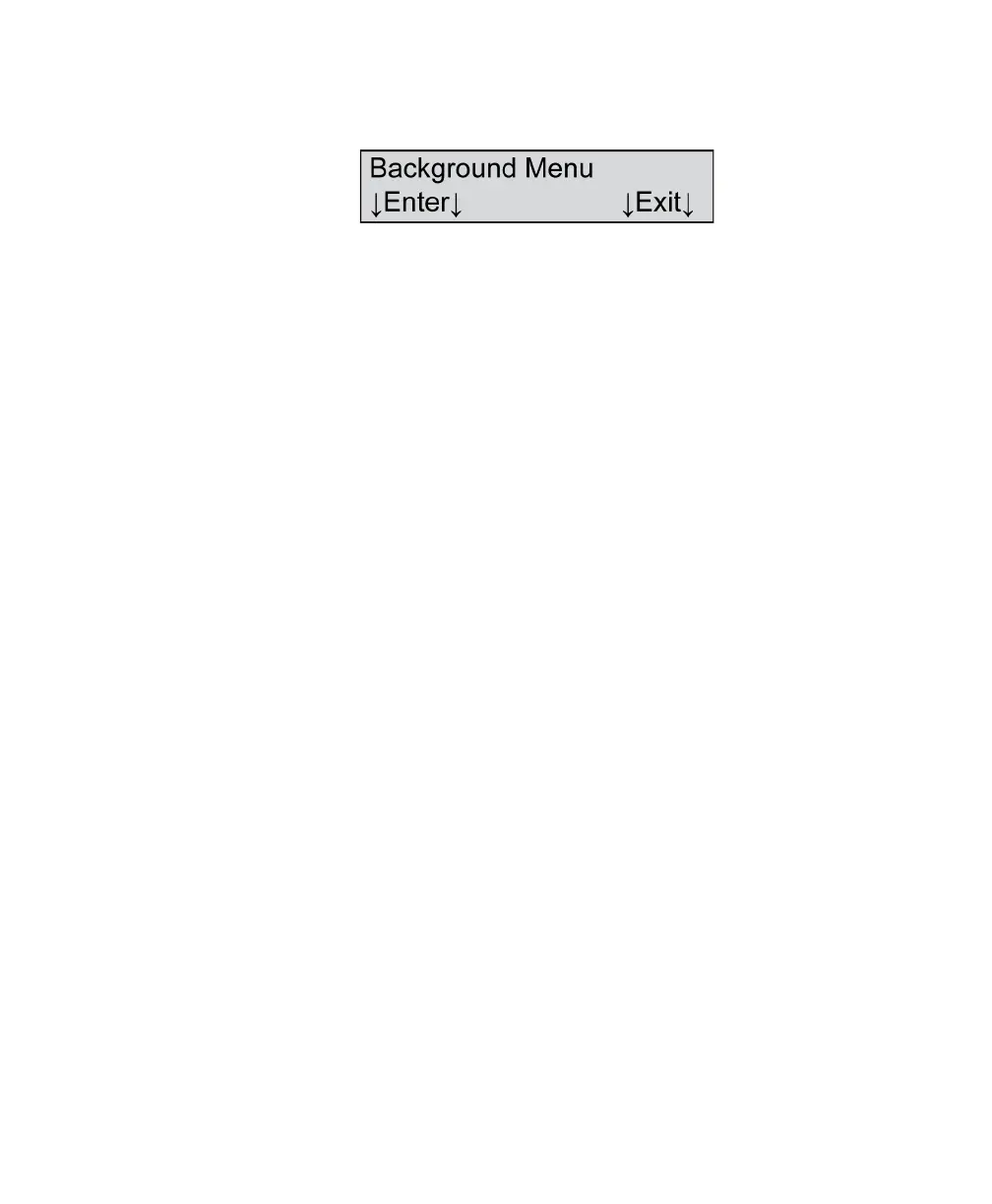
Description After you have navigated through the background
menu, the menu item shown above appears.
Press Enter to re-enter the background menu.
Press Exit to exit the background menu.



 To Next Page