Chapter 6: Using the Background Menu
Diagnostics Menu
132 Scantron OpScan 4ES and iNSIGHT 4ES Scanners
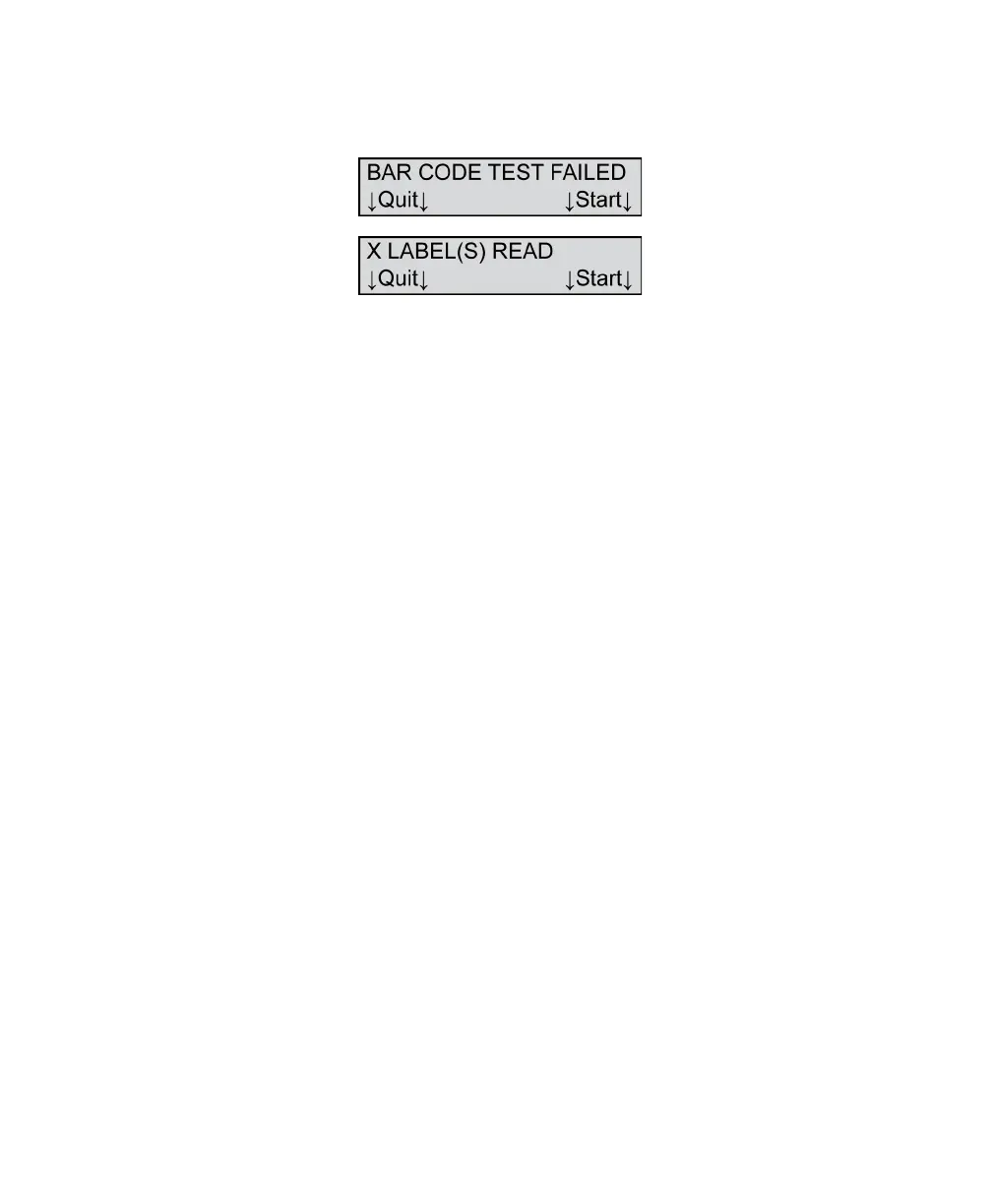
If the bar code test failed, the following menu items
appear.
Where X = the number of labels read successfully in
the line that you were reading.
If you have a failure:
• Check for damaged sheets
• Verify that you have placed the bar code form
correctly in the input tray
• Verify that the bar code reader cover is in the full
down position
• Verify that the reader is properly positioned
If you get repetitive failures and have checked the
above, contact Scantron Customer Support as
described in “Product Support and Services” on
page 157.
Press Continue to run another test.
Press Next to abort the test and advance to the next
menu item.



 To Next Page