Chapter 2: Setting Up Your Scanner
Connecting the Scanner
Operator’s Guide 27
Connecting the Scanner to the
Computer
NOTE: If your scanner is equipped with SelfScore
mode and you will be using it only in that mode,
you do not need to connect the scanner to a
computer.
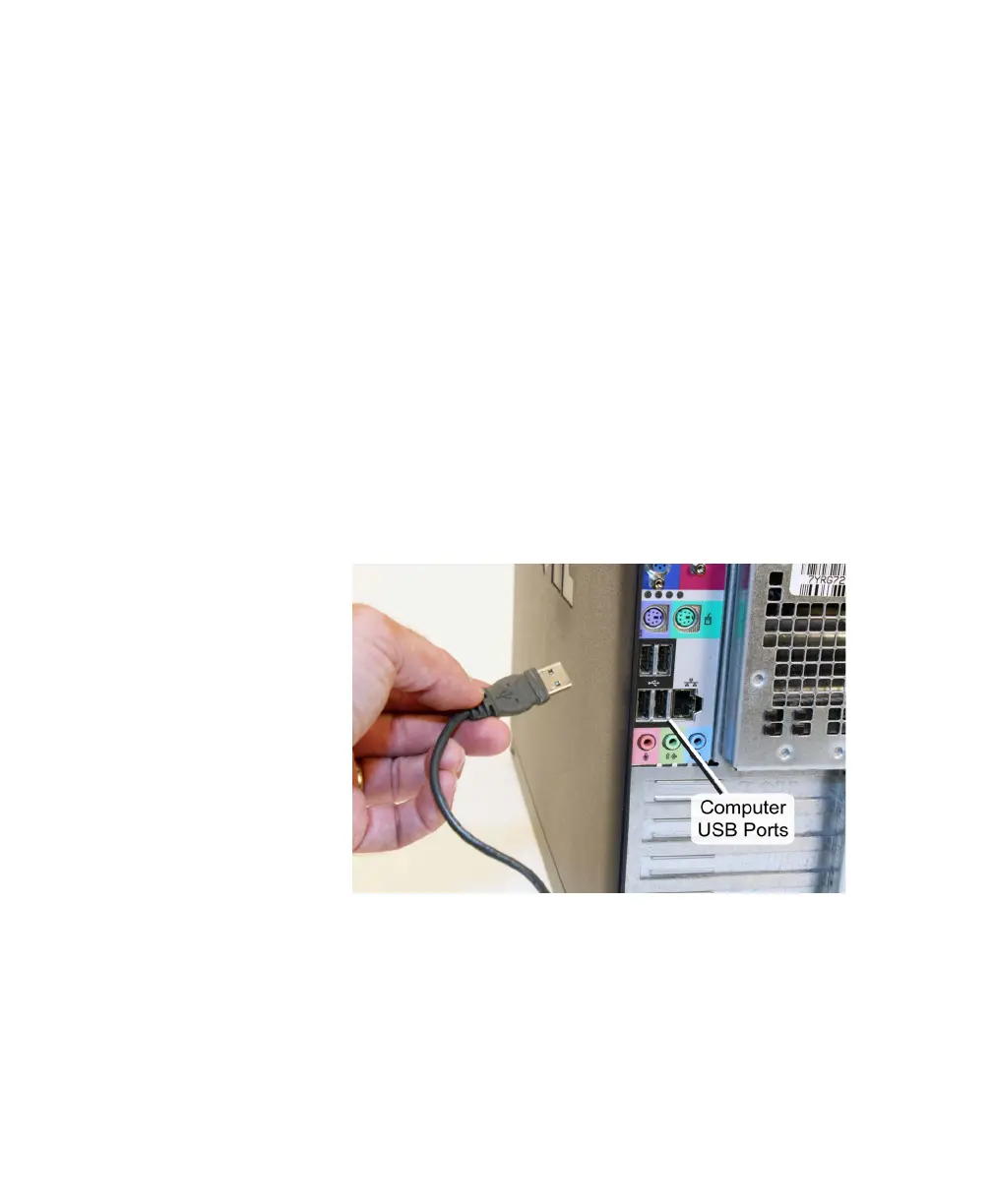
1. Locate the USB ports on the back of your com-
puter. Plug the A end (flat end) of the USB cable
into the USB communications port
NOTE: A USB 1.1 (OpScan 4ES) or 2.0 (OpScan 4ES
or iNSIGHT 4ES) communications port is
required.
NOTE: Do not connect more than one OpScan
4ES, iNSIGHT 4ES, or SelfScore scanner to the
host computer at a time.



 To Next Page