Chapter 6: Using the Background Menu
Defaults Menu
Operator’s Guide 111
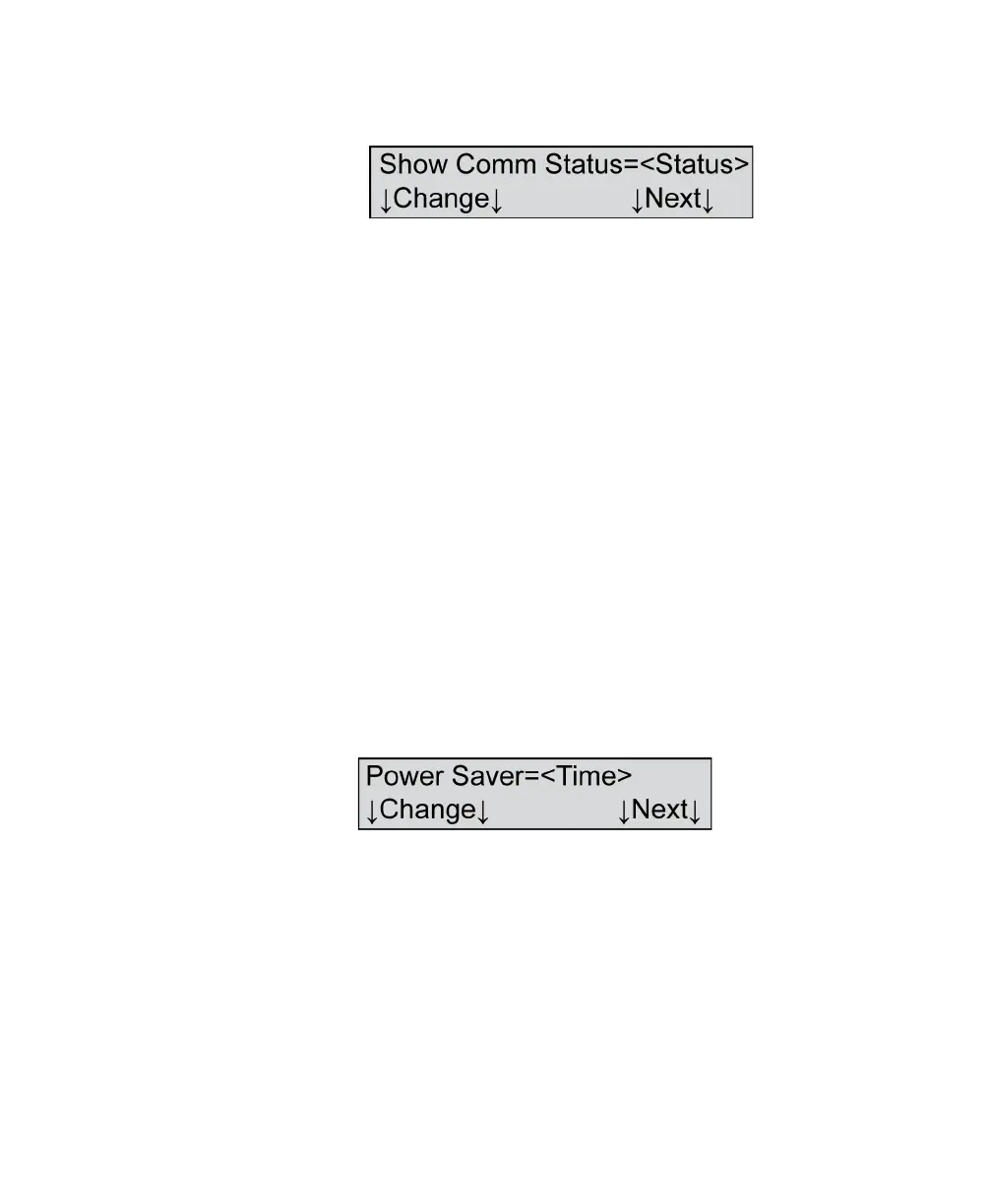
Show Comm Status
Variables Where <Status>=
•On
•Off
Shown For All models, all modes except ES/ScanMark
Description This menu item allows you to either display or not
display communication status. If you select “On,”
characters appear in the display panel indicating
communication status. The status indicators are:
• t for Transmitting
• r for Receiving
• b for Busy
Press Change to change the status.
Press Next to advance to the next menu item.
Power Saver
Variables Where <Time>=
• 5, 10, 15, 30, 45, 60, or Off
Shown For All models, all modes
Description This menu item allows you to change the power saver
setting. The time shown indicates the amount of time
that will elapse before the scanner goes into sleep
mode.



 To Next Page