Chapter 5: Display Panel Messages
Display Panel Messages
Operator’s Guide 99
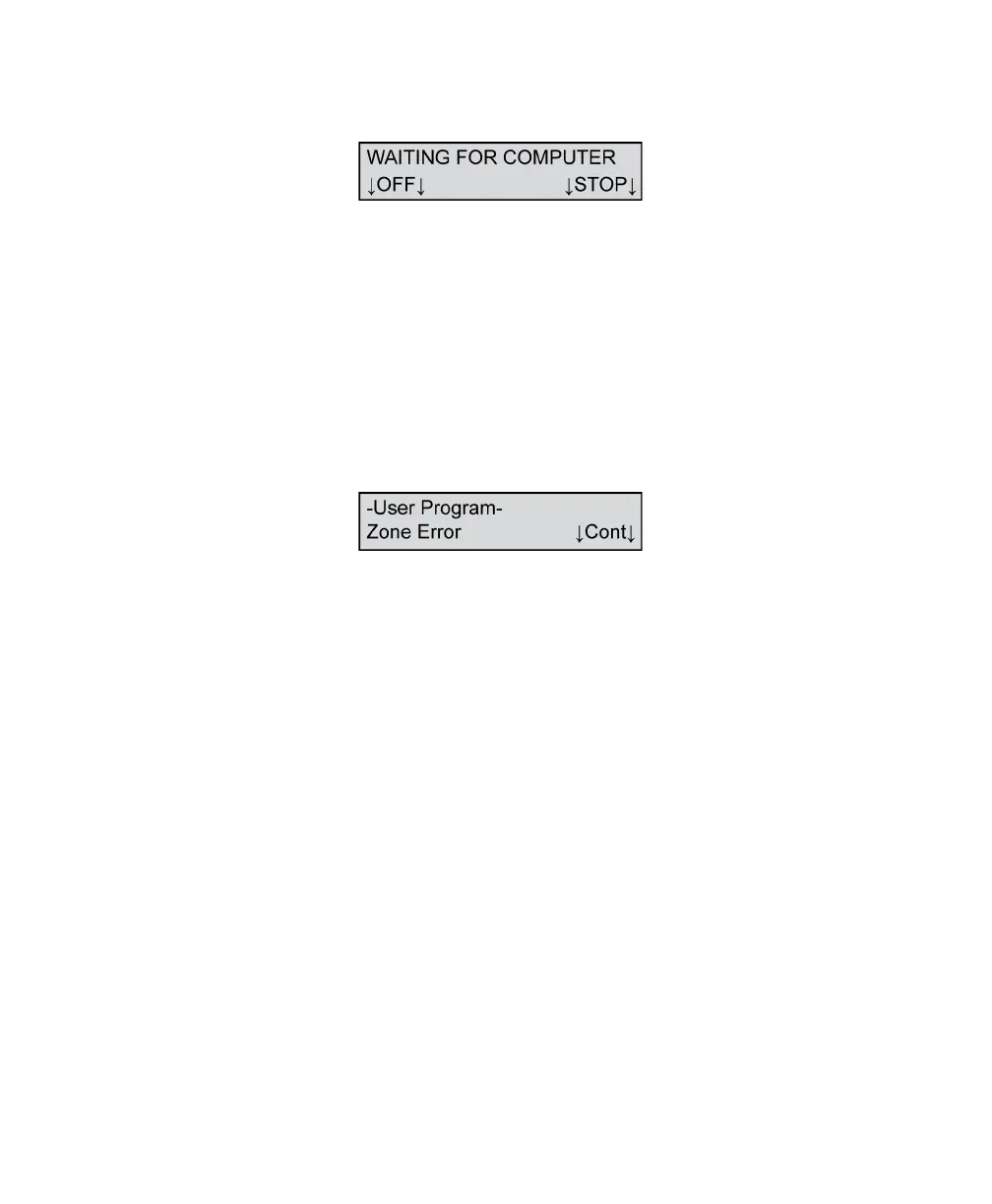
Waiting For Computer
This message means that the scanner is ready to scan
and is waiting for instructions from the computer. It
appears after forms have been loaded and the START
button has been pressed
Press STOP to take the scanner out of the “ready”
state.
Press OFF to put the scanner into sleep mode.
Zone Error
This message indicates that the form scanned has an
error in one of the zones.
To resolve this condition, review the form for
correctness.



 To Next Page