Chapter 6: Using the Background Menu
Utilities Menu
Operator’s Guide 125
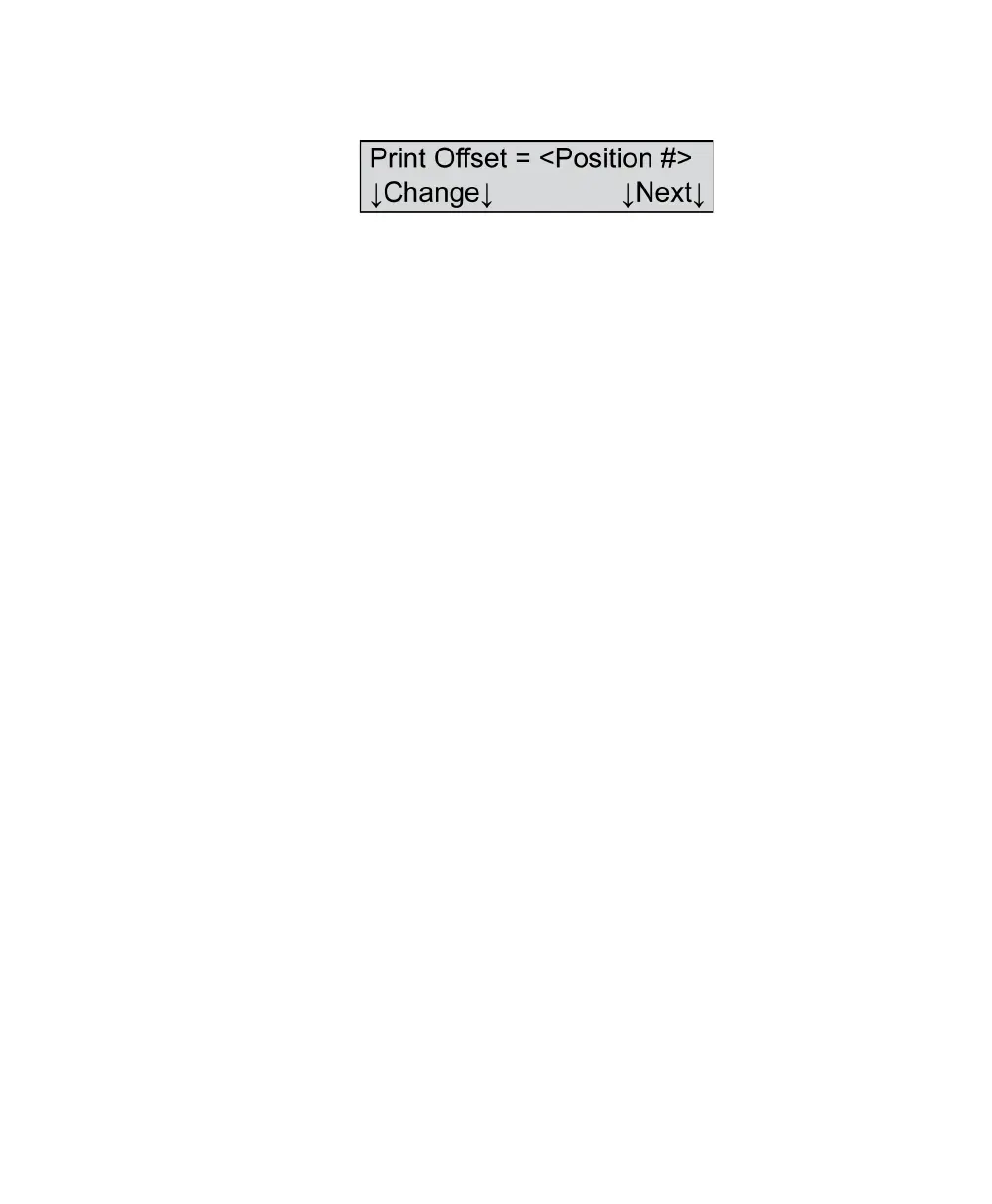
Print Offset=
Variables Where <Position #>=
• Whole numbers from -10 to +10
Shown For OpScan 4ES with SelfScore and iNSIGHT 4ES with
SelfScore models in SelfScore modes only
Description This menu item allows you to adjust the printer offset.
Printer offset is used in SelfScore mode and helps
ensure that the error marks or answer verification
marks are printed right next to the question.
Press Next to advance to the next menu item.
Press Change to increment the printer offset by one.
Each time you press Change, the offset indicator
number increments by 1 up to +10, then it resets to -10.
Continue pressing Change until you have reached the
setting that you want to test. Once you have chosen a
setting, score a test to determine if the alignment is
correct. Readjust as necessary.
NOTE: The default setting for print offset is 00.



 To Next Page