Chapter 5: Display Panel Messages
Display Panel Messages
92 Scantron OpScan 4ES and iNSIGHT 4ES Scanners
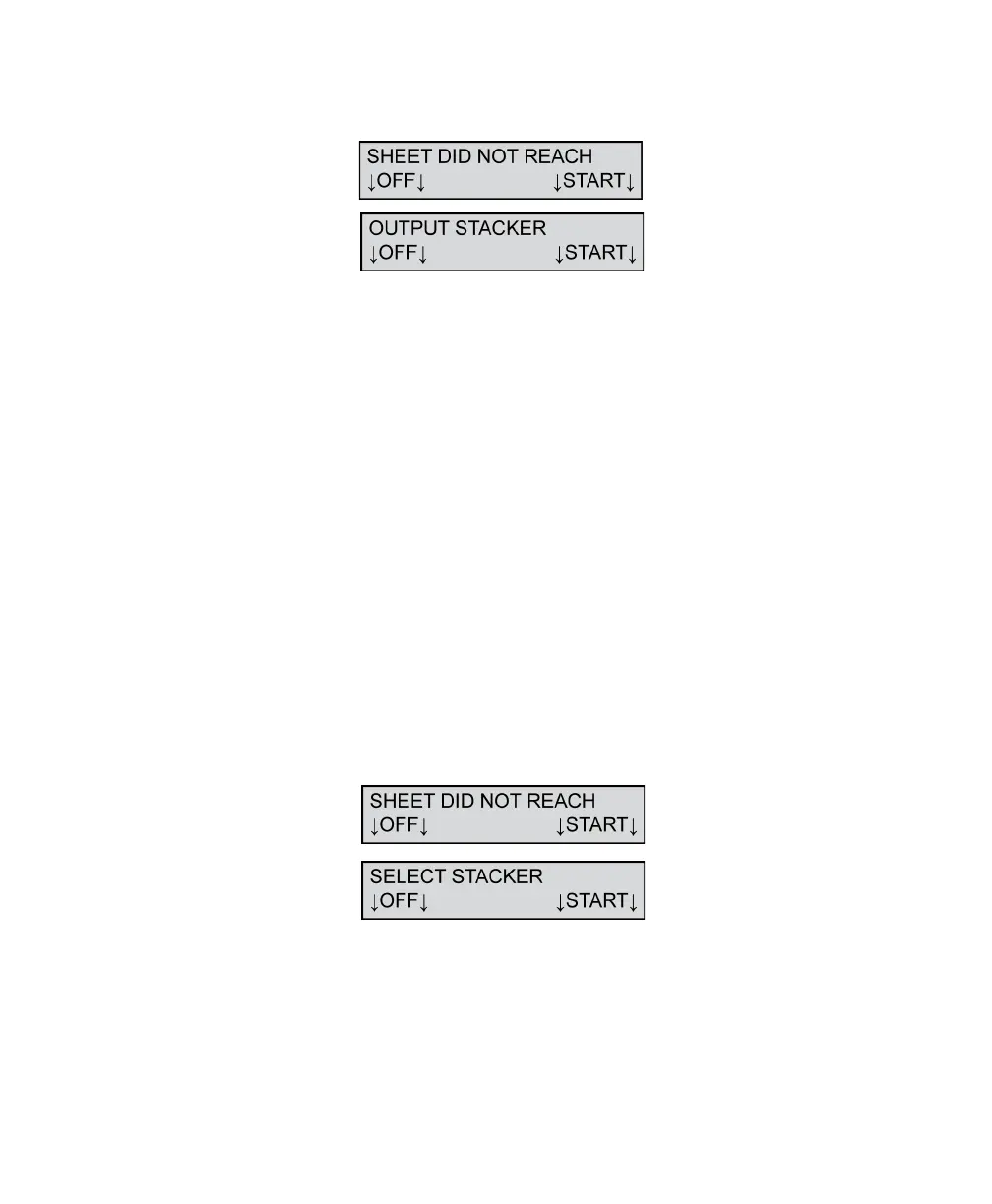
Sheet Did Not Reach Output Stacker
The scanner displays this message when a sheet jams,
a sheet skews too far out to be read by the output
stacker sensor, or a cable becomes disconnected.
To resolve this condition:
1. Clear all sheets from the scanner and Select
Stacker transport bed.
2. Check cable connections.
3. Check for obstructions in the paper path.
4. Place any sheet(s) not processed by the host
software back in the input tray.
Press START to continue scanning after taking
corrective action.
Press OFF to put the scanner in sleep mode.
Sheet Did Not Reach Select Stacker
The scanner displays this message when a sheet jams,
a sheet skews too far out to be read by the stacker
sensor, or a cable became disconnected.



 To Next Page