Chapter 6: Using the Background Menu
Diagnostics Menu
Operator’s Guide 127
Press Next to skip this test and to advance to the next
menu item.
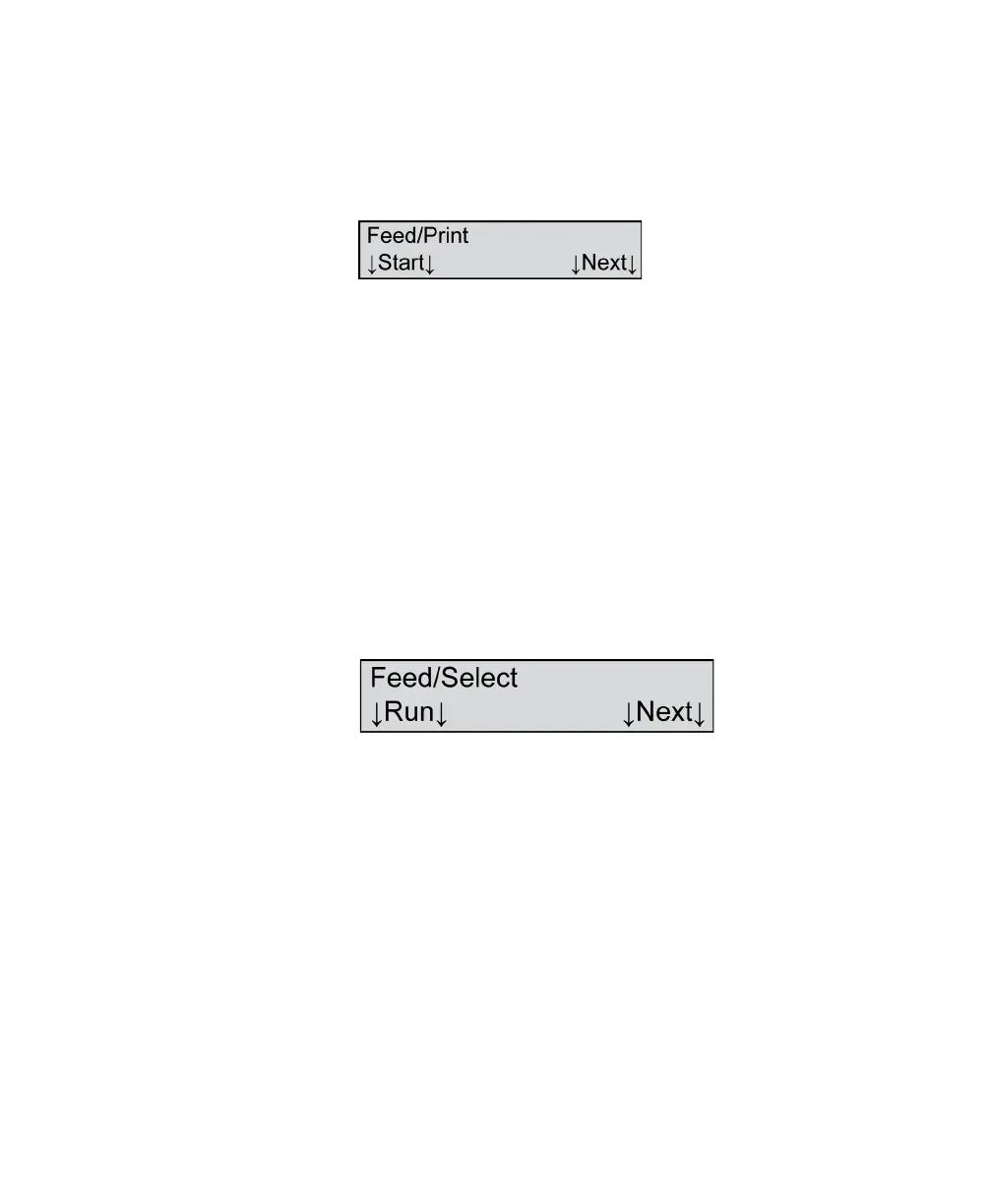
Press Run to proceed with the test. The following
menu item appears.
Load an expendable form or two into the input tray.
(Do not use the calibration sheets that came with your
scanner as you may need these in the future.)
Press Start to scan the sheet(s). The sheet should feed
and each installed printer should print a string of
characters. The test will continue as long as there are
sheets in the input tray.
Press Next if you wish to abort the test or if you have
completed the test. You will be advanced to the next
menu item.
Feed/Select
NOTE: This menu item only appears if a Select Stacker
is connected to the scanner.
Shown For All models, all modes (if the Select Stacker is installed
and connected)
Description This menu item allows you to run a test of the
scanner’s feed and select capabilities. This test feeds
sheets loaded in the input tray and places them
alternately into the top and bottom trays of the Select
Stacker.
Press Next to skip this test and to advance to the next
menu item.



 To Next Page