Chapter 7: ES/ScanMark Emulation
Selecting ES/ScanMark Mode
136 Scantron OpScan 4ES and iNSIGHT 4ES Scanners
Selecting ES/ScanMark Mode
Select the ES/ScanMark mode to make the scanner
function like a Scantron ES 2010, ES 2260, or ES 2800
scanner.
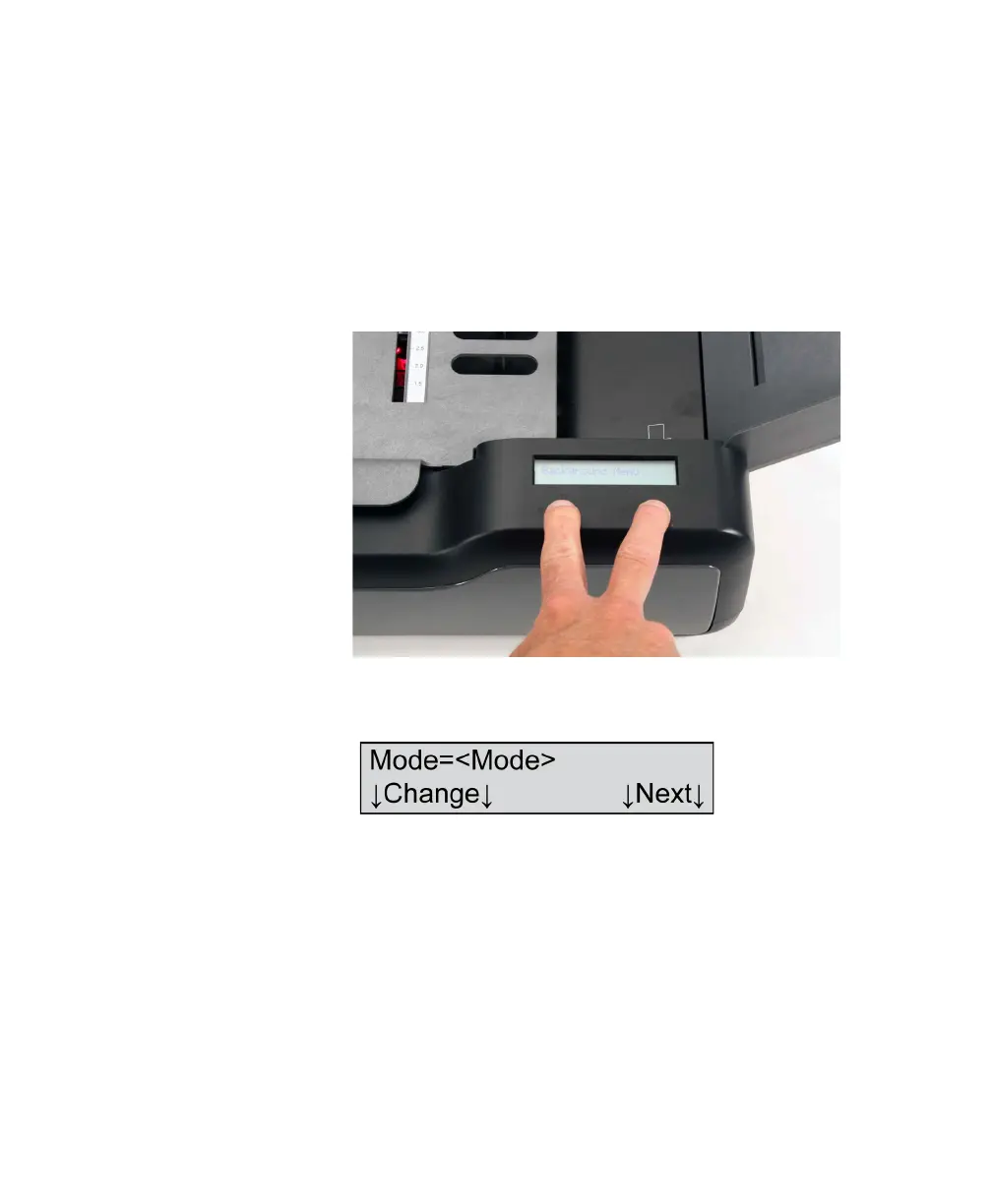
1. Enter the background menu by holding both but-
tons until the background menu appears (about
five seconds).
2. Press Next twice to get to the Mode menu item.
The following display appears.
Where <Mode>=
• OMR w Imaging (optional)
•OMR Only
• ES/ScanMark
• Download Run
• Download Debug
• SelfScore (optional)



 To Next Page