Chapter 7: ES/ScanMark Emulation
Selecting ES/ScanMark Mode
Operator’s Guide 137
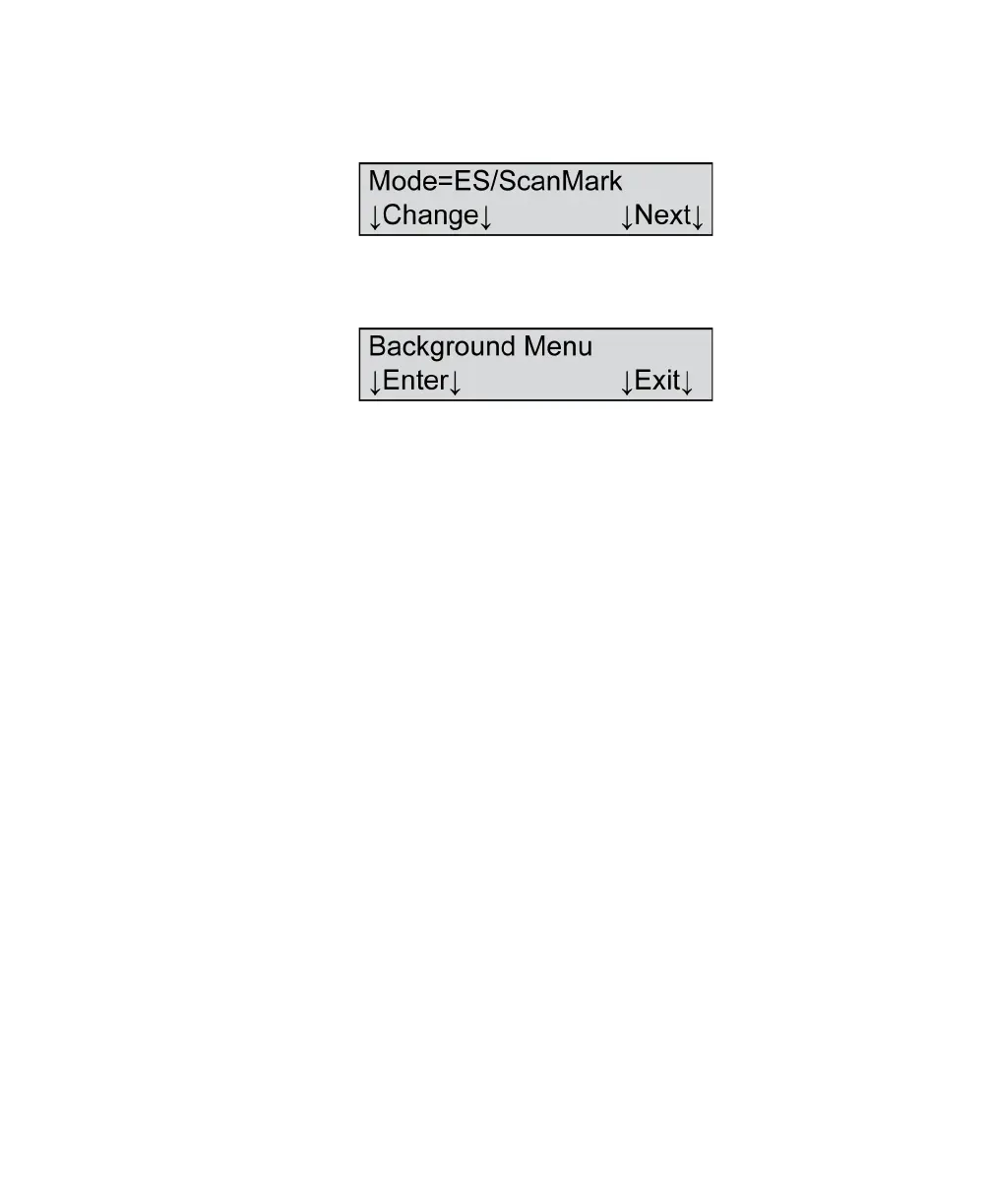
3. Press Change until Mode=ES/ScanMark appears in
the display.
4. Press Next three times to get to the Background
Menu item.
5. Press Exit to exit the background menu. The
scanner is now ready for operation in ES/ScanMark
mode.



 To Next Page
 Loading...