Chapter 2: Setting Up Your Scanner
Handling “Recalibrate/See Manual” Messages
Operator’s Guide 31
Handling “Recalibrate/See Manual” Messages
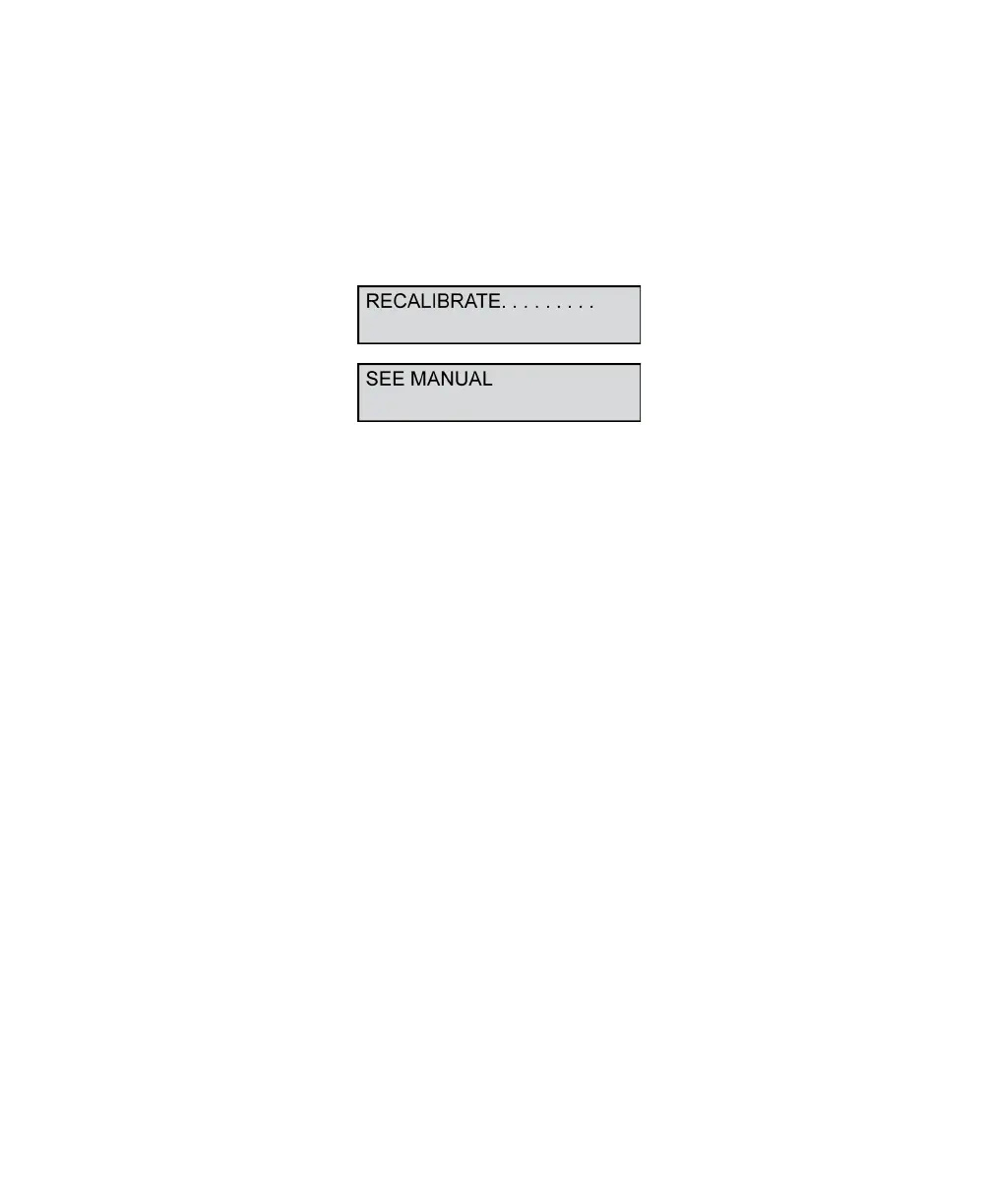
The scanner firmware does diagnostics checks each
time the unit is powered on and during scanning. If the
firmware determines that the read heads need to be
recalibrated, you will see the following messages on
the display panel.
If you get these messages, see Appendix A for
instructions regarding calibration.



 To Next Page