Chapter 3: Operating Your Scanner
Clearing Document Jams
Operator’s Guide 43
Clearing Document Jams
If documents jam during scanning, the display panel
will display an error message. You can use the
following general procedure for clearing jams, or see
Chapter 5, “Display Panel Messages” for more
information on the specific error message that you
received.
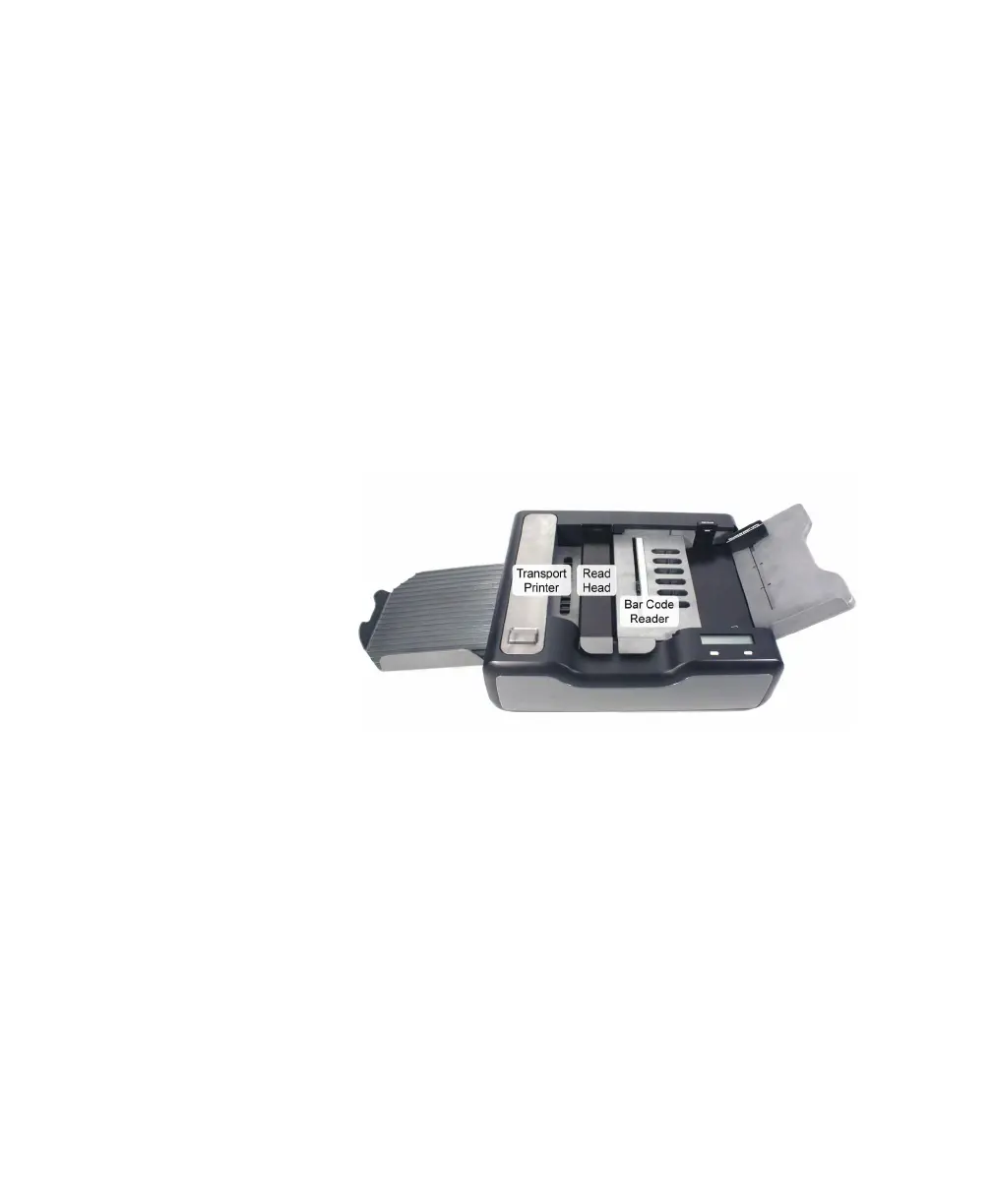
1. Lift the following:
• Sheet deflector (or optional bar code reader)
•Read head
• Transport Printer cover
2. Remove any sheets on the transport bed.
3. Close all covers making sure that each is fully
seated.
4. Return any unscanned sheets to the input tray.
5. Press START (or Cont if in ES/ScanMark mode) to
resume scanning.



 To Next Page